A web design cold call script works when it sounds like a helpful neighbour, not a telemarketer. The goal of the first 15 seconds is not to sell a website — it is to earn permission to keep talking.
Below you get seven complete, word-for-word scripts: a opener for businesses with no website, one for businesses with a broken or slow site, objection handlers, a gatekeeper script, a voicemail script and a booking close. You also get a pre-call checklist so every call starts prepared instead of improvised.
Why a script matters more when you sell websites
Cold calling websites is a different game from selling software or insurance. The owner is usually busy, on the floor, or thinking about tomorrow's orders — not about their homepage. A script keeps you calm and on-message in that first distracted moment, and it makes your calls repeatable so you can improve one line at a time instead of starting from scratch every time you dial.
The mistake most web designers make is trying to explain too much. A website is visual — words on a phone call struggle to describe it. That is why the best scripts end the same way: get permission to send something to look at, then move the conversation to email or a short meeting. If you want the deeper process around this, see our guide to the web design sales process.
The pre-call checklist: 2 minutes before every dial
A script only works when you know who you are calling and why. Run this checklist before each call block — it takes about two minutes per lead and doubles the quality of your conversations.
- Name and role: know the owner's or manager's name if you can find it. "Hi Maria" beats "Hi, who handles your marketing?"
- One real problem: no website, a site that is not mobile-friendly, a broken contact page, or a slow site. Pick one and lead with it.
- Business context: what they do, roughly how long they have been around, and one specific detail ("you've got great reviews for your roof repair work").
- A reason to call now: a redesign you just finished, an opening in your schedule this month, or the fact you built a preview already.
- Your ask: a 15-minute meeting, not a sale. Decide your close before you dial.
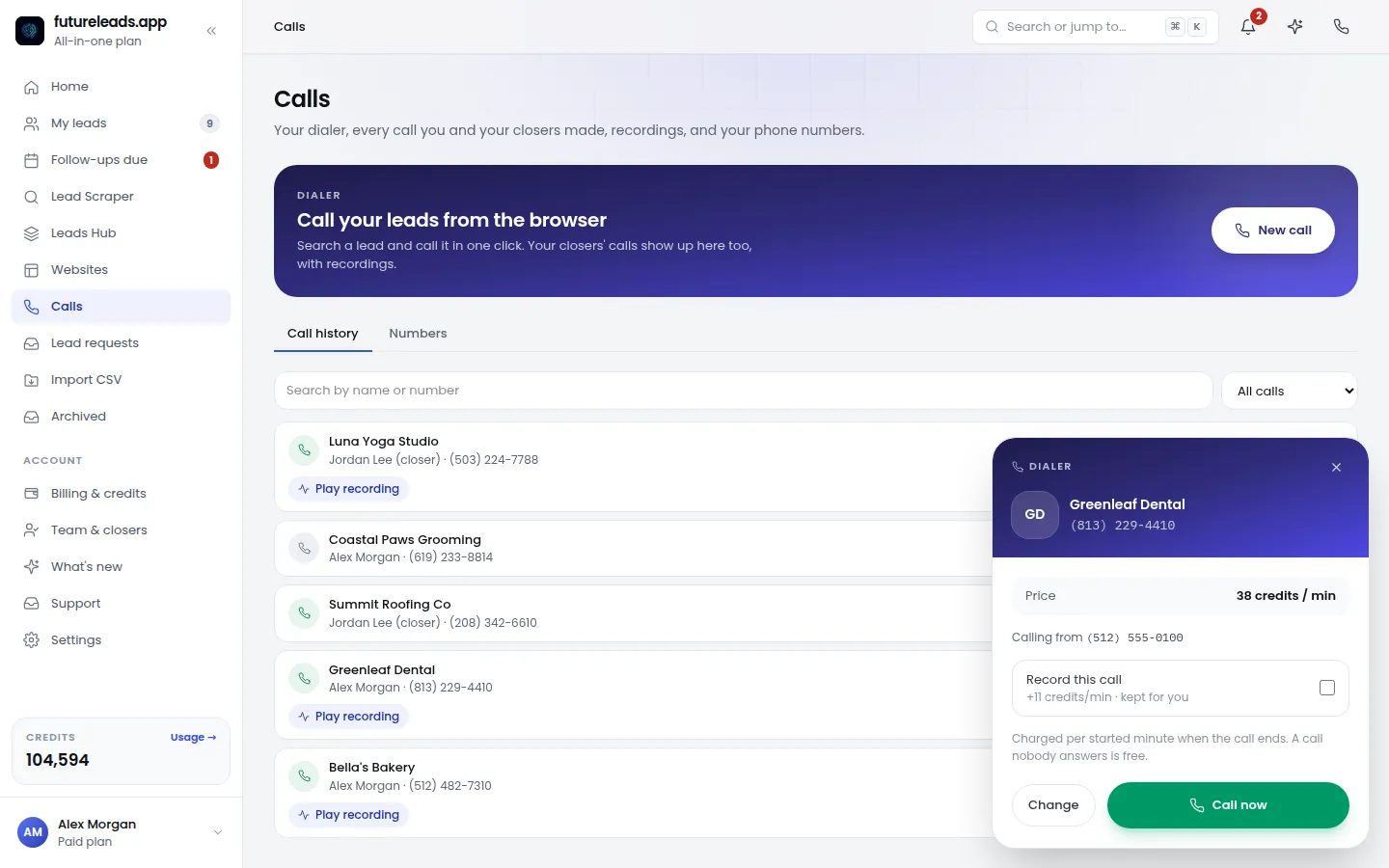
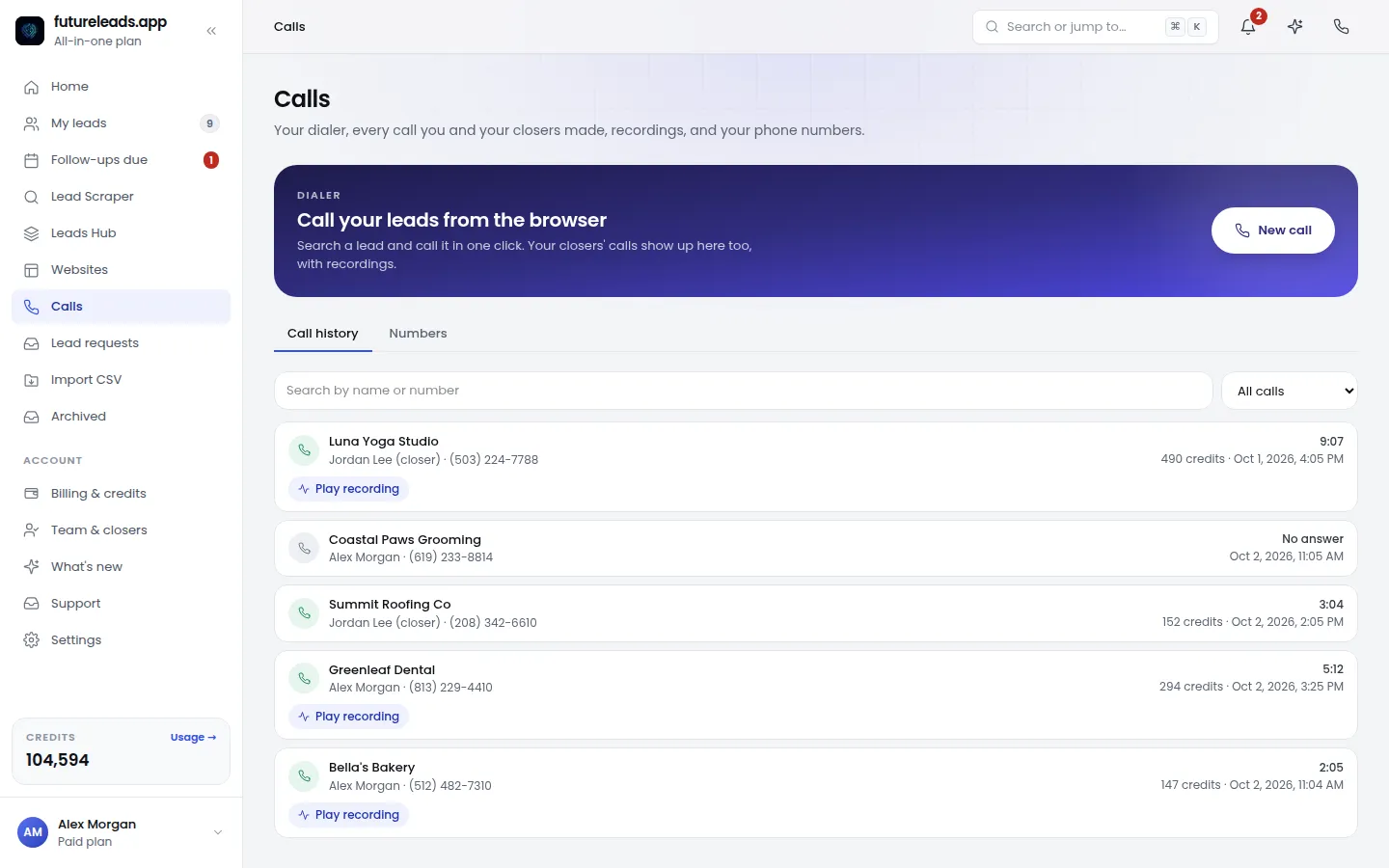
- Where to log the call: a note field, call outcome and a follow-up date. If you use the built-in dialer in Futureleads.app, this happens as you call.
Pre-call checklist
Building that list is the slow part for most freelancers. Futureleads.app speeds it up: search any niche and city, and it shows you local businesses with no website, a broken site, a slow site or a site that is not mobile-friendly — with phone numbers and the specific problems found. Those problems become your opening lines.
Script 1: The opener for businesses with no website
This is the most natural call you can make, because the business is missing something basic and you are offering to fix it. Keep it short and let them talk.
- "Hi, is this Maria? Great. I'll be quick — this is a cold call, so you can hang up now if you want." *(small pause — the honesty makes most people stay)*
- "I was looking for a [dog groomer] in [Riverside] last night and found you on a business listing, but I couldn't find your website."
- "Do you have one I'm missing, or have you been meaning to get to it?"
- *If no website:* "That's actually why I called. I build websites for local [groomers] — most people find you on their phone now, and without a site you're invisible to that half of your market."
- "Here's what I'd like to do: let me put together a quick homepage preview for you, free, and send you a link. You can look at it for two minutes and tell me if I'm way off. Fair?"
Opener — no website
The "this is a cold call" line is a pattern interrupt that works because it respects their time and signals you have nothing to hide. If it feels too bold, swap it for: "I know you're probably busy, I'll take 30 seconds."
Script 2: The opener for businesses with a bad website
Never open with "your website is terrible." Open with a question that lets them discover the problem. If you pulled the lead from Futureleads.app, you already know the exact issue — not mobile-friendly, slow loading, or a broken element — so you can be specific without being insulting.
- "Hi Maria, this is [name], I'm a local web designer. Have I caught you at a bad time?" *(if yes: "No problem — when's better this afternoon?")*
- "I was on your website earlier — do you know how many of your visitors are on a phone?"
- *Let them answer or say no.* "That's the thing — when I opened it on my phone, it took a while to load and the menu was hard to tap. On a mobile it's basically a bad first impression."
- "I'm not calling to trash it — your photos of the [shop] are actually great. It's the technical side that's letting you down."
- "Can I do this: I'll fix one section — the mobile version of your homepage — and send you a link to compare it with what you have now. No charge, no commitment. Then you decide if it's worth talking about. Can I text you that link?"
Opener — bad or slow website
Script 3: The gatekeeper script
Receptionists and staff screen calls, and they are good at it. Do not try to trick them — treat them as a person, ask a simple question, and most will point you in the right direction.
- "Hi, could you help me? Who's the right person to talk to about the website — is that [owner name] or someone else?"
- If asked what it's about: "It's about the website — I noticed something on it I can fix. Whose decision is that?"
- If the person isn't available: "No problem. What's the best time to catch them — mornings or afternoons?"
- Always: "Thanks — and what was your name, so I know who to thank?" (People help people who see them.)
Gatekeeper script
One honest trick: saying "it's about the website" is not lying — it is what the call is about. Vague answers like "it's regarding a business matter" burn trust with staff who field calls all day.
Script 4: Objection handlers that keep the call alive
Objections are not rejection — they are questions in disguise. Here are the five you will hear on almost every web design cold call, with responses that keep the door open.
- "I get by without a website." — "I'm sure you do — word of mouth clearly works for you. This isn't about replacing that. It's about the people who search for a [plumber] on their phone, find three competitors with sites, and never see you at all. That's the only piece I'd fix."
- "I already have someone who does my site." — "That's good — most businesses your size don't. Quick question: when did you last hear from them? If the site's been sitting the same for a couple of years, that's usually worth a second look. Can I send you a free check of it — no charge either way?"
- "We're too busy." — "That's exactly why I called and why I'll keep this short. The whole point is I handle everything — you'd approve a design and that's it. Would a 15-minute call Thursday or next Monday suit you better?"
- "How much does it cost?" — "Good question, and it depends on what you actually need — I don't sell a one-size package. That's what the 15 minutes is for: I look at what you want the site to do, then give you one clear number. No surprises."
- "Send me some info and I'll think about it." — "Happy to. So I send something worth reading rather than a brochure: what's the one thing you'd want a new customer to do when they find you online — call, book, or come in?" *(their answer shapes your preview and your proposal)*
The five objections
For the pricing conversation that follows, walk in prepared — our guide on how to price a website for a small business covers how to quote without hesitating.
Script 5: The booking close
Every good call ends in a small, specific yes. Not "do you want a website?" — that is a big decision nobody makes on a Tuesday morning. Ask for 15 minutes and give two time options, because choosing between two options feels easier than deciding whether to say yes at all.
- "Sounds like this might be worth 15 minutes. I've got Thursday at 10 or Friday at 2 — which works better?"
- *After they choose:* "Great. I'll text you a confirmation with my number right now. And I'll have a rough preview of your homepage ready by then, so we're not starting from a blank page."
- *Confirm:* "So that's Thursday at 10, at your shop or by phone — which do you prefer?"
The close
Offering a choice of location matters with local businesses — many owners will never book a Zoom call but will happily talk to you across their counter. Match how they prefer to meet, not what is convenient for you.
Before your next call block, build the list in two minutes: start a free Futureleads.app account (no card needed) and run a live search for your niche and city — you'll see local businesses with no website, broken or slow sites, with phone numbers and the exact problems to lead with.
Find businesses that need a website — freeor claim up to 3,000 FREE credits with a paid planScript 6: The voicemail script
Most cold calls to small businesses hit voicemail, so a good voicemail script is not optional — it is half your call volume. Keep it under 20 seconds, mention one specific problem, and give a clear next step. Our full voicemail script for cold calling has more variations, but this one works well for web design:
- "Hi Maria, it's [name] — I'm a local web designer here in [city]."
- "I tried your website on my phone earlier and it wasn't loading well on mobile — that's costing you walk-ins from people searching on their phone."
- "I've put together a quick fix for your homepage — free, no strings. My number is [number]. Again, [number], or I'll try you again Thursday. Thanks!"
Voicemail script
Leave a voicemail on the first attempt, then try again later in the week. Don't leave one every time — two voicemails max, then move to email. How often to call and when to stop is covered in our guide to how many cold calls per day are worth making.
Script 7: The follow-up script for warm-ish leads
The money is in the second and third conversation, not the first. When someone said "send me something" or took your preview link but went quiet, call back with a reason — never a naked "just checking in."
- "Hi Maria, [name] here — I sent you that homepage preview last week. Did you get a chance to look at it?"
- *If they opened it:* "What did you think — anything on there that made you cringe?" *(disarm with humour; get a real reaction)*
- *If they didn't look:* "No worries — it's a one-minute look, honestly. Would it be easier if I walked you through it on a call for five minutes instead of you reading anything?"
- *Either way, then:* "If the direction feels right, the next step is a 15-minute chat about what you'd want the site to do — Thursday at 10 or Friday at 2?"
Follow-up call script
Pair your calls with email rather than choosing one channel — a call followed by an email that references the call gets more replies than either alone. Our cold email template for web designers and the follow-up sequence for web designers cover the email side. For the full sequence around the call itself, see cold outreach for web designers.
Comparison: cold call vs cold email for web design leads
You do not have to pick one forever, but you should know what each channel is good for before you plan your week.
- Speed to a decision: Calls win. You get a yes, no or "call Thursday" in minutes; email can sit unread for days.
- Showing a website: Email wins slightly — a link they click in their own time beats describing a design out loud. Best practice: call to earn permission, email the preview.
- Reaching the owner: Calls get past gatekeepers faster if you handle them well; email is easier for owner-operated businesses that answer their own inbox.
- Rejection feel: Email stings less, which matters when you're starting out — but that comfort can become avoidance. Calls build the sales muscle.
- Record keeping: Both need tracking. Futureleads.app gives you a dialer with call history and notes in the browser, plus email campaigns from your own Gmail or SMTP with automatic follow-ups, and a simple CRM with statuses and follow-up dates — so one system covers both channels.
Cold call vs cold email
How to run your first calling block this week
Scripts live or die on execution. Here is a simple plan for your first week — no theory, just steps.
- Day 1: Pick one niche and one city. Run a lead search and build a list of 20–30 businesses, each tagged with the problem you found (no site, slow, not mobile-friendly, broken page).
- Day 2: Generate AI homepage previews for your top 10 leads so the links are ready before you dial.
- Days 3–4: Call in two blocks of 45 minutes — morning before 10:30 and mid-afternoon work well for most local businesses. Log every call with an outcome and a follow-up date.
- Day 5: Email the people you spoke to who asked for "something in writing." Reference the call in line one.
- End of week: Review your notes. Which opener got people talking? Which objection kept coming up? Rewrite one script line based on what you heard, not on guesswork.
Your first week
Final checklist before you pick up the phone
Print this or keep it open in a tab. If you can tick every box, your call is as prepared as it can be.
- I know the person's name and one specific problem with their web presence.
- My opener leads with a question or an observation, not a pitch.
- My ask is a 15-minute meeting, not a sale.
- I have two specific time slots ready for the close.
- A preview link or email follow-up is ready to send the moment they say "send me something."
- I have a place to log the call, the notes and the next step — and I will actually use it before dialing the next number.
Every-call checklist
That last one is what separates people who cold call once and quit from people who build a client pipeline. Every logged call makes your next hundred calls better. If you want the whole machine — lead list, dialer, email follow-ups, CRM and team tracking for closers — in one place, that is exactly what Futureleads.app was built for.
Ready to put these scripts to work? Create your free Futureleads.app account — no card needed — run your first local lead search today, and start dialing businesses that actually need a website.
Find businesses that need a website — freeor claim up to 3,000 FREE credits with a paid planPick a package: every feature is included in each, paid plans add FREE bonus credits every month, or start free with no card.
Basic
$9.99/month
11,500 credits a month
+ 1,000 FREE credits
- About 261 done-for-you leads
- or 88 AI website previews
- All features included
Pro
$39/month
50,000 credits a month
+ 1,500 FREE credits
- About 1,136 done-for-you leads
- or 384 AI website previews
- All features included
Premium
$79/month
105,000 credits a month
+ 3,000 FREE credits
- About 2,386 done-for-you leads
- or 807 AI website previews
- All features included
Frequently asked questions
What is the best opening line for a web design cold call?
Lead with a specific, honest observation: "I tried your website on my phone and it didn't load well" or "I couldn't find your website when I searched for [service] in [city]." Specificity earns the next 30 seconds; generic openers get cut off.
How do I handle "I already have a website" on a cold call?
Don't fight it — ask when they last heard from whoever manages it, then offer a free look at what's wrong with the mobile version. A business with an old or broken site is often an easier sell than one with no site at all, because the problem is visible.
How many cold calls should I make per day as a web designer?
Two focused blocks of 45–60 minutes each is a realistic start — quality beats volume when your close is a 15-minute meeting. Track outcomes in a CRM so you can follow up instead of losing every "call me later."
Should I cold call or cold email local businesses for web design work?
Do both: calls create the conversation and earn permission quickly, email delivers the preview link and proposal in a form they can look at properly. Most web designers get the best rhythm from a call followed by a short, specific email.
What should I say when a small business asks about website prices on a cold call?
Avoid quoting a number before you know what they need — say pricing depends on what the site has to do, and use that as your reason for the 15-minute meeting. Then quote one clear, confident figure in that meeting, not a menu of options.