The best CRM for freelancers is one that keeps your leads, calls, emails and deals in one place without you spending hours maintaining it. You don't need an enterprise system with 40 features you'll never touch. You need something that tracks who to contact, what you said, and what happens next.
In this guide you'll learn the 9 features that actually matter for a freelancer or small agency selling websites to local businesses, a checklist to compare tools, and a simple pipeline setup you can copy in minutes.
Why freelancers need a CRM (and why spreadsheets stop working)
When you're chasing five local clients, a spreadsheet works fine. When you're following up with 50 businesses across weeks — calls, emails, proposals, second contacts — a spreadsheet becomes a graveyard of forgotten leads.
The problem isn't organisation, it's follow-up. Most freelance deals don't close on the first contact. They close on the third, fourth or fifth touch. A CRM exists to make sure no lead quietly slips away because you forgot to reply.
The 9 features that actually matter
- Simple lead pipeline — statuses like New, Contacted, Proposal Sent, Won, Lost. Nothing more.
- Built-in contact details — phone and email visible on every lead, so you can act without switching tabs.
- Call tracking with notes — you call, log what was said, and see it next time.
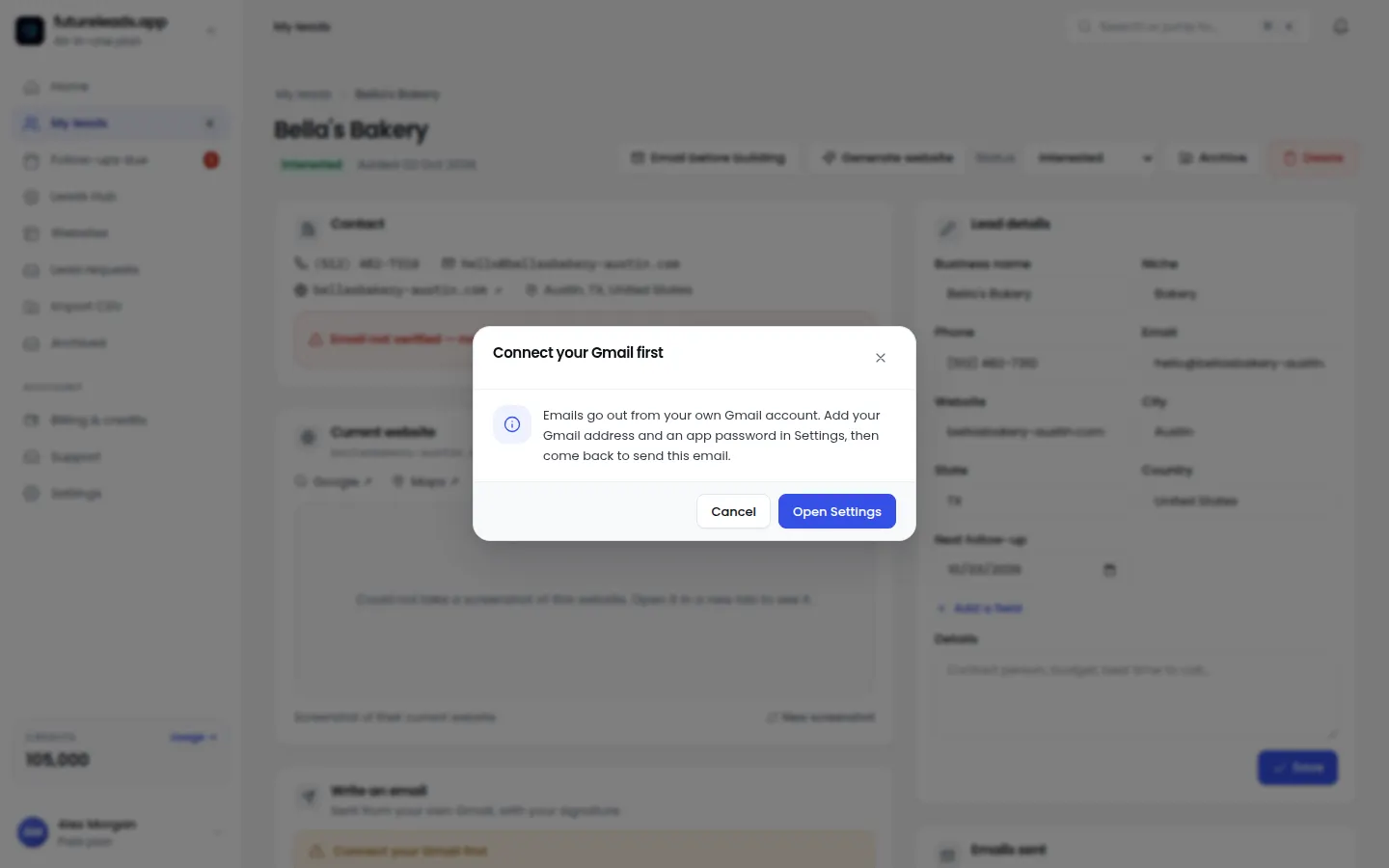
- Email sending with follow-ups — send from your own inbox and schedule automatic reminders.
- Deal or value tracking — know how much work is in your pipeline this month.
- Quick notes — paste a snippet about what the business needs so you remember context.
- Lead assignment — if you work with a partner or closer, you can hand leads over.
- Follow-up reminders — the CRM tells you who to contact today.
- A free tier to test properly — never commit before you've run a real week on it.
Notice what's *not* on that list: fancy automation builders, marketing funnels, invoicing suites. Those are nice-to-haves. If a tool nails the nine above, it's good enough to run your business on.
A CRM checklist to compare tools in 10 minutes
- Can I add or import a lead in under a minute?
- Can I call or email straight from the lead record?
- Does it remind me who needs a follow-up today?
- Can I see my open deals and their value at a glance?
- Can I attach notes to calls and emails automatically?
- Does it work on my phone when I'm out meeting clients?
- Can I invite a collaborator without paying for three seats?
- Is there a free plan generous enough to test for a week?
Score each tool out of 8. The one that hits the most, wins. Don't overthink it — switching later is easy, staying stuck in a spreadsheet is expensive.
Futureleads.app has the CRM and the leads in one place: search any niche and city, see businesses with no website or a broken one, then track calls, emails and deals on each lead. Start a free account (no card) and test the whole flow today.
Start free — no card neededor claim up to 3,000 FREE credits with a paid planA simple CRM pipeline you can copy today
- New lead — added from local search, a referral or a walk-in.
- Contacted — you've called or emailed once.
- Follow-up — they showed interest but didn't commit. This is where most deals live.
- Proposal sent — link them your proposal and set a follow-up date.
- Won — invoice, kick off the project.
- Lost — log why. "No budget" and "bad timing" tell you when to circle back.
Six statuses. Resist adding more. Every extra status is another decision you have to make on every lead, forever.
The follow-up habit that makes the CRM worth it
A CRM is a mirror: it shows you exactly what you're neglecting. The freelancers who win are the ones who clear their follow-up list every morning before starting anything new.
Here's a simple rhythm:
- Every new lead gets a first contact within 24 hours.
- No reply after 3 days? One follow-up email.
- No reply after a week? One quick call.
- Proposal sent? Follow up 3 days later.
- After that, park them in a "revisit in 30 days" note — not a dead end.
If you're not sure what to send, our guide on how to follow up after sending a proposal gives you the exact messages. And for the first outreach, a solid web design cold email template saves you from staring at a blank screen.
Where CRM leads come from (the part most freelancers skip)
A CRM with zero leads is just a pretty database. The real bottleneck for most freelancers isn't tracking — it's finding enough local businesses that actually need a website.
That's the gap Futureleads.app closes: you search a niche and city, and it shows local businesses with no website, a slow site, or one that doesn't work on mobile — with their phone and email attached. Those leads flow straight into your pipeline, so the CRM and the prospecting live in the same place.
We wrote a full guide on how to find web design clients if you want to build this into a repeatable weekly routine.
Email, calls and notes: keeping it all in one thread
The biggest time-killer in freelance sales is context-switching: one tab for the lead list, one for Gmail, one for your notes app, one for the dialer. Every switch costs focus and invites mistakes.
So when comparing CRMs, prioritise ones that let you:
- Send emails from your own inbox (so replies land where you actually read them)
- Call from the browser with the lead record open
- See the full history — every call, every email — on one page
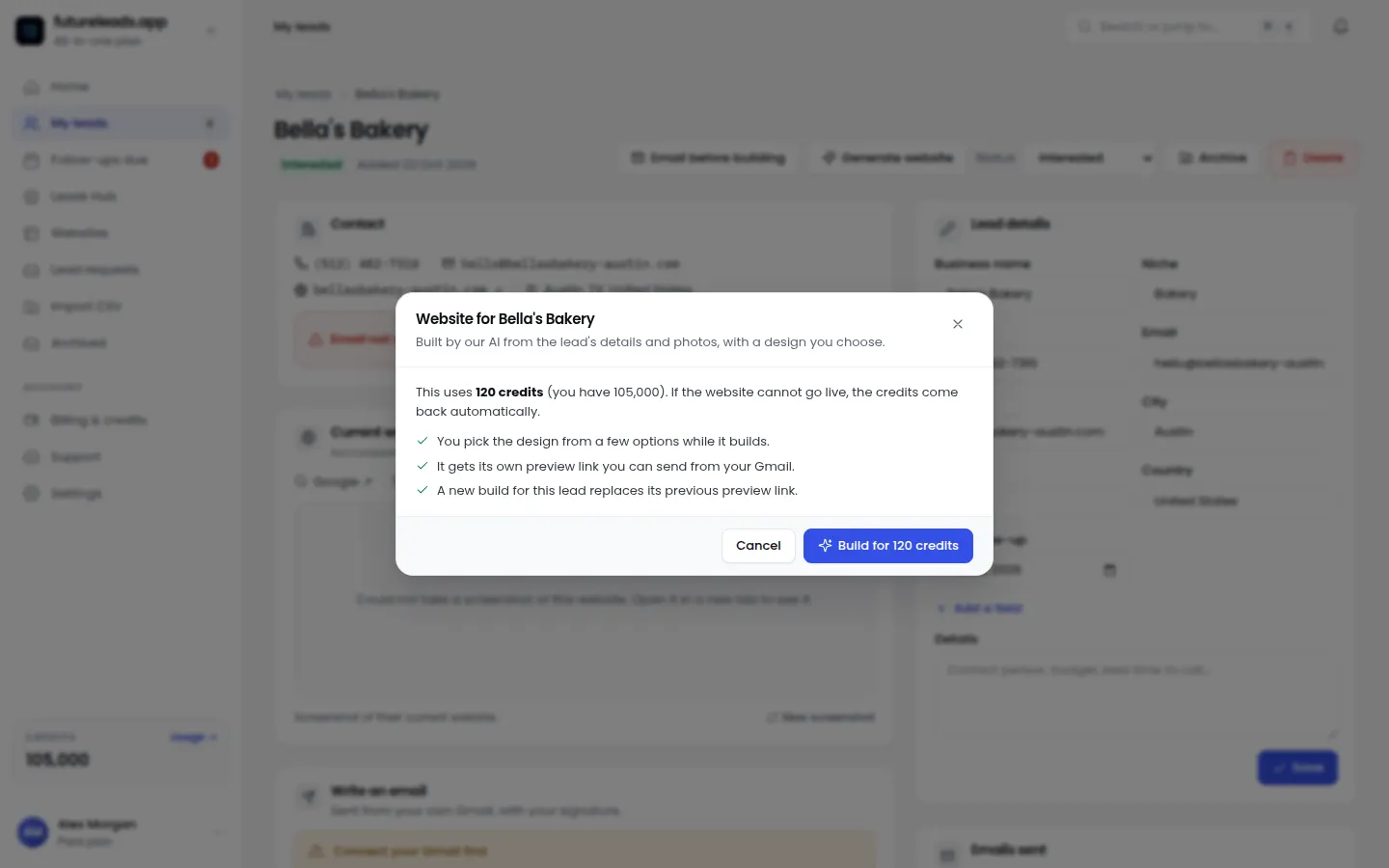
Futureleads.app is built around this exact flow: email campaigns with automatic follow-ups, a built-in dialer with call notes, and the lead's history all on one screen. If you also send AI website previews before the client commits, having those links attached to the lead keeps everything in context.
Working with a partner or closer
If you bring on a closer or a cold-calling partner — a route we cover in our guide on hiring a closer for a web design agency — your CRM needs one more thing: lead assignment.
- Assign a batch of leads to your closer
- See their call activity and notes
- Track which deals they're moving and what stage they're at
Without this, you're back to messaging each other screenshots. With it, you can focus on building sites while someone else works the phone.
Common CRM mistakes freelancers make
- Over-configuring. Custom fields, tags and 12-stage pipelines you abandon in week two. Start with six statuses.
- Logging instead of acting. The CRM is a tool for doing the next touch, not a diary.
- No follow-up dates. A lead without a next-action date is a lead you'll lose.
- Separating prospecting from the pipeline. If your leads and your CRM live in different places, leads fall through the gap.
- Not using the free tier. Test with real leads for a full week before paying for anything.
Your first week with a new CRM: a 7-day plan
- Day 1: Set up your six statuses. Add 10 leads you're already chasing.
- Day 2: Clear every lead with a pending follow-up. Set dates for the rest.
- Day 3: Add 20 fresh local leads from your niche/city search.
- Day 4: First-contact day — call or email all 20.
- Day 5: Follow up anyone from Day 1–2 who hasn't replied.
- Day 6: Review: how many calls, emails, replies, proposals?
- Day 7: Adjust. Drop what didn't work, double down on what did.
After one week you'll know whether the tool fits how you actually work — which is the only test that matters.
FAQ
Do freelancers really need a CRM? If you contact more than a handful of leads per week and deals take days or weeks to close, yes. The CRM's job is making sure no interested lead gets forgotten.
What's the best free CRM for freelancers? The best free CRM is one you'll actually use daily. Look for a free plan that covers your real pipeline — Futureleads.app offers a free account with no card, including the dashboard and a daily lead search.
Should a CRM include email and calling? Ideally, yes. Built-in email and calling removes the tab-switching that makes freelancers abandon their CRM within a month.
Can I use a CRM just for invoicing? You can, but that's a billing tool, not a CRM. The value of a CRM is in the pipeline: who to contact, when, and what happens next. Invoicing is a bonus on top.
How many leads should a freelancer have in their CRM? Enough that you always have someone to follow up with — for most freelancers that's 30–80 active leads at a time. More than that without a team and follow-up quality drops.
Ready to run your pipeline the way this article describes? Start a free Futureleads.app account (no card required) and get your first local leads, your first calls and your first tracked deals in the same dashboard today.
Start free — no card neededor claim up to 3,000 FREE credits with a paid planPick a package: every feature is included in each, paid plans add FREE bonus credits every month, or start free with no card.
Basic
$9.99/month
11,500 credits a month
+ 1,000 FREE credits
- About 261 done-for-you leads
- or 88 AI website previews
- All features included
Pro
$39/month
50,000 credits a month
+ 1,500 FREE credits
- About 1,136 done-for-you leads
- or 384 AI website previews
- All features included
Premium
$79/month
105,000 credits a month
+ 3,000 FREE credits
- About 2,386 done-for-you leads
- or 807 AI website previews
- All features included