Selling websites to local businesses is hard when you're selling an idea. It gets easy when you're selling something they can already see. That's the whole idea behind the preview-first method: build the new website before you ask for the sale.
Why local business owners say no
- They can't picture the result.
- They've been burned by an agency that took months.
- They think a website is a cost, not a source of customers.
- They're busy, and your email looks like every other pitch.
A live preview solves the first two immediately, and gives you a concrete way to talk about the other two.
Step 1: Research the business for two minutes
Open their current website (if any), their Google listing and their reviews. Note the services they offer, the area they cover, and one clear problem with their online presence.
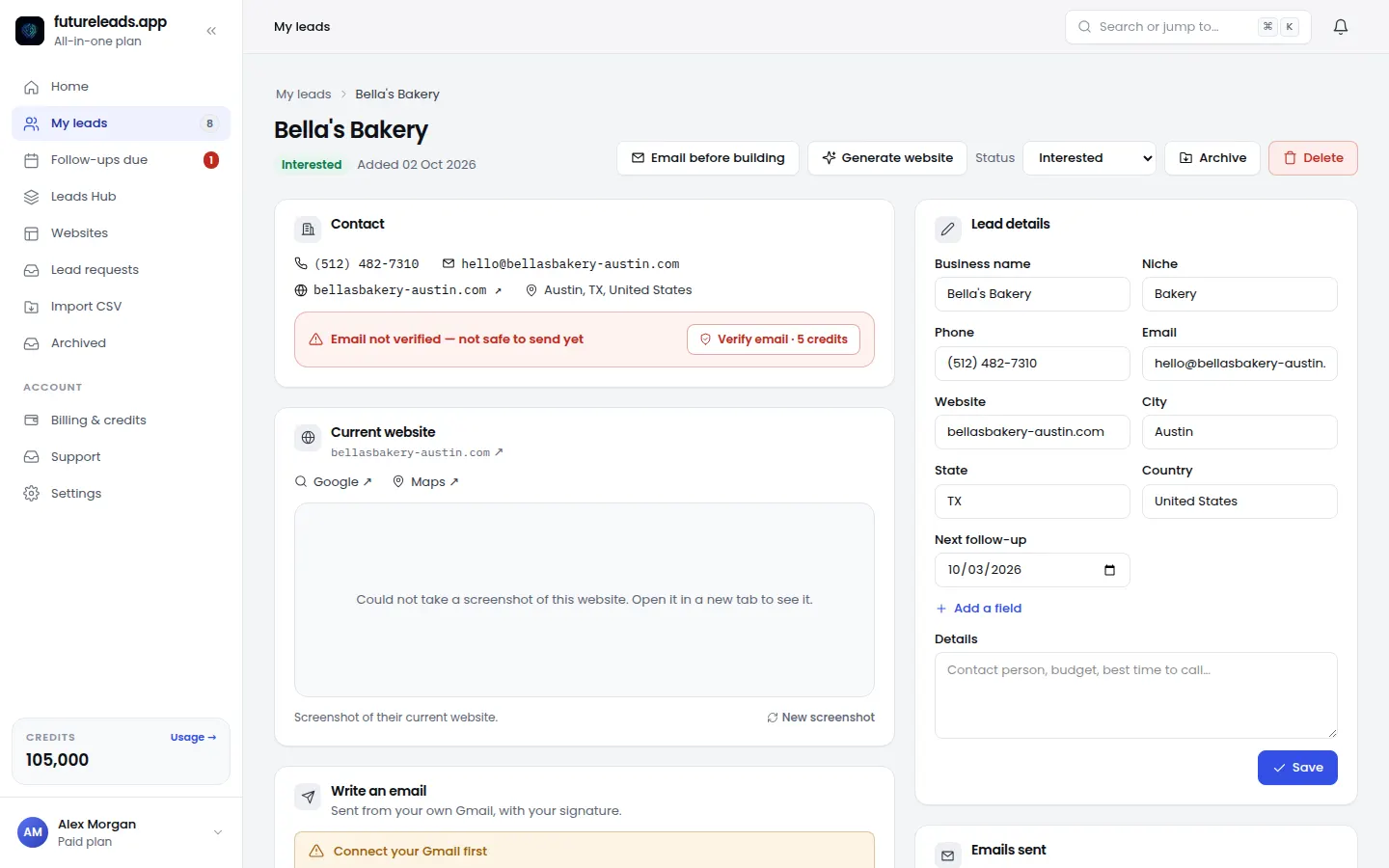
Step 2: Build the preview
Use their real name, services, city and photos. It doesn't need to be perfect; it needs to look like their business, on a phone, with a big call button. In Futureleads.app you generate it from the lead page and pick the design yourself.
Step 3: Send a short, specific email
Three sentences: what you noticed, what you built, and one question. Example:
"Hi Mike, I noticed Summit Roofing's site doesn't load on phones, so I built a new version you can see here: [link]. Would it help to have this live before storm season?"
Step 4: The call
When they reply, get on a 15-minute call. Walk through the preview on their phone, ask what they'd change, and talk about results: more calls, more booked jobs, better Google visibility.
Step 5: Price it simply
Offer one setup price plus a monthly care plan. Local owners hate complicated quotes. A common structure is a one-time build fee plus hosting and updates monthly. See our guide to website maintenance packages.
Handling the common objections
- "I get enough work from referrals." Referrals Google you before they call. What do they find?
- "It's too expensive." How much is one new customer worth to you? The site pays for itself with one job.
- "Let me think about it." Of course. The preview stays live for you; I'll check back Friday.
Try it free — no card needed — then build your first website previews.
Start free — no card neededor claim up to 3,000 FREE credits with a paid planPick a package: every feature is included in each, paid plans add FREE bonus credits every month, or start free with no card.
Basic
$9.99/month
11,500 credits a month
+ 1,000 FREE credits
- About 261 done-for-you leads
- or 88 AI website previews
- All features included
Pro
$39/month
50,000 credits a month
+ 1,500 FREE credits
- About 1,136 done-for-you leads
- or 384 AI website previews
- All features included
Premium
$79/month
105,000 credits a month
+ 3,000 FREE credits
- About 2,386 done-for-you leads
- or 807 AI website previews
- All features included
Frequently asked questions
How much should I charge a local business for a website?
It depends on your market and the business's job value. Many freelancers sell a one-time build fee plus a monthly care plan for hosting, updates and small changes.
Is building a website before the sale worth the effort?
With an AI builder, a preview takes minutes instead of days, so the effort is small and the reply rate is much higher than a plain pitch.