Most teams talk about design to code: turning mockups into working pages. Code to design is the reverse: converting live web pages or coded components into editable design files.
Why teams do it
- Redesigning a site that has no up-to-date design files
- Building a design system from an existing product
- Keeping design and production in sync
- Giving designers real, current screens to work from
How it works
- Capture a live page (URL or component)
- A tool converts DOM elements and styles into design layers
- Designers clean up layers, naming and components
- The result becomes the base for new designs
Limits
Conversions are rarely perfect: complex layouts, custom fonts and dynamic content need manual tidy-up.
AI's role
AI improves both directions: smarter layer grouping in code-to-design, and better component code in design-to-code. AI builders also skip both steps by generating a working page directly.
Related: B2B software product design consultants, page layout generator.
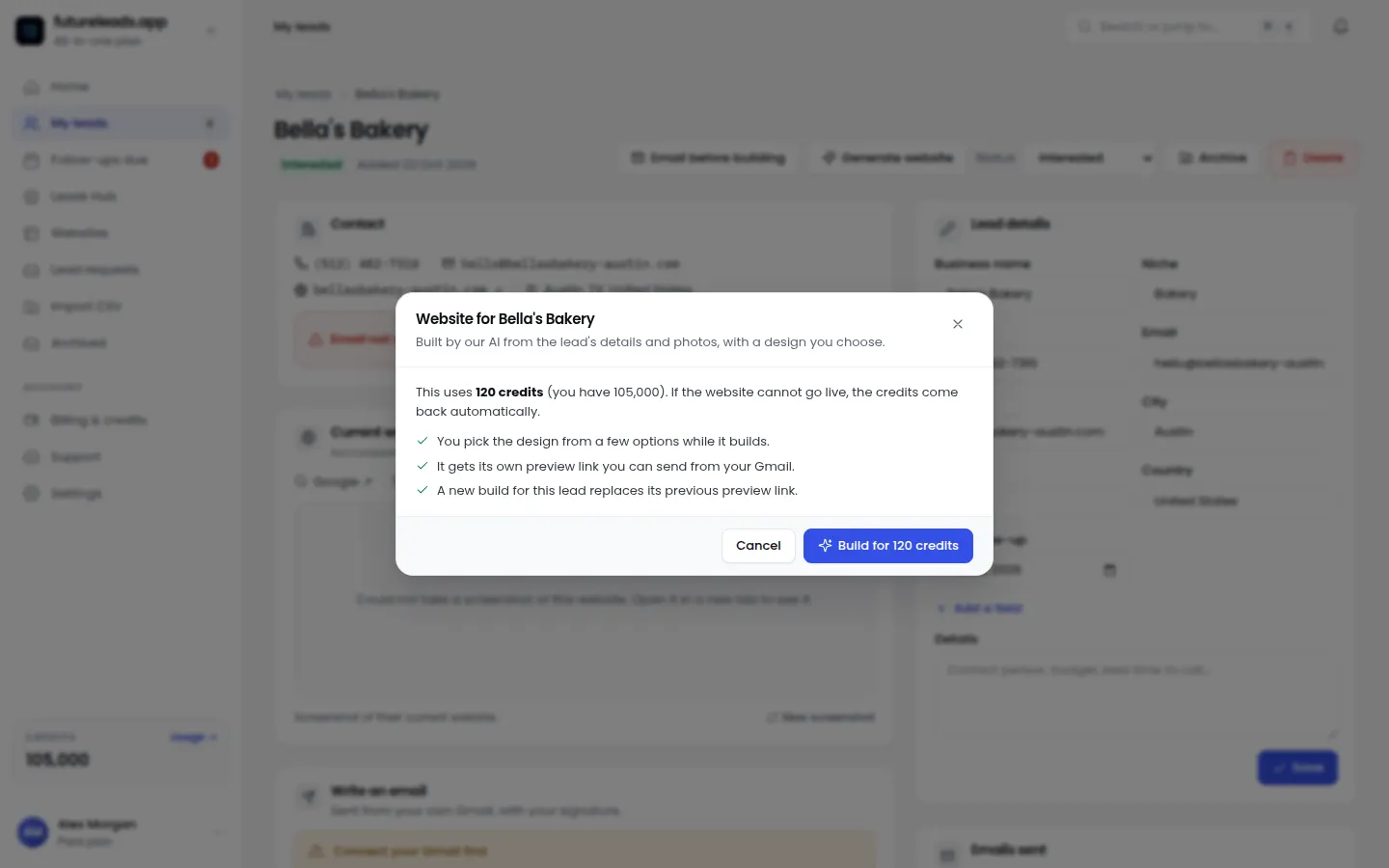
Skip the file round-trip: generate a working website preview straight from business details.
Start free — no card neededor claim up to 3,000 FREE credits with a paid planAI website previews in every package:
Basic
$9.99/month
11,500 credits a month
+ 1,000 FREE credits
- About 261 done-for-you leads
- or 88 AI website previews
- All features included
Pro
$39/month
50,000 credits a month
+ 1,500 FREE credits
- About 1,136 done-for-you leads
- or 384 AI website previews
- All features included
Premium
$79/month
105,000 credits a month
+ 3,000 FREE credits
- About 2,386 done-for-you leads
- or 807 AI website previews
- All features included
Frequently asked questions
What is code to design?
Converting live web pages or coded components back into editable design files, usually to redesign or build a design system from an existing product.
What is the difference between code to design and design to code?
Design to code turns mockups into working code; code to design turns existing code into editable design layers.