A local businesses without websites list is exactly what it sounds like: a list of companies in your area that have no site at all — with their name, phone number and email so you can contact them. These are the easiest clients to sell to, because you're not competing with their current web designer.
In this guide you'll learn how to build that list fast, check each business is actually worth contacting, and reach out with a script that doesn't sound like spam. You can do the first search today with a free Futureleads.app account — no card needed.
Why businesses without websites are your best leads
When a business has no website, you're not selling a redesign or fixing someone else's work. You're offering something they simply don't have. That makes the conversation simpler: the problem is obvious, the value is easy to explain, and there's no incumbent agency to compete with.
These leads also tend to be local service businesses — trades, salons, restaurants, movers, clinics — that get work through word of mouth and directories. They're used to paying for results, not tech. Your pitch isn't "I build websites"; it's "I help you stop losing customers who search online."
What a good list should contain
A spreadsheet with just business names won't get you clients. Every entry should give you enough to act immediately. Here's what to capture for each business:
- Business name and category (plumber, dentist, pizzeria...)
- Phone number and, if available, the owner's email
- Street address and city so you can personalise your message
- Confirmation that they really have no website — not just a missing link
- Opening hours or booking method, useful for your pitch
If you're pulling data by hand, expect to spend hours per city. Tools like Futureleads.app do this search automatically: type a niche and a city, and you get local businesses with no website (or a slow, broken one) together with phone, email and the exact problems found.
How to build your list step by step
Here's a simple process you can run today in under an hour:
- Pick one niche and one city. "Restaurants in Austin" beats "businesses in Texas" — you can reuse the same pitch for every lead.
- Search local business listings and directories for that niche and city.
- Open each result and check whether a website exists. Watch out for dead links, social-only pages and "coming soon" domains — those count as broken, not missing.
- Log the name, phone, email and any detail you could reference in your pitch (e.g. "fully booked weekends, no online booking").
- Keep going until you have 30–50 leads. That's enough for a first outreach round without overwhelming yourself.
If you'd rather not do this manually, our guide on how to find local businesses without websites walks through the shortcuts. And if you want the list built for you, Futureleads.app turns any niche + city search into a ready-to-contact Leads Hub in minutes.
Verify before you contact: the 5-point checklist
Not every "no website" business is a good lead. Before adding someone to your outreach, run this quick check:
- Is the business currently operating? Check for recent reviews or activity.
- Do they have a Facebook or Instagram page? That's not a website, but it tells you they care about being online.
- Can you find a phone number or email? No contact details means no outreach.
- Is there an obvious pain? No online booking, no menu, no photos, no reviews — pick one to lead with.
- Can you tell who owns or runs it? A first name makes your call or email far warmer.
Businesses that fail two or more of these are low priority. Focus your energy on the ones you can actually reach and help.
Segment your list into three groups
Once your list is built, sort it before you start dialing. It changes how you pitch:
- No website at all — your easiest pitch. Offer a simple site with the essentials: services, photos, contact, opening hours.
- Broken or outdated website — lead with the specific problem. Slow loading, not mobile-friendly, or a site that hasn't changed in years.
- Social media only — pitch the gap: "your customers search for you on Google and find nothing."
Group two is often overlooked but very profitable. Our article on signs a business needs a new website lists the signals worth looking for, and the website audit checklist shows you how to document problems so your pitch feels concrete, not generic.
The cold call script that works for no-website leads
Calling converts better than email for local businesses, because many owners don't check their inbox. Here's a short script you can adapt:
"Hi, is this [name]? I'm [your name], I'm a local web designer. Quick question — I looked you up and I couldn't find a website for [business name]. Is that right? ... When people search for [service] in [city] these days, businesses without a site tend to lose those customers to competitors. I put together a quick homepage preview for you so you can see what a site could look like — can I text you the link?"
Notice what it does: confirms the fact, states the problem in one sentence, and offers a low-commitment next step. If they say "send me something", that's your opening. Our full cold calling script for web design clients covers objections, and the voicemail script for cold calling tells you what to leave when nobody picks up.
Want the list built for you? Start a free Futureleads.app account and run your first live search for businesses without websites in your city — no card needed.
Find businesses that need a website — freeor claim up to 3,000 FREE credits with a paid planThe cold email template for no-website businesses
When you can't reach someone by phone, email works — if it's short and specific. Here's a template:
Subject: Quick question about [business name] Hi [name], I searched for [service] in [city] last week and [business name] came up — but with no website. When someone finds you without a site, they usually can't check your services or hours, and they often move on to a competitor. I build simple, mobile-friendly sites for local businesses like yours. I made a quick homepage preview for [business name] so you can see the idea before spending anything: [link] Worth a 10-minute chat this week? [Your name] — [phone]
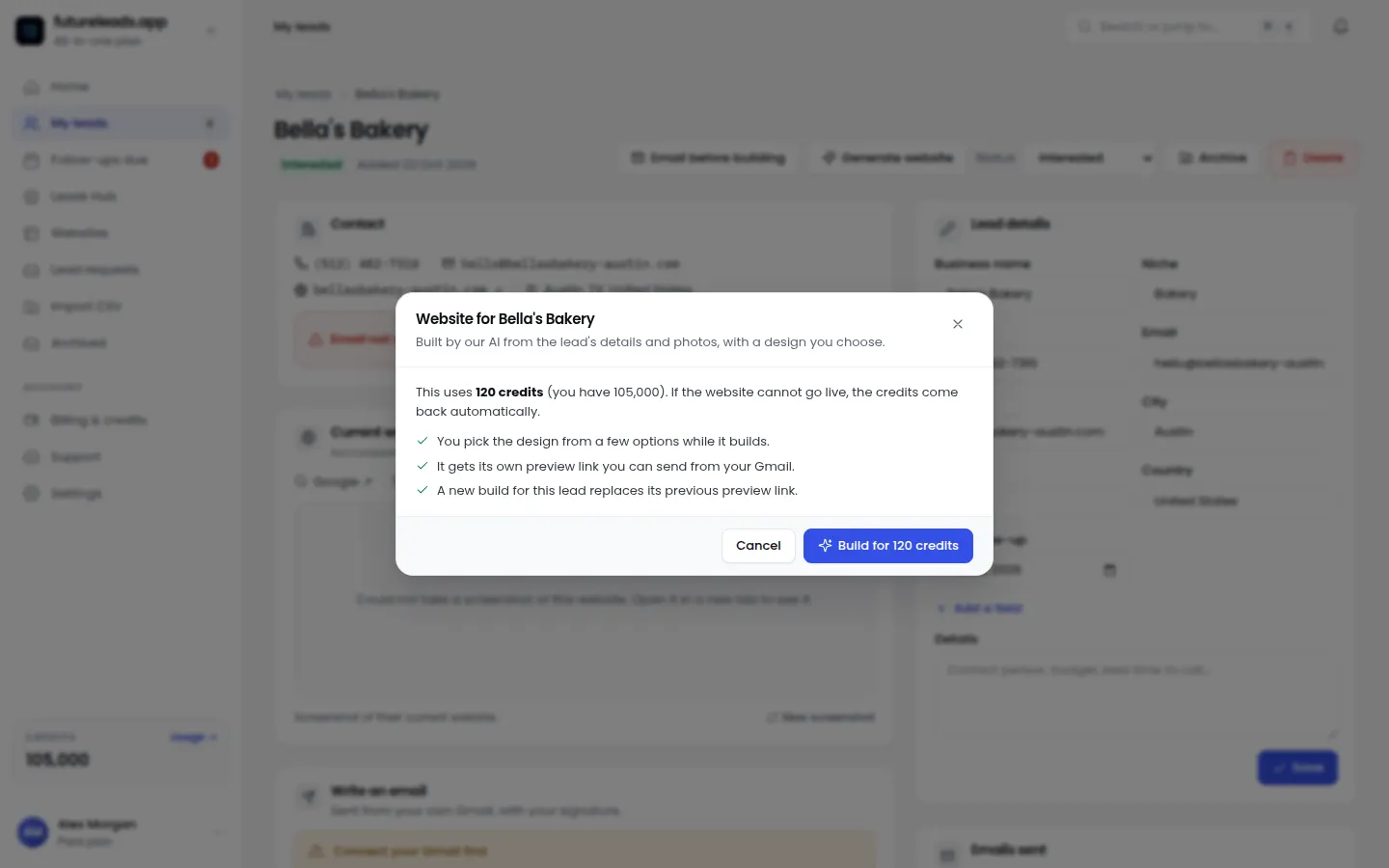
The homepage preview link is the key part. With Futureleads.app you can generate an AI website preview for a business in minutes and send the link before they've paid you anything — it turns "I build websites" into "here's what yours would look like". For more variants, see our web design cold email template and our best cold email subject lines for web design. If someone doesn't reply, this follow-up email guide has templates for every situation.
How to follow up without being annoying
Most replies come from follow-ups, not first contact. Keep it simple:
- Day 1: first call or email with your preview link.
- Day 3: second touch — a short reply to your own email: "Just floating this back up, [name]. The preview link is above."
- Day 7: switch channel. If you emailed first, call; if you called first, email.
- Day 14: final short message: "I'll stop bothering you after this — the preview stays live if you want it later."
- Then move them to a "nurture" status and revisit in a few months. Businesses change their minds.
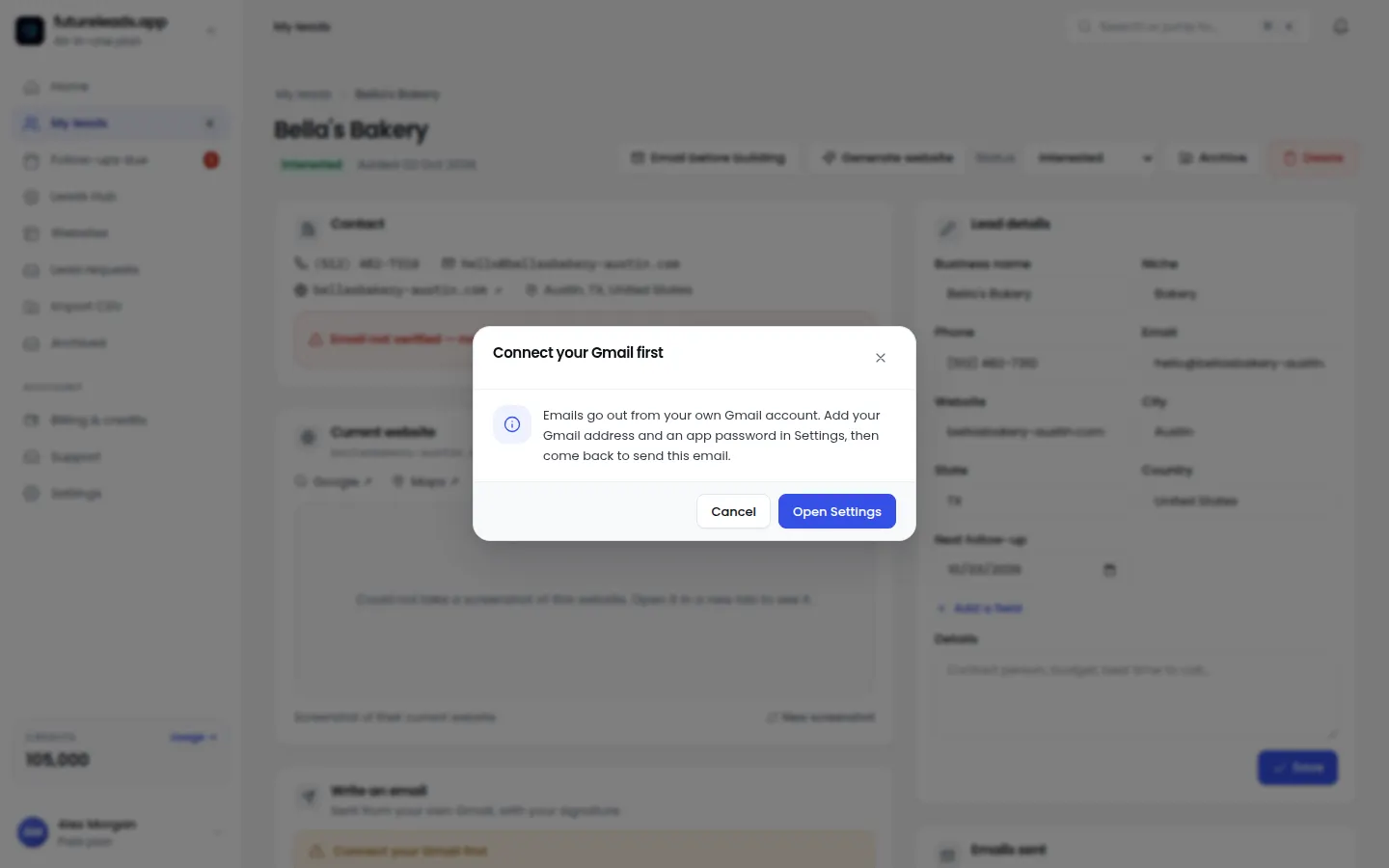
Track every touch in a simple pipeline: New → Contacted → Preview sent → Follow-up → Won/Lost. Futureleads.app has a built-in CRM for exactly this, plus a dialer so you can call leads straight from your browser and log notes on each call. If you're managing a small team, our guide on the best CRM for freelancers covers what actually matters.
Comparison: manual research vs automated lead search
Here's how building your list by hand stacks up against using a dedicated tool:
- Speed: manual research takes an hour or more per city; an automated search returns a full list in minutes.
- Accuracy: manually, it's easy to miss a broken or non-mobile site behind a directory listing; automated checks flag the specific problems found.
- Contact details: collecting phone and email one by one is slow; a lead tool gives them with each entry.
- Follow-through: a spreadsheet goes stale; a built-in CRM keeps statuses, notes and follow-ups in one place.
Manual works if you're testing one small town. But if you plan to sell regularly, the time you save compounds — and your hours are better spent on calls and previews.
Common mistakes to avoid
- Mass-emailing a generic pitch. Local owners ignore anything that smells like a template. Reference their business by name and one specific detail.
- Quoting a price in the first message. Lead with the preview or the problem, not a figure. Pricing comes after they've seen value — our guide on how to price a website for a small business helps once you're there.
- Giving up after one touch. Most local deals close on the third or fourth contact, not the first.
- Pitching a huge project. A one-page site with contact details and photos is an easy yes. Upsell later.
- Ignoring broken websites. They're often easier to sell than no-website leads, because the owner already believes in being online.
Ready to turn this into calls and clients? Create your free Futureleads.app account today — search your first city, build a preview and start your outreach, no card required.
Find businesses that need a website — freeor claim up to 3,000 FREE credits with a paid planYour first week: a simple action plan
- Day 1: pick your niche and city, build your list of 30–50 businesses without websites.
- Day 2: verify and segment your list; generate a homepage preview for your top 10 leads.
- Day 3–4: call or email your first 10 leads using the scripts above.
- Day 5: follow up with day-3 touches from your log.
- Day 6–7: review what got responses, refine your pitch, and repeat with a new batch.
For a fuller roadmap, our article on how to get web design clients fast expands this into a complete 7-step system, and lead generation for web designers covers how to keep the pipeline full after your first round. Your local businesses without websites list is just the start — the designers who win consistently are the ones who keep feeding it, week after week.
Pick a package: every feature is included in each, paid plans add FREE bonus credits every month, or start free with no card.
Basic
$9.99/month
11,500 credits a month
+ 1,000 FREE credits
- About 261 done-for-you leads
- or 88 AI website previews
- All features included
Pro
$39/month
50,000 credits a month
+ 1,500 FREE credits
- About 1,136 done-for-you leads
- or 384 AI website previews
- All features included
Premium
$79/month
105,000 credits a month
+ 3,000 FREE credits
- About 2,386 done-for-you leads
- or 807 AI website previews
- All features included
Frequently asked questions
How do I find local businesses that don't have a website?
Search a niche and city in local business listings and check each result for a working site — or run the search automatically with a tool like Futureleads.app, which also flags broken and slow websites with contact details included.
Is selling websites to businesses without one still profitable?
Yes. Millions of local service businesses still operate without a site, and new ones open every month. Focus on trades, hospitality and local services where customers search online before calling.
Should I call or email businesses without websites?
Call first when you have a phone number — local owners answer the phone more than they answer cold email. Use email as your follow-up channel and for sending the preview link.
What do I say to a business with no website?
Confirm they have no site, explain that customers searching online find competitors instead, and offer a free homepage preview so they can see the result before committing to anything.
How many leads do I need before starting outreach?
Aim for 30–50 verified leads in one niche and city. That's enough for two to three weeks of calls and emails without losing focus or quality.