AI website builders aren't just for non-coders. Developers use them to skip boilerplate and spend time on the parts that need engineering.
What developers do with AI builders
- Prototypes in minutes to validate layouts with clients
- Client previews before a contract is signed
- Code export as a starting point for custom builds
- Custom components and embeds inside builder pages
- Integrations with CRMs, payments and APIs
- Automated site generation via builder APIs. See website builder API
When to stay in the builder
Marketing sites, landing pages and small business sites that marketers need to edit themselves.
When to drop to custom code
Complex apps, heavy data, unusual performance or security requirements. See custom coded website vs AI builder.
Workflow tips
- Generate structure with AI
- Export or build the parts that need logic
- Keep content editable for non-developers
- Version and test like any codebase
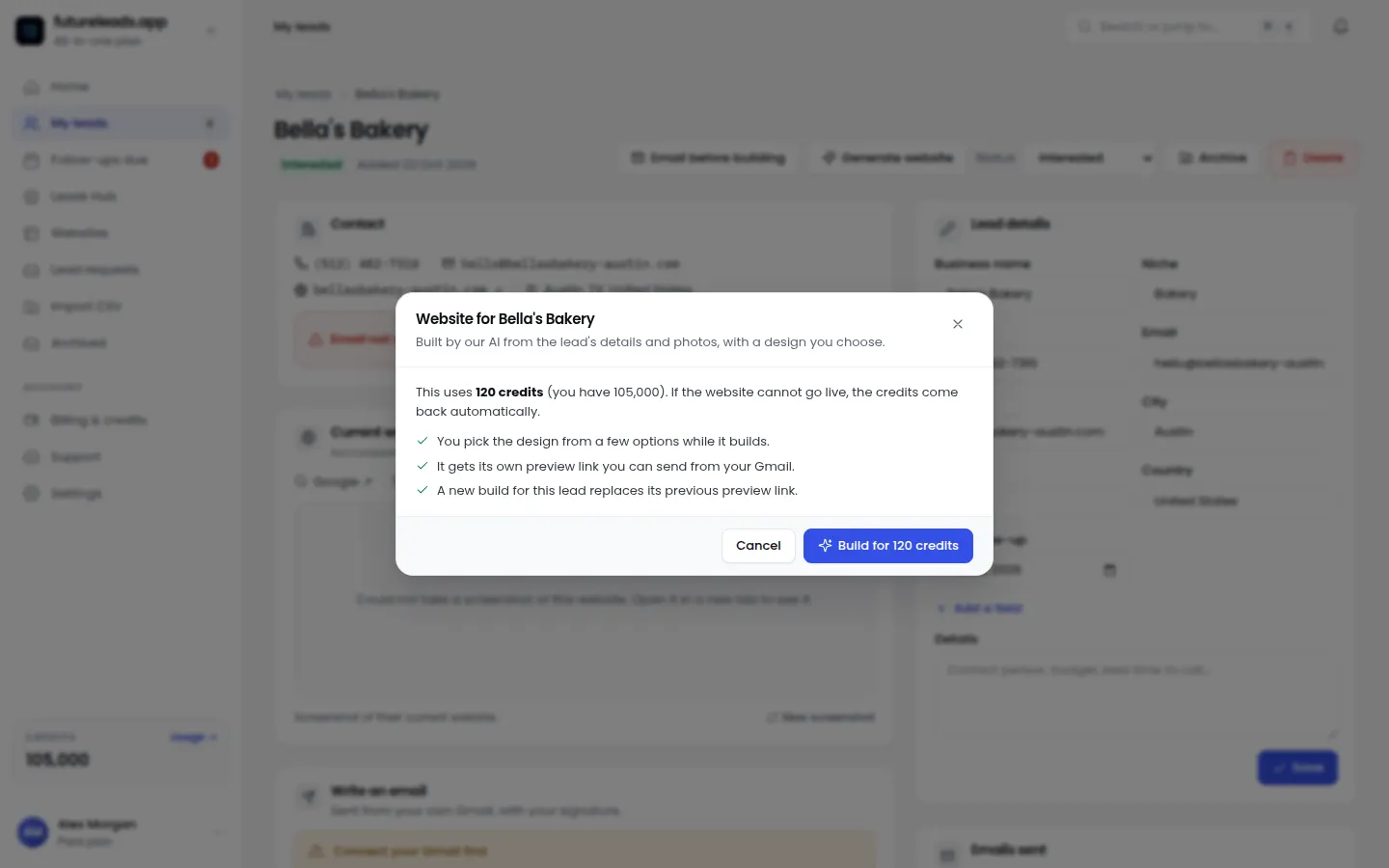
Developers selling sites: generate a client preview in minutes and win the project before you write code.
Start free — no card neededor claim up to 3,000 FREE credits with a paid planPackages for developers and agencies:
Basic
$9.99/month
11,500 credits a month
+ 1,000 FREE credits
- About 261 done-for-you leads
- or 88 AI website previews
- All features included
Pro
$39/month
50,000 credits a month
+ 1,500 FREE credits
- About 1,136 done-for-you leads
- or 384 AI website previews
- All features included
Premium
$79/month
105,000 credits a month
+ 3,000 FREE credits
- About 2,386 done-for-you leads
- or 807 AI website previews
- All features included
Frequently asked questions
Do developers use AI website builders?
Yes, for prototypes, client previews, code starting points and marketing sites, while custom code handles complex logic.
Can I export code from an AI website builder?
Some builders allow code export; others keep sites on their platform. Check export options before committing.