There's no single "best" AI website builder. The right one depends on who you are (owner, designer, developer, agency) and what you need (a quick business site, a design-led brand site, a store or client work). This comparison groups the main options by use case.
How we compare
- Quality of the AI first draft
- Ease of editing afterwards
- Design control
- Ecommerce and integrations
- Hosting and performance
- Pricing model
- Who it's really for
Comparison by use case
| Tool type / example | Best for | Strengths | Watch out |
|---|---|---|---|
| All-in-one builders (e.g. Wix, Squarespace, GoDaddy) | Small businesses wanting everything in one place | AI draft + hosting + domains + apps | Can be harder to move away; design can look templated |
| Budget AI builders (e.g. Hostinger) | Simple sites on a tight budget | Fast, low cost, hosting included | Less design flexibility |
| Design-led builders (e.g. Framer, Webflow) | Designers and brand-focused sites | Strong design control, animations, CMS | Learning curve; AI draft needs design work |
| One-click AI site generators (e.g. Durable, 10Web) | Very fast small business sites | Site in under a minute | Generic copy; limited customisation |
| Ecommerce platforms with AI (e.g. Shopify) | Online stores | Payments, inventory, apps | AI helps with content more than full builds |
| Developer AI tools (code generators) | Developers wanting code | Full control of output | Need hosting and coding skills |
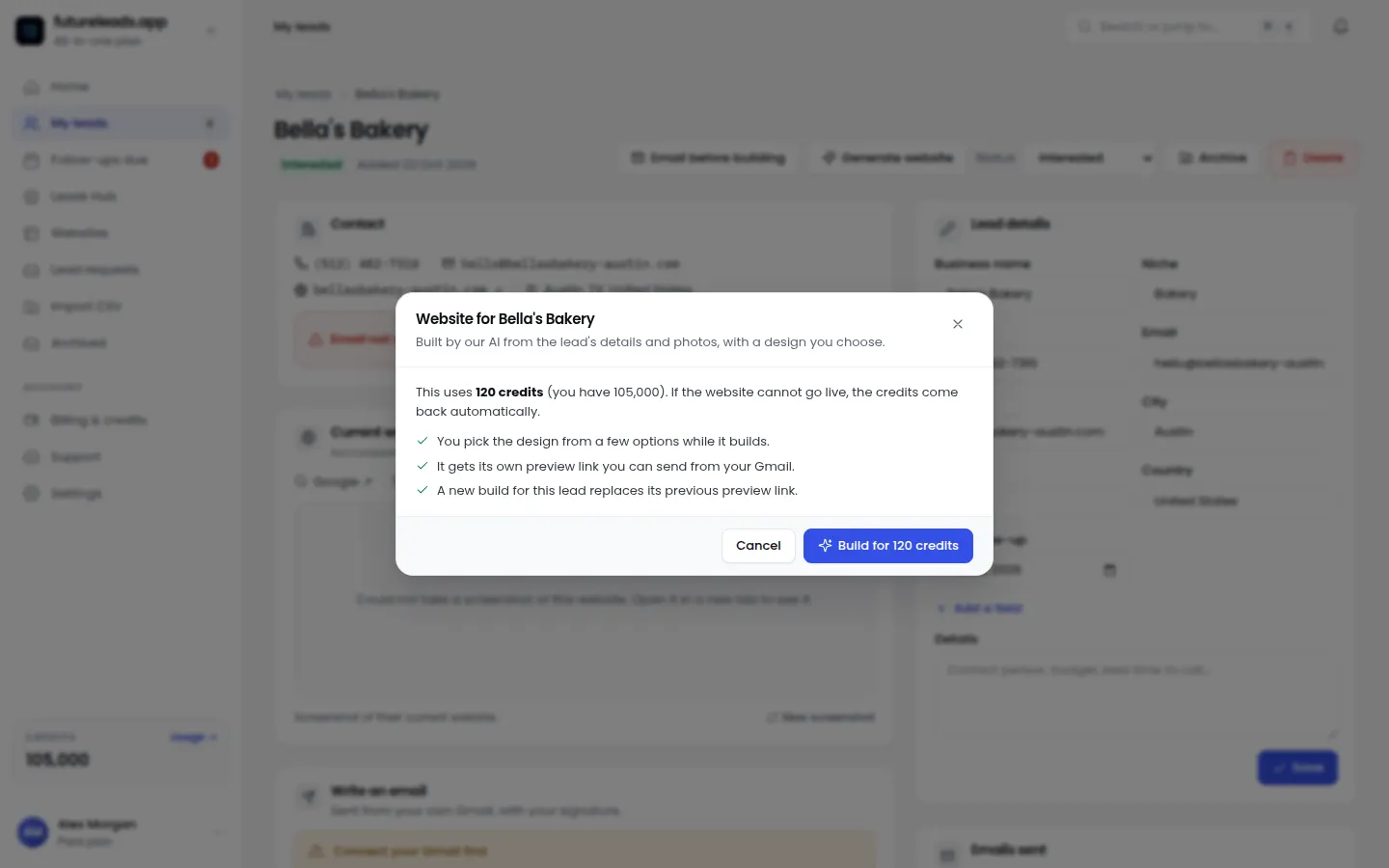
| Futureleads.app | Agencies and freelancers selling websites to local businesses | Generates a niche-matched preview per lead, plus leads, outreach and CRM | Built for client acquisition, not as a general DIY site host |
Short reviews by category
All-in-one builders
The safest choice for owners who want to answer a few questions and get a site with hosting, forms and booking apps. AI drafts are decent; editing is visual and beginner-friendly.
Design-led builders
Best when the website is the brand. AI gives a starting layout, but the value is in what designers do after. See AI web design agencies.
One-click generators
Impressive speed and fine for simple service businesses. Expect to rewrite copy to avoid sounding like every other site.
Agency-focused tools
If you sell websites, the job is different: you need a convincing preview for a specific prospect, fast, plus a way to find and contact prospects. That's what Futureleads.app is built for.
Which should you choose?
- Owner, simple site: an all-in-one or budget builder
- Brand or designer: a design-led builder
- Store: an ecommerce platform. See AI ecommerce website builders
- Developer: AI code tools. See what developers can do with AI builders
- Agency selling sites: a preview-first tool with lead generation
More: AI website builder pricing 2026, most popular AI website builders, how to evaluate an AI website builder.
Selling websites? Generate a niche-matched preview for any local business in minutes and send it with your first email.
Start free — no card neededor claim up to 3,000 FREE credits with a paid planPackages for agencies and freelancers:
Basic
$9.99/month
11,500 credits a month
+ 1,000 FREE credits
- About 261 done-for-you leads
- or 88 AI website previews
- All features included
Pro
$39/month
50,000 credits a month
+ 1,500 FREE credits
- About 1,136 done-for-you leads
- or 384 AI website previews
- All features included
Premium
$79/month
105,000 credits a month
+ 3,000 FREE credits
- About 2,386 done-for-you leads
- or 807 AI website previews
- All features included
Frequently asked questions
What is the best AI website builder in 2026?
It depends on your use case: all-in-one builders for small business owners, design-led builders for brands and designers, ecommerce platforms for stores, and preview-first tools like Futureleads.app for agencies selling websites.
Are AI website builders worth it?
Yes for speed and first drafts. Most still need human editing for brand, accuracy and conversion.