You get your first web design client by picking one niche, finding local businesses with a weak or missing website, and contacting them with something useful — not a pitch. Most freelancers fail because they wait for referrals instead of starting a simple daily outreach routine.
This guide walks you through 7 concrete steps: choosing a niche, building a mini portfolio, finding leads, reaching out, sending website previews, handling calls, and closing the deal. Every step comes with a ready-to-use script or template.
Step 1: Pick one niche and one city
The fastest way to land your first client is to stop trying to sell to everyone. Pick one business type — plumbers, dentists, roofers, salons, HVAC — and one city or region. When you focus, three things happen:
- Your outreach feels specific, not generic. 'I build sites for dentists in Leeds' beats 'I build websites.'
- You can reuse designs, copy and pricing across prospects.
- Referrals inside the niche compound: one happy dentist knows other dentists.
Don't overthink it. Choose a niche with enough local businesses and jobs that are typically booked through a website — trades, clinics, law firms, restaurants. You can always expand later.
Step 2: Build a mini portfolio in a weekend
You don't need real client work to prove you can build. Create 2–3 realistic homepage mockups for businesses in your niche. Pick real local businesses (without naming them in your portfolio) and design what *their* ideal homepage would look like: clear headline, phone number visible, a booking or quote form, mobile-friendly layout.
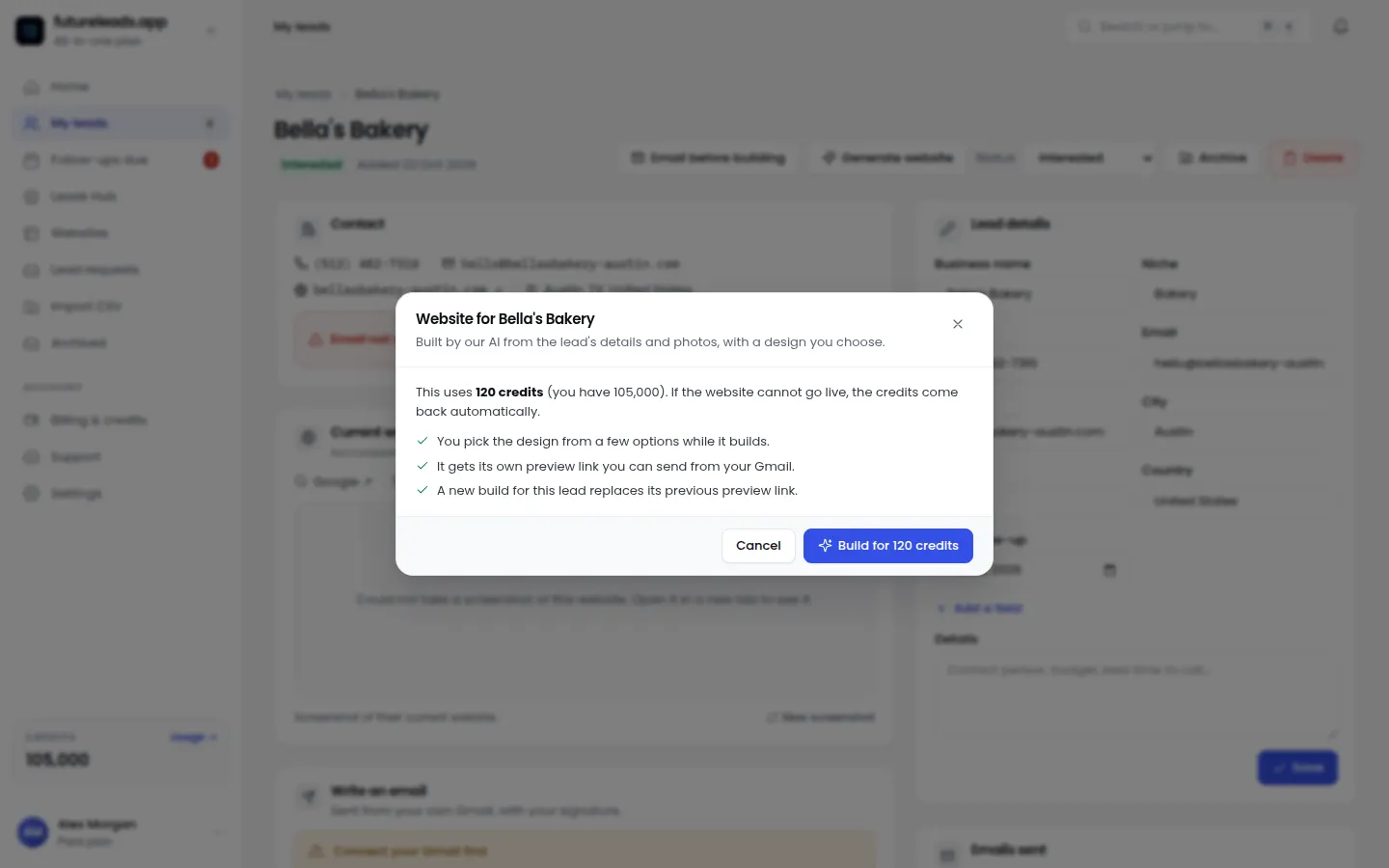
If you want to go further, Futureleads.app can generate an AI website preview for a specific business in minutes — a live homepage draft you can send as a link before they've paid you anything. That preview often works better than a portfolio because the prospect sees *their own business* on a new site, not a generic demo.
Step 3: Find local businesses that actually need a website
Cold outreach only works when you target businesses with a real problem. The highest-converting targets are:
- Businesses with no website at all — they're invisible in local search.
- Businesses with a slow, broken or not-mobile-friendly site.
- Businesses with a site that has no phone number or booking form visible.
You can find these manually through local search and online business listings, but it's slow. Our guide on how to find local businesses without websites breaks down the manual method step by step.
The faster route: Futureleads.app lets you search any niche and city and see local businesses with no website, a broken site, or a site that fails on mobile — along with phone numbers, emails and the specific problems found. You get a ready-made list of businesses that need a website, instead of spending a day vetting prospects by hand. The free account includes a live lead search every day, no card required.
Skip the manual hunt: start a free Futureleads.app account (no card) and pull your first list of local businesses with no website or a broken one — today.
Find businesses that need a website — freeor claim up to 3,000 FREE credits with a paid planStep 4: Choose your first contact method
You have three channels, and each works differently:
- Cold email — best for scale. You can send to 20–50 leads a day once you have a list. Start with a proven web design cold email template and test different cold email subject lines for web design.
- Cold calling — best for speed of feedback. You learn in one afternoon what prospects actually say. Use a cold calling script for web design clients and a voicemail script for cold calling when they don't pick up.
- Walk-ins / in-person — best if you're in a dense town center. A printed preview and a smile still closes deals for trades and local shops.
For your very first client, pick email or the phone — whichever you're less afraid of — and commit to it daily. Consistency beats channel choice. If you're unsure how many touchpoints to plan, read about how many cold calls per day actually make sense.
Step 5: Use outreach scripts that don't sound like spam
Your first message should be short, personal, and lead with the problem — not your services. Here's a cold email you can adapt:
Subject: Quick question about [Business Name]'s website Hi [First name], I tried to find [specific service] in [city] on my phone and your site didn't come up / was hard to use on mobile. I build sites for [niche] in [area]. I put together a quick homepage preview for [Business Name] — no strings attached: [Preview link] If you like the direction, I can have the full site live in [timeframe]. If not, no hard feelings. [Your name] [Phone number]
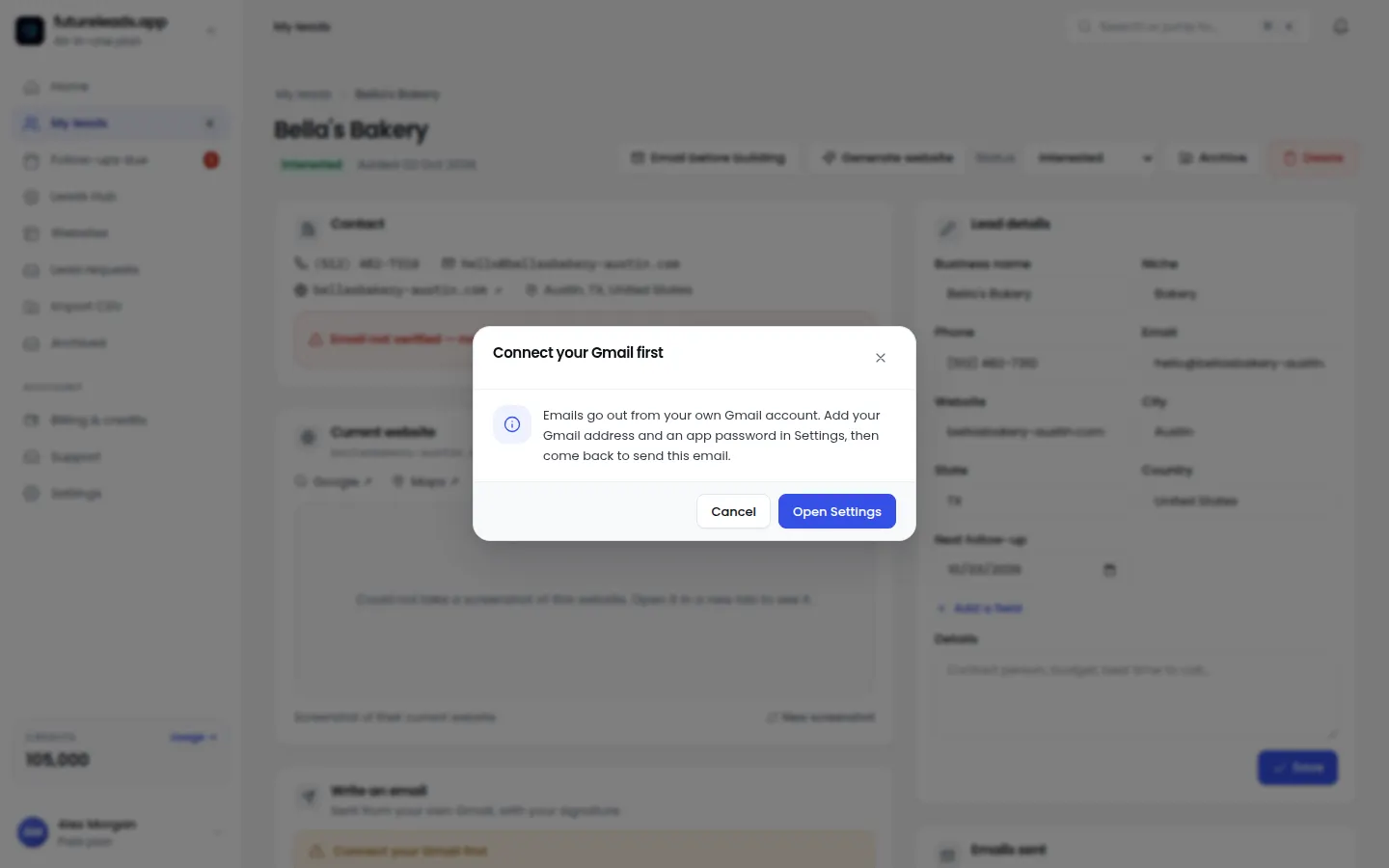
Two rules that make this work: mention something specific you noticed about *their* business, and always include a link to something they can look at in 30 seconds. The preview link is the whole trick — it turns a cold pitch into a 'look what I made for you' moment. See our full website redesign cold email for more variants, and our guide on cold email follow-up for web designers for what to send when they don't reply.
Step 6: Handle the first call like a consultation, not a pitch
When a prospect replies or picks up, your job is to diagnose, not to sell. Ask these questions:
- How do customers usually find you right now?
- What happens when someone visits your site on a phone — do they call or leave?
- Do you know roughly how many quotes or bookings come from the website?
- If the site brought you one more customer a week, what would that be worth?
- Who else is involved in the decision?
Then summarize back what you heard and propose a clear next step: 'Based on that, I'd suggest a simple 5-page site with online booking. I'll send a short proposal today — if it looks good, I can start next week.'
Keep every lead, note and follow-up in one place from day one. Even as a solo freelancer, a simple CRM saves you from losing warm leads — see our post on the best CRM for freelancers to see which features actually matter. Futureleads.app includes a built-in CRM, a browser dialer with call history, and cold email campaigns with automatic follow-ups, so your outreach, calls and deals live in one dashboard.
Step 7: Send a simple proposal and close
Your first proposals should be short — one page. Include:
- What you'll build: pages, features (booking form, click-to-call, mobile-first).
- Timeline: a realistic number of weeks.
- Price: one clear number or a small set of options. If you're unsure, read how to price a website for a small business and our breakdown of web design pricing packages.
- A maintenance option: recurring monthly income starts with your first client. Learn more about how much to charge for website maintenance.
Use a clean website design proposal template so you're not writing from scratch every time. After sending, don't sit and wait — our guide on how to follow up after sending a proposal gives you a sequence that politely moves deals forward.
First-client checklist
- Niche and city chosen
- 2–3 homepage mockups done
- List of 30+ local leads with contact details
- Outreach script personalized per lead
- Daily sending/calling block on the calendar
- Follow-up sequence ready
- One-page proposal template done
- Every lead logged with a status and next action
If you're starting completely from scratch and none of this is set up yet, start with start a web design business with no experience, then come back to this checklist. And when you want a steady pipeline instead of a one-off win, our guide on how to find web design clients covers building repeatable lead flow.
The biggest mistake beginners make (and how to avoid it)
Beginners spend weeks perfecting their portfolio and send five outreach messages total. The pattern that works is the opposite: good-enough assets, high volume, fast feedback. Twenty personalized emails or calls a day will teach you more in a week than a month of tweaking your website.
It also helps to know the signs a business needs a new website so your outreach points at real problems, and to run a quick website audit checklist on each prospect before you contact them — one specific observation makes every message stronger.
Pick a package: every feature is included in each, paid plans add FREE bonus credits every month, or start free with no card.
Basic
$9.99/month
11,500 credits a month
+ 1,000 FREE credits
- About 261 done-for-you leads
- or 88 AI website previews
- All features included
Pro
$39/month
50,000 credits a month
+ 1,500 FREE credits
- About 1,136 done-for-you leads
- or 384 AI website previews
- All features included
Premium
$79/month
105,000 credits a month
+ 3,000 FREE credits
- About 2,386 done-for-you leads
- or 807 AI website previews
- All features included
Frequently asked questions
Can I get a web design client with no portfolio?
Yes. Build 2–3 mockup homepages for real businesses in your niche, or send an AI-generated preview of their new site before asking for payment. A tailored preview is often more convincing than a generic portfolio.
How long does it take to get the first web design client?
It varies, but freelancers who run daily outreach (20+ personalized contacts) typically land their first deal within a few weeks. Those who send a handful of messages usually wait far longer.
Should I cold call or cold email local businesses?
Cold email scales better and is easier to start; cold calling gives faster feedback and often quicker yeses for trades and local services. Many designers use email first, then call the leads who opened or replied.
How much should I charge for my first website?
Price by outcome and scope, not by hour. Offer a simple fixed price for a 3–5 page site with booking/contact features, and add a monthly maintenance option — see our guide on pricing a website for a small business.
What's the best way to find businesses that need a website?
Search local businesses in one niche and city and check which ones have no site, a broken site, or a site that fails on mobile. Futureleads.app automates this and returns the problems found plus contact details for each lead.