A business owner can't judge design. But they can instantly see the difference between their old site and a new one, side by side. That's why a website redesign before and after is the strongest sales asset a web designer has.
Why it works
- It's about their business, not a stranger's.
- The improvement is obvious in seconds, no imagination needed.
- It turns "maybe later" into "how fast can we launch?"
How to create one
- Take a screenshot of their current homepage at desktop size.
- Build a preview of the new site with their real name, services and city.
- Put both in one frame with a slider, or side by side.
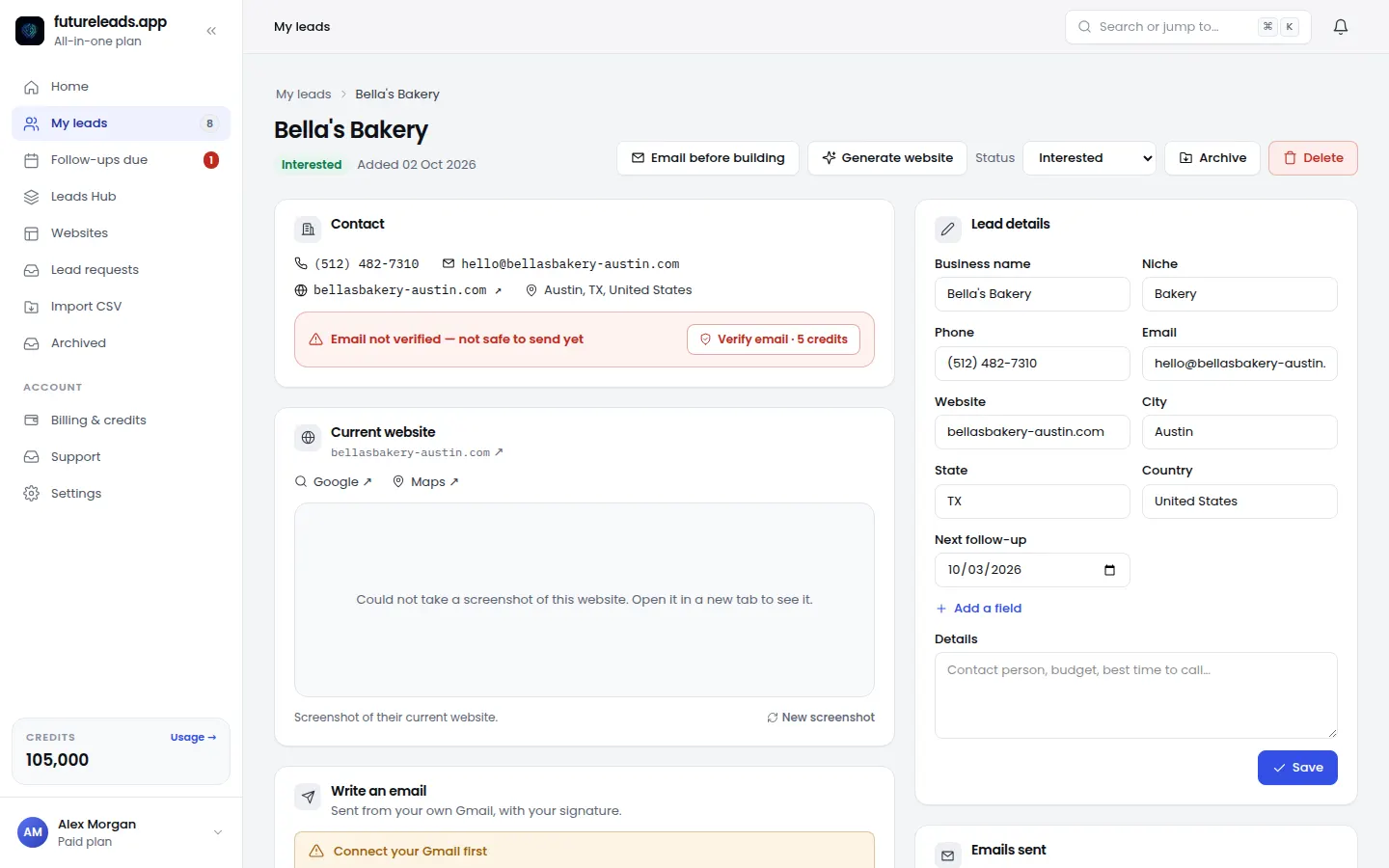
In futureleads.app the lead page keeps a screenshot of the current website. Once you build the new one, the page shows an animated before/after slider you can share on a call.
How to present it
On a call, share your screen and drag the slider slowly. Stop on the parts that matter to them: the call button, the reviews, the mobile layout. Then stay quiet and let them react.
More on pitching redesigns: website redesign cold email.
Build your first before/after previews — start free, no card needed.
Start free — no card neededor claim up to 3,000 FREE credits with a paid planPick a package: every feature is included in each, paid plans add FREE bonus credits every month, or start free with no card.
Basic
$9.99/month
11,500 credits a month
+ 1,000 FREE credits
- About 261 done-for-you leads
- or 88 AI website previews
- All features included
Pro
$39/month
50,000 credits a month
+ 1,500 FREE credits
- About 1,136 done-for-you leads
- or 384 AI website previews
- All features included
Premium
$79/month
105,000 credits a month
+ 3,000 FREE credits
- About 2,386 done-for-you leads
- or 807 AI website previews
- All features included
Frequently asked questions
Should I show a before and after to a prospect?
Yes. A side-by-side comparison of their own site is far more convincing than a portfolio of other businesses.
How do I make a before and after website comparison?
Screenshot the current site, build a preview of the new one, and present both in the same frame, ideally with a slider.