A client who suddenly goes quiet is not always a no. They got busy, your email sank in their inbox, or the timing was wrong. The fix is a short, useful follow up email after no response from client silence — not a guilt trip.
In this guide you'll learn when to follow up, what to write, and get 7 ready-to-copy templates for the situations web designers actually face: after a proposal, after a preview, after a quote, and after total silence. Send the first one, wait a few days, then use the next. Stop guessing what to say.
Why clients stop responding (and why it's usually not about you)
When a prospect goes silent, most freelancers assume the worst: they hated the design, they found someone cheaper, they ghosted on purpose. In reality, the most common reasons are boring ones:
- They're busy running their business — a plumber or a dentist is not sitting by their inbox all day.
- Your email arrived at a bad moment and got buried under urgent things.
- They meant to reply and simply forgot.
- They're waiting on a partner, spouse or business decision-maker.
- They have a vague objection they haven't voiced yet — price, timing, trust.
That's why a follow up works so well: you're not pushing a reluctant buyer, you're rescuing a deal from a full inbox. Most deals that go quiet need one or two well-timed nudges, not a new pitch.
When to send a follow up email after no response
Timing matters more than wording. Send too early and you look desperate; too late and the deal goes cold. Use this simple rhythm:
- Day 0: your original email or proposal.
- Day 3: first follow-up — short, friendly, one question.
- Day 7: second follow-up — add value or make it easy to say no.
- Day 14: third follow-up — the polite close-the-loop email.
- Then move them to a long-term nurture list and check back in 60–90 days.
Never send two follow-ups in the same day, and don't send more than three in total. Three touches plus a final "closing the file" email is enough to catch almost every genuinely interested prospect who simply got busy.
The 5 rules of a follow-up that gets replies
Before the templates, keep these rules in mind. Every good follow up email after no response follows them:
- Keep it short. Two to four sentences. A long follow-up feels like pressure.
- Ask exactly one question. Give them a single easy thing to answer.
- Reply in the same thread so they get the full context back.
- Add value when you can — a quick idea, a fix, a reminder of the outcome — instead of just "just checking in".
- Make it easy to say no. "If it's not a priority right now, just say no and I'll stop bothering you" gets surprisingly many replies.
For subject lines and first-touch emails, see our guide to cold email subject lines for web design — the same principles apply to follow-ups.
Template 1: The polite nudge (day 3)
Use this after your first email or after a good conversation. Short, warm, zero pressure:
Subject: Re: quick question about your website Hi [Name], Just floating this back to the top of your inbox — I know things get busy. Still happy to look at your site and send you a couple of quick suggestions. Worth a look? [Your name]
Template 2: The value-add follow-up (day 7)
Instead of nudging again, give them something. If you spotted a problem — slow load, not mobile-friendly, broken contact form — mention it specifically:
Subject: One thing I noticed on [Business name]'s site Hi [Name], While thinking about your site I noticed [specific issue — e.g. it doesn't load well on phones, which is where most of your customers will find you]. It's a 5-minute fix on my side. Want me to show you what it would look like? [Your name]
Not sure what to point out? Run through our website audit checklist — it lists exactly the problems local business sites have, and each one is a reason for a follow-up email.
Template 3: The easy no (day 7, alternative)
This one sounds counterintuitive but works because it removes all pressure:
Subject: Re: your website Hi [Name], I don't want to keep landing in your inbox without knowing where you stand. If a new website isn't a priority right now, just reply "no" and I'll stop emailing. If you're still interested, reply "yes" and I'll send over the details. Either way, thanks for your time. [Your name]
Template 4: The "one question" follow-up after a proposal
If they went quiet after you sent a proposal, don't resend it or ask "what do you think?" — that invites silence. Ask one specific question:
Subject: Re: proposal for [Business name] Hi [Name], Quick question so I know how to help: is the timing wrong, or is there something in the proposal you'd like changed? Happy to adjust either one. [Your name]
There's a full timeline and more scripts in our guide on how to follow up after sending a proposal.
Template 5: The preview follow-up (when you sent a homepage demo)
If you sent an AI-generated homepage preview instead of a plain proposal, follow up by asking about the preview, not the price:
Subject: Did the homepage preview come through? Hi [Name], Did you get a chance to open the homepage preview I made for [Business name]? If anything feels off — colors, photos, the headline — tell me and I'll adjust it. It's a draft, so nothing is set in stone. [Your name]
This is where a preview beats a proposal: it gives the follow-up something concrete to talk about. You can build a homepage preview for a local business in minutes with Futureleads.app and send the link (or a QR code) before they've paid you anything — a much stronger reason to reply than "just checking in".
Want follow-ups that send themselves? Start a free Futureleads.app account (no card needed) and set up automatic follow-up sequences for every lead you contact.
Find businesses that need a website — freeor claim up to 3,000 FREE credits with a paid planTemplate 6: The polite close-the-loop email (day 14)
This is your last email in the sequence. It often gets the most replies because it signals the door is closing:
Subject: Closing the file for now Hi [Name], I haven't heard back, so I'll assume the timing isn't right and I'll stop emailing. I'll leave the notes from our conversation with you. If a new website becomes a priority later, you're welcome to reach out anytime. All the best, [Your name]
Template 7: The 60-day re-engagement email
Silent prospects aren't dead — they're dormant. Two to three months later, come back with something new:
Subject: Been a while — quick idea for [Business name] Hi [Name], We spoke a couple of months ago about your website. No worries if the timing wasn't right then. Since then [one new thing — e.g. I've launched similar sites for other local businesses, or I have a faster, simpler option now]. Still worth a quick chat? [Your name]
Follow-up checklist: before you hit send
Run every follow-up through this list before sending:
- Is it under 80 words?
- Does it ask exactly one question?
- Is it in the same email thread as the previous message?
- Does it give a reason to reply (a question, a fix, a preview, an easy no)?
- Is the tone helpful, not guilty or pushy?
- Have you set a reminder for the next follow-up if this one gets no answer?
When email isn't enough: mix in a phone call
Some local business owners simply don't read email. If two follow-ups get no reply, try the phone. A quick call works especially well for trades, restaurants and other owner-operated businesses. Use our cold calling script for web design clients and our voicemail script so you know exactly what to say.
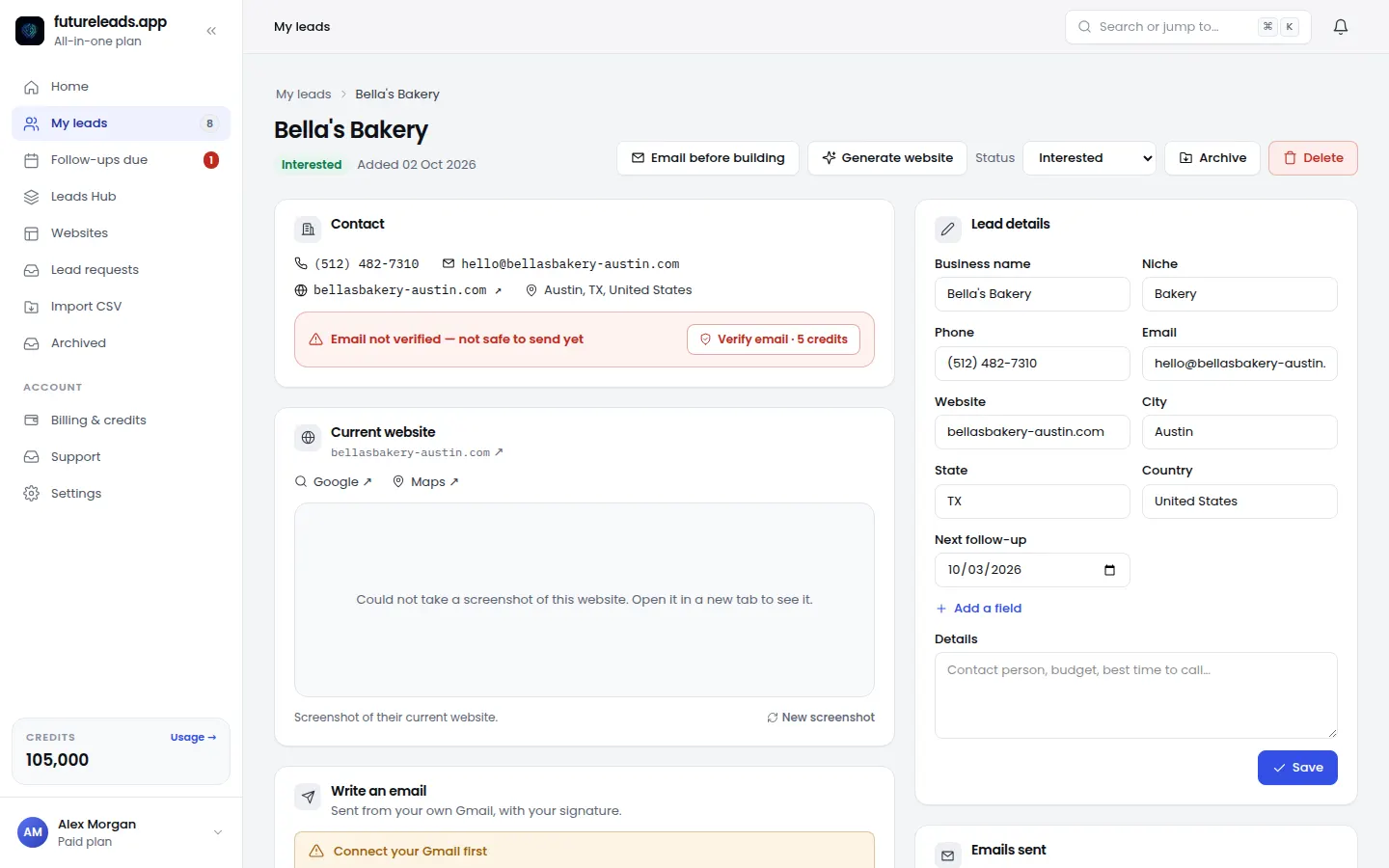
Futureleads.app includes a browser dialer with call history and notes, so you can see the full picture — emails sent, calls made, replies received — for every lead in one place. If you're not sure how many calls to make alongside your emails, our guide on how many cold calls per day gives you a realistic routine.
What to do when the follow-up gets a reply
A reply is a win — now handle it well:
- "Sorry, been crazy busy" → offer two specific call times so they just pick one.
- "Send me more info" → send the preview or proposal again with a one-line summary and one question.
- "Too expensive" → don't discount immediately; ask what budget they had in mind or offer a smaller starting scope.
- "Not right now" → confirm the best time to check back, then actually put it in your calendar.
- "No" → thank them, mark the lead as closed, and move on without burning the bridge.
If pricing objections come up a lot, our guide on how to price a website for a small business shows how to frame your number so it's easier to say yes to.
Ready to build a pipeline worth following up on? Start a free Futureleads.app account (no card) to find local businesses that need a website, send previews and run your follow-up sequences automatically.
Find businesses that need a website — freeor claim up to 3,000 FREE credits with a paid planPick a package: every feature is included in each, paid plans add FREE bonus credits every month, or start free with no card.
Basic
$9.99/month
11,500 credits a month
+ 1,000 FREE credits
- About 261 done-for-you leads
- or 88 AI website previews
- All features included
Pro
$39/month
50,000 credits a month
+ 1,500 FREE credits
- About 1,136 done-for-you leads
- or 384 AI website previews
- All features included
Premium
$79/month
105,000 credits a month
+ 3,000 FREE credits
- About 2,386 done-for-you leads
- or 807 AI website previews
- All features included
Frequently asked questions
How long should I wait before following up with a client?
Wait about 3 business days after your first email, then follow up again after a week and again after two weeks. Space them out so you stay helpful rather than pushy.
How many follow-up emails should I send before giving up?
Three to four is the sweet spot: the original email plus three follow-ups, ending with a polite close-the-loop message. After that, move the lead to a long-term nurture list and check back in 60–90 days.
What should I write in a follow-up email after no response?
Keep it under 80 words, reference your previous email, ask exactly one question, and make it easy to reply — even an offer to say "no" counts. Avoid guilt-tripping or resending the same pitch at length.
Is it unprofessional to follow up more than once?
No — polite, well-spaced follow-ups are standard professional practice. Most clients appreciate a nudge because it saves them from forgetting something they intended to do.
Should I follow up by email or call the client instead?
Start with email, but if two follow-ups get no reply, a short phone call often works better with local business owners who rarely check their inbox. Keep the call brief and reference your previous emails.