The fastest way to find a business owner's email is to check the business's own website: look on the contact page, the about page, the footer, and the privacy policy. If that fails, try common patterns like info@domain.com or first.name@domain.com, then verify the address before you send.
This guide walks you through 8 methods in order, from quickest to most effort, with copy-paste email patterns and a short script for when email fails. It's written for web designers and freelancers pitching services to local businesses — but the steps work for any outreach.
1. Check the business's website first
Most small business owners leave at least one email address somewhere on their site. Before you try anything clever, spend two minutes checking these places:
- The contact page — sometimes a form, sometimes a mailto: link hidden in the page source
- The footer — many sites list a general email next to the phone number
- The about or team page — owners often list their personal address here
- The privacy policy and terms pages — legally required pages often contain a contact address
- The 404 or booking pages — less obvious, but frequently overlooked
If you can't see an address on the page, right-click and choose "View page source" then search for "mailto". Many sites display a contact form but still have a raw email link buried in the code.
2. Guess the common email patterns
If the site has no visible email, you can often work it out. Small businesses overwhelmingly use a handful of patterns. Find the owner's name (usually on the about page or a bio), then test these combinations against the domain:
- info@domain.com
- hello@domain.com
- contact@domain.com
- admin@domain.com
- office@domain.com
- firstname@domain.com
- first.lastname@domain.com
- firstnamelastname@domain.com
- f.lastname@domain.com
- firstnamel@domain.com
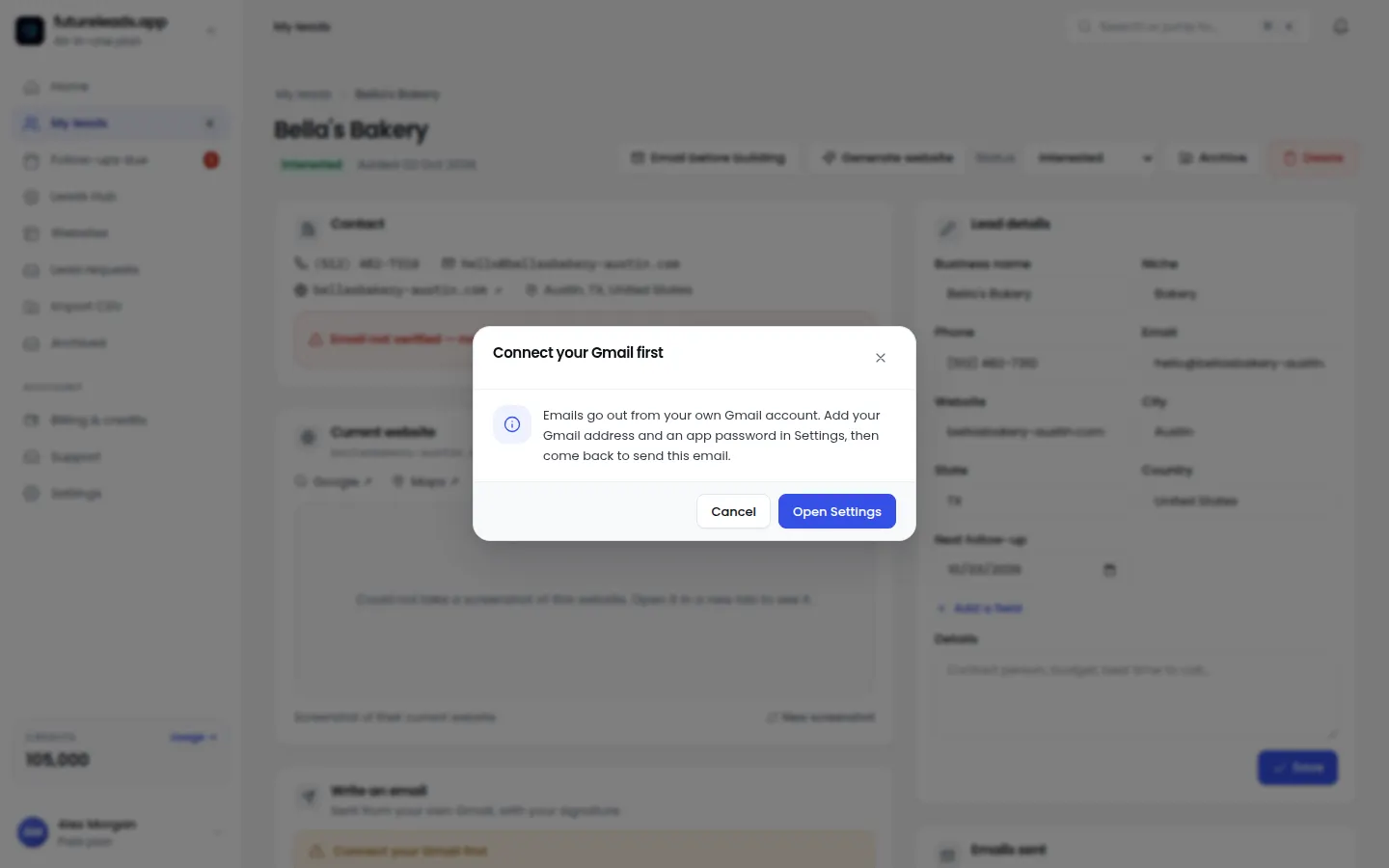
To test a guess without sending anything, type the address into the login box of a free email checker or simply try composing a message to it in your email client — many clients auto-complete and confirm whether the address exists in public directories. Always verify before you send: bounces hurt your sender reputation and can get your address flagged as spam.
3. Use online business listings and directories
Local business listings often include a contact email, even when the business's own website doesn't. Check the major online business listings for the business, plus industry directories (restaurants, trades, salons, and clinics all have their own). Local chambers of commerce and "best of" roundups are also worth a look.
If a business has no website at all, this is usually your only starting point. Our guide to finding local businesses without websites covers this in depth — and it's often the best prospecting angle, because a business with no site has the clearest need for what you sell.
4. Call and simply ask
This is the most underrated method. Call the business, be polite and direct, and ask who handles decisions about their website. You don't need to trick anyone — receptionists deal with suppliers all day.
- "Hi, this is [name] — could you put me through to whoever looks after your website, or tell me the best email to reach them?"
- If they ask what it's about: "I build websites for local [industry] businesses and I had a couple of ideas for yours. I just need the right person's email."
- If they hesitate: "No problem — is there a general email I could send a short note to instead?"
- Note the name and spelling, confirm the email back to them, and thank them.
Calling works especially well before emailing: once the owner has heard your name, your email is no longer a cold one. If calls are your bottleneck, a cold calling script for web design clients will help you sound natural, and a voicemail script for cold calling turns missed calls into a second touchpoint.
5. Check social media pages
Many small businesses list an email on their social profiles even when their website omits it. Check the bio or the "about" section of their social pages, the caption of pinned posts, and any "email us" buttons. Owners also sometimes reply with a personal email in comments when someone asks a question — worth scanning recent activity.
6. Use the domain's email records
Every domain publishes technical records that sometimes reveal email infrastructure. You can look up a domain's MX and TXT records using free public lookup tools. What you'll find varies — some records list a service provider or a verification address — but it's a legitimate, quick way to confirm the domain actually sends mail and that your guessed address pattern is plausible.
Treat this as verification, not a magic solution: it tells you the domain is live and set up for email, which makes pattern guesses far more reliable.
7. Verify before you send
Whatever method you use, never send to an unverified address. A bounced email damages your sender reputation, and repeated bounces can push even your legitimate emails into spam. Before any first contact:
- Confirm the domain is active and receives mail
- Check the address doesn't bounce using an email verification tool
- Look the business up once more to make sure the email matches the location and owner you're targeting
- Warm up your sending: send in small batches from a real account with real history, not a brand-new address
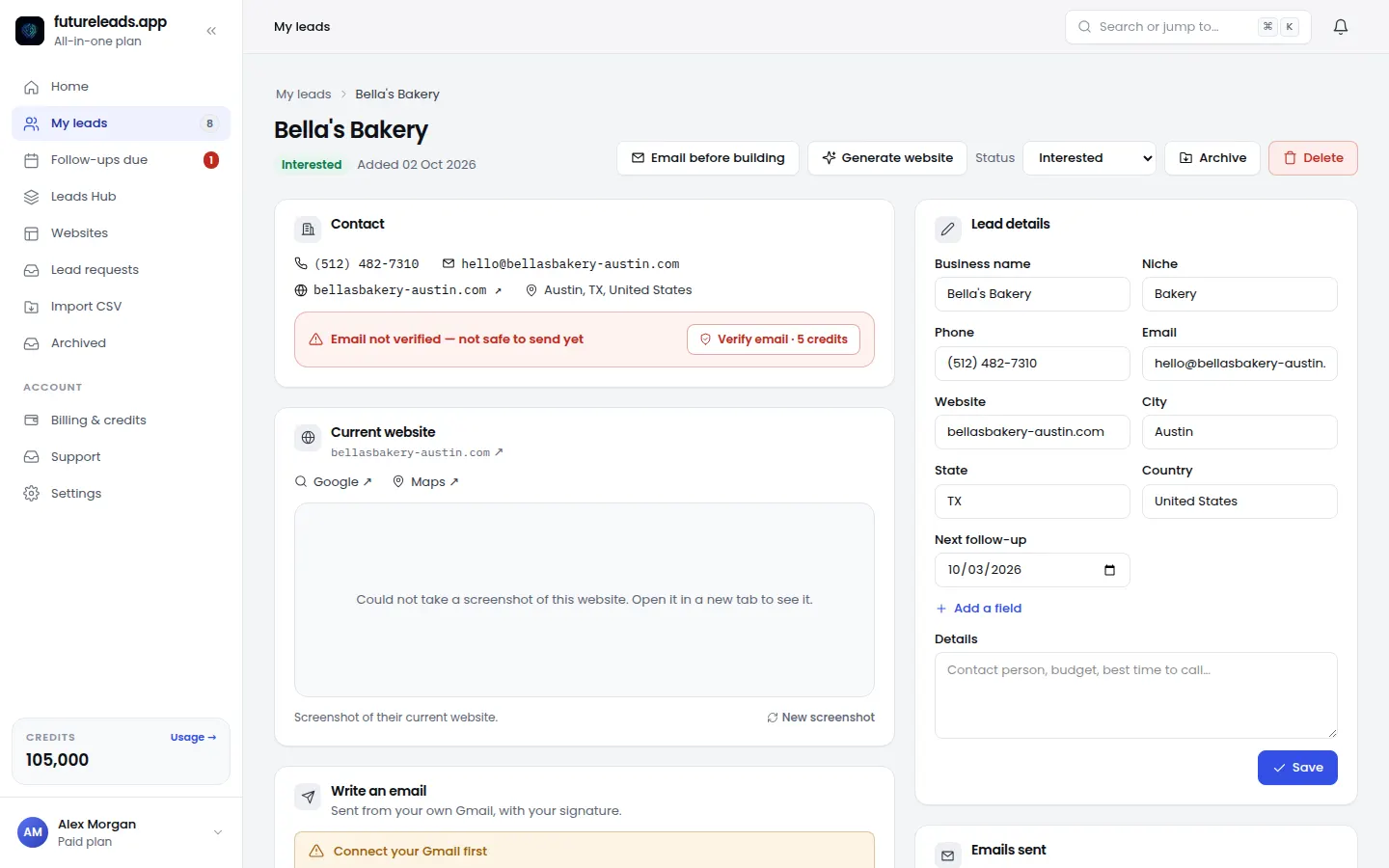
This is exactly why Futureleads.app gives you a phone number and a verified email with every lead — the contact details come with the business, so you're not guessing patterns at scale.
8. Use a lead-finder tool to skip the search entirely
Doing all of the above manually works for ten prospects. It doesn't work for a hundred. If you're building a pipeline of local businesses that need websites, a tool that surfaces businesses with missing, broken or slow sites — together with their email and phone number — collapses hours of research into minutes.
Futureleads.app finds local businesses with no website or a broken one, and hands you their email and phone number so you can skip the search and start contacting. Create a free account — no card needed — and run a live lead search today.
Find businesses that need a website — freeor claim up to 3,000 FREE credits with a paid planWhat to send once you have the email
Finding the email is step one. Getting a reply depends on the message. Keep it short, specific, and about their business — not your services. Here's a template you can adapt:
Subject: Quick question about [business name]'s website Hi [first name], I came across [business name] while looking at [industry] businesses in [city]. I noticed [specific issue — e.g. your site takes a long time to load on mobile / there's no way to book online]. I build websites for local businesses and I put together a quick preview of what an updated version could look like — no strings attached. Want me to send the link? [Your name] [Phone / website]
If you need more variants, our web design cold email template and our website redesign cold email posts cover different angles, and cold email subject lines for web design will help you get the message opened in the first place. Then plan your cold email follow-up for web designers — most replies come after the second or third touch, not the first.
Checklist: your email-finding routine, start to finish
- Open the business's website and check contact, about, footer and policy pages (2 minutes)
- View page source and search for "mailto" if nothing is visible
- Check online business listings and social profiles for a listed email
- Note the owner's name and test common patterns against the domain
- Call and ask if all else fails — and get the name spelled correctly
- Verify the address before sending
- Send a short, specific first email with one clear question
- Log the contact in your CRM and set a follow-up date
- Call if the email goes quiet after two follow-ups
Steps 1–6 take about ten minutes per business once you've done it a few times. Futureleads.app's built-in dialer, email campaigns and simple CRM let you do steps 6–9 from the same dashboard, so nothing slips through the cracks — and you can track every lead and deal without juggling spreadsheets.
Common mistakes to avoid
- Sending to an unverified guess and burning your sender reputation
- Using a generic pitch that doesn't mention anything specific about the business
- Giving up after one email — follow-ups do the heavy lifting
- Spamming fifty addresses in one batch from a fresh account
- Not writing down where you found the address, so you can't follow up properly later
FAQ
Is it legal to email a business owner I found online? For business addresses used in a professional context, cold outreach is generally permitted in most jurisdictions, provided you identify yourself, keep the message relevant, and honour opt-outs. Rules vary by country, so check your local regulations — especially in the EU.
What if the business has no website at all? That's often the best prospect. Use online business listings, social profiles, or a quick call to find the contact details. Our guide on businesses without websites explains why they're the easiest sale.
Should I email the owner or a generic inbox? Start with the generic inbox (info@, hello@) — it's monitored regularly and gets forwarded internally. If you have a verified personal address, use that in your follow-up.
How do I verify an email address without sending a message? Use a free email verification tool that checks whether the mailbox exists without delivering mail. Alternatively, test the address pattern against the domain's public records first to see if the pattern is plausible.
What's the fastest method overall? Checking the contact page and footer takes under two minutes and works for most small businesses. For scale, a lead-finder tool that includes verified contact details with each business is the practical answer.
Ready to skip the manual search? Start a free Futureleads.app account — no card needed — and pull local businesses with contact details, then email or call them from the same dashboard.
Find businesses that need a website — freeor claim up to 3,000 FREE credits with a paid planPick a package: every feature is included in each, paid plans add FREE bonus credits every month, or start free with no card.
Basic
$9.99/month
11,500 credits a month
+ 1,000 FREE credits
- About 261 done-for-you leads
- or 88 AI website previews
- All features included
Pro
$39/month
50,000 credits a month
+ 1,500 FREE credits
- About 1,136 done-for-you leads
- or 384 AI website previews
- All features included
Premium
$79/month
105,000 credits a month
+ 3,000 FREE credits
- About 2,386 done-for-you leads
- or 807 AI website previews
- All features included
Frequently asked questions
Is it legal to email a business owner I found online?
Cold outreach to professional business addresses is generally permitted in most places if you identify yourself, keep the message relevant, and honour opt-outs. Rules differ by country, so check your local regulations, especially in the EU.
What if the business has no website at all?
Use online business listings, social profiles, or a quick phone call to find their contact details. Businesses without websites are often the best prospects for web design services.
Should I email the owner directly or a generic inbox?
Start with the generic inbox like info@ or hello@ — it's monitored regularly and gets forwarded internally. Use a verified personal address for follow-ups if you find one.
How do I verify an email address without sending anything?
Use a free email verification tool that checks whether the mailbox exists without delivering a message. You can also test your guessed pattern against the domain's public records first.
What's the fastest way to find a business owner's email?
Checking the contact page, footer and policy pages takes under two minutes and works most of the time. At scale, a lead-finder tool that includes verified contact details saves hours.