A redesign is not a new website from zero. The client already has pages that rank, forms that work, content they like and things they hate. A website redesign questionnaire finds out what to keep, what to fix and what to drop, so the new site doesn't lose traffic or leads.
1. Why redesign now?
- What made you decide to redesign?
- What's the biggest problem with the current website?
- What happens if nothing changes for another year?
2. What works today
- Which pages do customers mention or use most?
- Which page brings the most calls, forms or sales?
- What do you like about the current site and want to keep?
- Which content took the most work and must survive?
3. What doesn't work
- What do customers complain about or struggle with?
- What can't you change yourself today?
- Is the site slow, hard to use on phones, or out of date?
- Which pages are outdated or no longer needed?
4. Data and SEO
- Do you have Google Analytics and Search Console access to share?
- Which searches bring you customers today?
- Do you know your top pages by traffic?
- Have you had SEO work done before?
- Are there landing pages used in ads or printed materials?
5. Goals for the new site
- What should the new site do better, in numbers?
- Which new features do you need (booking, payments, quote form)?
- Any new services, locations or audiences to add?
- How should the new site feel compared with the old one?
6. Content and assets
- Which content moves as-is, which gets rewritten, which is deleted?
- Do you have newer photos, logos or brand guidelines?
- Who will approve rewritten content?
7. Access, budget and timing
- Who has the logins for the domain, hosting and site admin?
- Budget range?
- Is there a date the new site must be live?
- Who approves the design?
- Anything you'd do differently from the last website project?
Do a quick audit first
Run the website redesign checklist and a small business website audit before you send the questionnaire. Showing the client three concrete problems (slow mobile load, no HTTPS, no click-to-call) makes the redesign case for you.
Show the redesign before you sell it
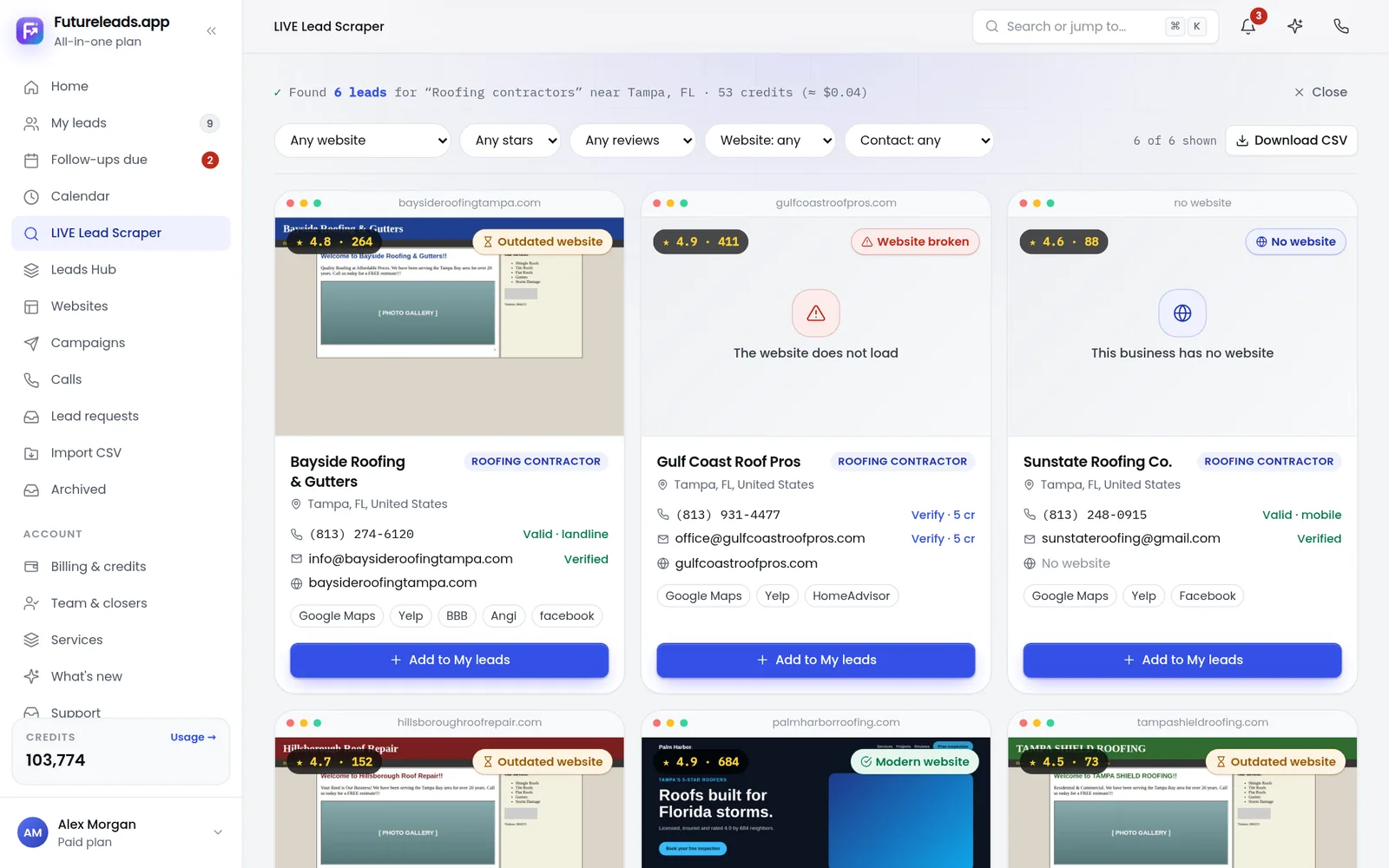
Clients understand a redesign instantly when they see their own business on a modern page. See website redesign before and after for examples, and use the redesign cold email to start the conversation.
Find local businesses that need a new website, show them a live preview and keep every questionnaire answer next to the lead. Start free — no card needed.
Start free — no card neededor claim up to 3,000 FREE credits with a paid planPick a package: every feature is included in each, paid plans add FREE bonus credits every month, or start free with no card.
Basic
$9.99/month
11,500 credits a month
+ 1,000 FREE credits
- About 261 done-for-you leads
- or 88 AI website previews
- All features included
Pro
$39/month
50,000 credits a month
+ 1,500 FREE credits
- About 1,136 done-for-you leads
- or 384 AI website previews
- All features included
Premium
$79/month
105,000 credits a month
+ 3,000 FREE credits
- About 2,386 done-for-you leads
- or 807 AI website previews
- All features included
Frequently asked questions
What should I ask a client before redesigning their website?
What works and must stay, what doesn't work, which pages bring traffic and leads, what the new site must do better, and who has the logins.
How do I keep SEO during a website redesign?
Keep the best content, keep or redirect every old URL with 301 redirects, keep titles and headings that rank, and check Search Console after launch.
Is a redesign intake form different from a new website form?
Yes. It adds questions about the existing site: data, top pages, content to migrate and redirects.