The fastest way to get clients for a digital marketing agency is proactive outreach to local businesses that already have a visible problem: no website, a broken site, or no mobile version. You find them, show them the problem, and offer the fix.
In this guide you'll get seven strategies that work for freelancers and small agencies, including how to build a lead list, what to say on a first call, cold email templates, and how to follow up without giving up. Everything is written for selling web design and marketing services to local businesses.
1. Build a list of local businesses that need you
Don't market to everyone. Pick one niche (dentists, roofers, restaurants, gyms) in one city, and search for businesses in that niche. Then check each one for a clear problem:
- No website at all (you check their listing and only find a phone number)
- A website that doesn't load on mobile
- A slow or broken site with contact forms that don't work
- Outdated design that looks abandoned
Businesses with these problems already know they need help. They are far easier to convert than companies that are happy with what they have. If you're not sure what to look for, our guide on signs a business needs a new website lists the red flags in detail.
2. Pick a niche and become the obvious choice
Generalists compete on price. Specialists win on relevance. "I build websites for dentists" gets a different reaction than "I build websites". When you focus on one niche:
- You can reuse designs, forms and structures between clients
- Your pitch speaks their language (appointments, reviews, bookings)
- Referrals stay inside the niche: one happy dentist knows other dentists
- You can charge more because you understand their business
If you're starting from scratch, our article on how to start a web design business with no experience shows how a niche focus makes up for a thin portfolio.
3. Show the problem before asking for anything
Nobody buys "marketing services". They buy a fix for something they can see. So your first contact should point at a specific, visible issue, not describe your agency. A simple pattern that works on calls and in emails:
- Name the business and one specific thing you noticed ("your site takes over ten seconds to load on my phone").
- Explain what it costs them in plain terms ("people give up and call the next plumber on the list").
- Offer one small next step ("I put together a quick preview of what a faster version could look like - want me to send it?").
- Stop talking and let them respond.
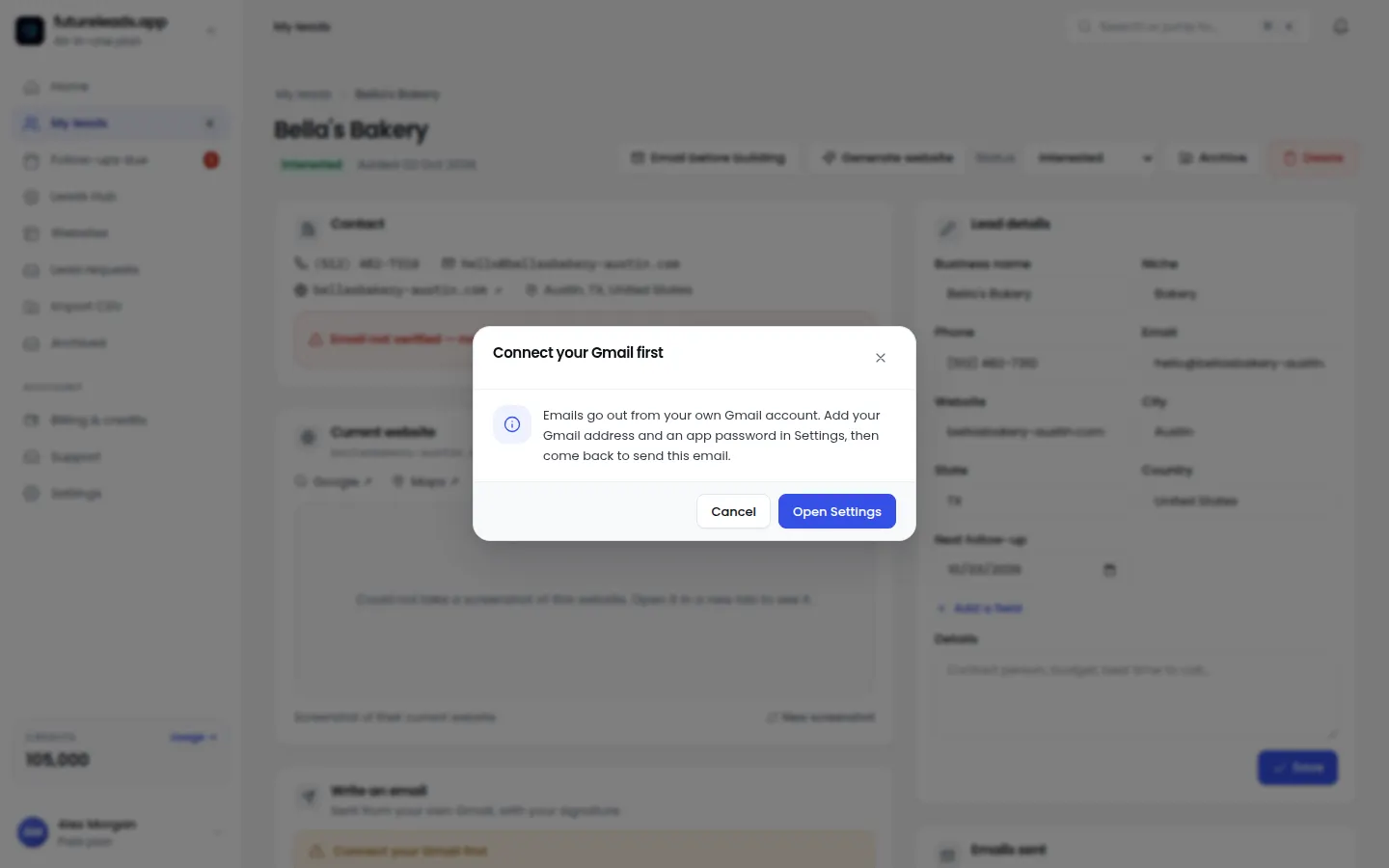
The strongest move here is an AI website preview: build a homepage preview for their business in minutes and send a link before they pay anything. They see a version of their own improved site instead of imagining one. That single move separates you from every agency that just sent a PDF pitch deck.
Want to try this on real leads today? Start a free Futureleads.app account (no card needed), find local businesses with broken or missing websites, and send your first preview the same day.
Start free — no card neededor claim up to 3,000 FREE credits with a paid plan4. Cold email that actually gets replies
Cold email works when it's short, specific and asks for something small. Here's a template you can copy and adjust:
Subject: Quick question about [business name]'s website
Body: Hi [first name], I tried opening your site on my phone and it took a while to load and the menu didn't work well on mobile. I build sites for [niche] in [city], so I put together a quick preview of what yours could look like: [link]. If it's useful, I can walk you through it in a 10-minute call this week. Either way, hope it helps. - [your name]
Three rules make this work: mention the specific problem you found, include the preview link instead of a generic portfolio, and ask for a small commitment. For more variants and subject lines, see our web design cold email template, our list of cold email subject lines for web design, and the follow-up sequence in cold email follow-up for web designers.
5. Pick up the phone: calling converts faster than email
Email is easy to ignore. A phone call isn't. Local business owners answer their phones, especially between 9 and 11 in the morning and 4 to 6 in the afternoon. Keep the call short and aim for one outcome: permission to send your preview or book a call.
A simple opening script:
"Hi, this is [name] from [agency] in [city]. Is this a bad time? ... The reason I'm calling: I looked at your website today and noticed [specific problem]. I work with [niche] businesses in [city] on fixing exactly that. I put together a quick preview of a fix - can I text or email it over? It takes you two minutes to look at."
If they don't pick up, leave a voicemail using our voicemail script for cold calling, and check how many cold calls per day you should aim for to stay consistent. The full script, including objection handling, is in our cold calling script for web design clients.
6. Follow up more times than feels comfortable
Most deals don't close on the first touch. They close on the fourth or fifth, after the owner has compared you, asked around, and finally replied. The problem is that most freelancers stop after one message. Set a fixed follow-up sequence and run it for every lead:
- Day 1: first email or call with the specific problem
- Day 3: short follow-up ("just floating this back up")
- Day 7: send the preview link if you haven't already
- Day 14: new angle (a competitor in their area who just launched a better site - without naming anyone, "other [niche] businesses in [city] are upgrading their sites this year")
- Day 30: polite close-the-loop message ("should I close your file?") - this one gets surprising replies
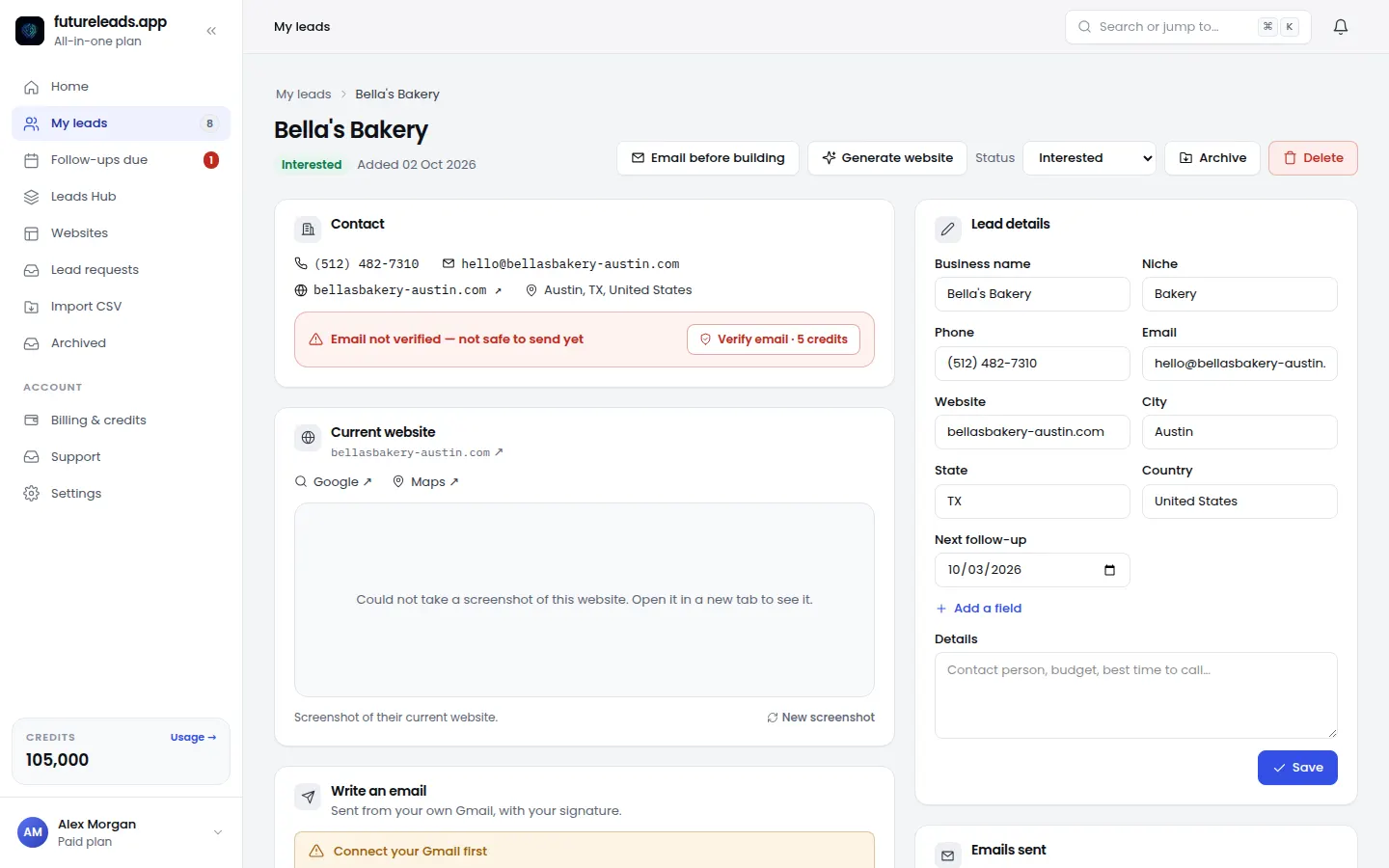
Futureleads.app sends these follow-ups automatically from your own Gmail or SMTP account, so a lead who goes quiet for three weeks still hears from you. Track every status, note and next step in the built-in CRM so nothing slips through. And once you've sent a proposal, don't stop: our guide on how to follow up after sending a proposal covers that final stretch.
7. Systemise: turn outreach into a repeatable pipeline
The difference between a freelancer who occasionally lands a client and an agency that grows every month is a pipeline. Here's a one-week sprint you can repeat every month:
- Monday: pull 50 leads in your niche and city, filtered for website problems
- Tuesday: send 20 personalised cold emails with previews
- Wednesday: call everyone who didn't reply, log notes
- Thursday: follow up on last week's leads, send proposals to interested ones
- Friday: review numbers - emails sent, calls made, previews opened, calls booked - and fix the weakest step
As you grow, bring on a closer to handle calls and deals while you build. Our article on how to hire a closer for your web design agency explains how to delegate outreach without losing quality. Futureleads.app supports this with team accounts: assign leads to closers and see their calls and deals from your dashboard.
Outreach channels compared: which should you start with?
Each channel has a different cost in time and money. Here's an honest comparison for a solo freelancer or small agency:
- Cold calling - fastest feedback, best for local businesses that answer the phone; needs thick skin and daily volume
- Cold email with previews - scalable, works while you sleep; needs good personalisation to avoid sounding like spam
- Referrals from past clients - highest trust, zero cost; slow until you have a few happy clients
- Local networking - good for long-term relationships; slow and hard to measure
- Waiting for inbound - easiest but unreliable at the start; treat it as a bonus, not a strategy
For most people reading this, the right mix is calling plus email with previews, run every week without exception. Everything else compounds later.
Your first-week checklist
- Pick one niche and one city
- Build a list of at least 30 businesses with a clear website problem
- Write one cold email template and one call script
- Send 20 emails with personalised previews
- Call every non-responder once
- Log every touch in a CRM with a follow-up date
- Book at least one discovery call before the week ends - if not, increase volume, don't change strategy yet
For the sales conversation itself, prepare with our website design proposal template and how to price a website for a small business, and use our web design client questionnaire on discovery calls.
Frequently asked questions
How do I get my first clients for a digital marketing agency with no portfolio?
Sell the problem, not your track record. Find a local business with a broken website, build them a preview, and let the preview act as your proof. Offering a small paid pilot project (like a one-page redesign) lowers the risk for both sides.
What's the best way to find businesses that need a website?
Search a specific niche and city and look for businesses with no website, a slow site, or a site that doesn't work on mobile. Tools like Futureleads.app do this search automatically and give you the contact details and the specific problems found.
Cold calling or cold email - which gets clients faster?
Calling usually gets a faster first response because owners answer the phone. Email scales better and lets you attach a preview. Using both on the same lead list, starting with a call and following up by email, outperforms either alone.
How many follow-ups should I send before giving up?
Plan on five to seven touches over four to six weeks, spaced a few days apart. Stop only when the owner says no clearly, not when they go quiet.
How do digital marketing agencies keep clients long-term?
Recurring value beats one-off projects. Offer website maintenance packages, monthly reports and ongoing improvements, and keep communication simple with a client portal where they can see progress, leads and invoices in one place.
Ready to build your first lead list today? Create a free Futureleads.app account - no card required - and search your niche and city for local businesses that need a new website right now.
Start free — no card neededor claim up to 3,000 FREE credits with a paid planPick a package: every feature is included in each, paid plans add FREE bonus credits every month, or start free with no card.
Basic
$9.99/month
11,500 credits a month
+ 1,000 FREE credits
- About 261 done-for-you leads
- or 88 AI website previews
- All features included
Pro
$39/month
50,000 credits a month
+ 1,500 FREE credits
- About 1,136 done-for-you leads
- or 384 AI website previews
- All features included
Premium
$79/month
105,000 credits a month
+ 3,000 FREE credits
- About 2,386 done-for-you leads
- or 807 AI website previews
- All features included