Lead generation for web designers comes down to one repeatable loop: find local businesses with a real website problem, show them the fix, and follow up until they decide. No ads, no begging for referrals.
This article gives you the full system in seven steps: where to find leads, how to qualify them in minutes, what to send, what to say on the phone, and how to track everything without spreadsheets. Every script and template is ready to copy.
Step 1: Pick a niche and a city
Generic prospecting wastes time. Pick one niche (dentists, plumbers, gyms, landscapers) and one city or metro area. You learn the niche's common website problems, its average project value, and its language — and every message you write gets sharper.
If you're not sure which niche to choose, it helps to compare options: some niches have many small businesses with no site at all, others mostly have outdated sites. We break down the highest-paying options in 15 web design niche ideas that actually pay.
Step 2: Build a list of businesses with real problems
The best leads are local businesses that either have no website or a broken, slow or not mobile-friendly one. These businesses already know they need help — they just haven't found the right person yet.
- Search your niche + city in local search and online business listings.
- Open each website on your phone. Check load time, mobile layout and contact info.
- Log the business name, phone, email and the specific problems you found in a spreadsheet.
- items2
How to build your list manually:
Doing this by hand works but eats hours. Futureleads.app automates it: search a niche and city, and you get local businesses with no website or a broken, slow or not-mobile-friendly site — with phone, email and the exact problems found. You can run one live search every day on a free account.
For a deeper walkthrough of this step, see how to find local businesses without websites.
Step 3: Qualify leads before you contact anyone
Not every business without a website is worth your time. Score each lead quickly before you write a single word:
- Visible demand: do they advertise, run services or take bookings that a website would support?
- Reachable owner: do you have a phone number or an owner's name?
- Money signal: decent reviews, active social pages, or staff — signs they're operating, not shutting down.
- Problem severity: no site at all beats a slow site; a broken mobile view beats a missing blog.
- Contact quality: a real email beats a contact form only.
Quick qualification checklist:
Score leads A, B or C. Contact all A leads first, B leads second, and keep C leads for a slow week. A simple CRM helps here — you can track statuses and notes directly in Futureleads.app instead of juggling spreadsheets.
Step 4: Send a personalized first message (not a template blast)
Your first email has one job: get a reply. Lead with the specific problem you found, not with your agency bio.
Copy this and adapt it:
Subject: Quick question about [Business name]'s website Hi [Name], I tried opening your site on my phone and it didn't load properly — [specific issue, e.g. "the menu doesn't work on mobile"]. I build sites for [niche] businesses in [city], and I put together a quick preview of what a fixed version could look like — no obligation, no cost. Want me to send the link? [Your name]
More subject line options and full templates live in our web design cold email template guide and cold email subject lines for web design. Send from your own Gmail or SMTP account so replies land in your normal inbox — Futureleads.app handles the sending and automatic follow-ups so no lead goes cold.
Step 5: Show, don't tell — send a preview
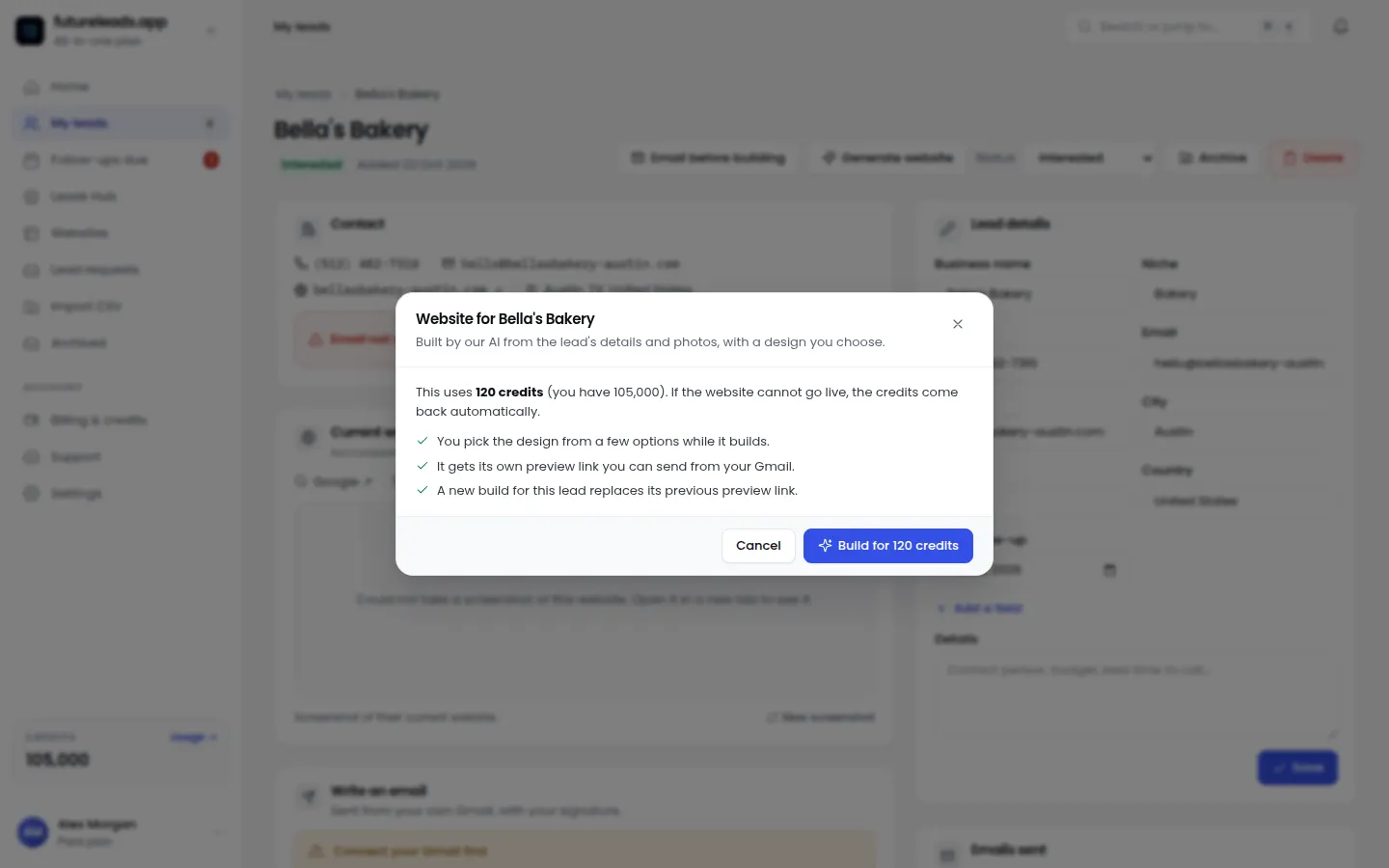
The fastest way to stand out is to show the business what their new site could look like before they pay you anything. Build a homepage preview for their business in minutes and send the link or a QR code.
A concrete preview beats any pitch. When a restaurant owner sees their own name, menu and photos on a clean modern homepage, the conversation shifts from "why do I need a website" to "when can we start." You can build these previews directly inside Futureleads.app — pick the business, generate the preview, send the link.
Want to try this today? Create a free Futureleads.app account (no card needed), run a search for your niche in your city, and send your first preview tonight.
Find businesses that need a website — freeor claim up to 3,000 FREE credits with a paid plan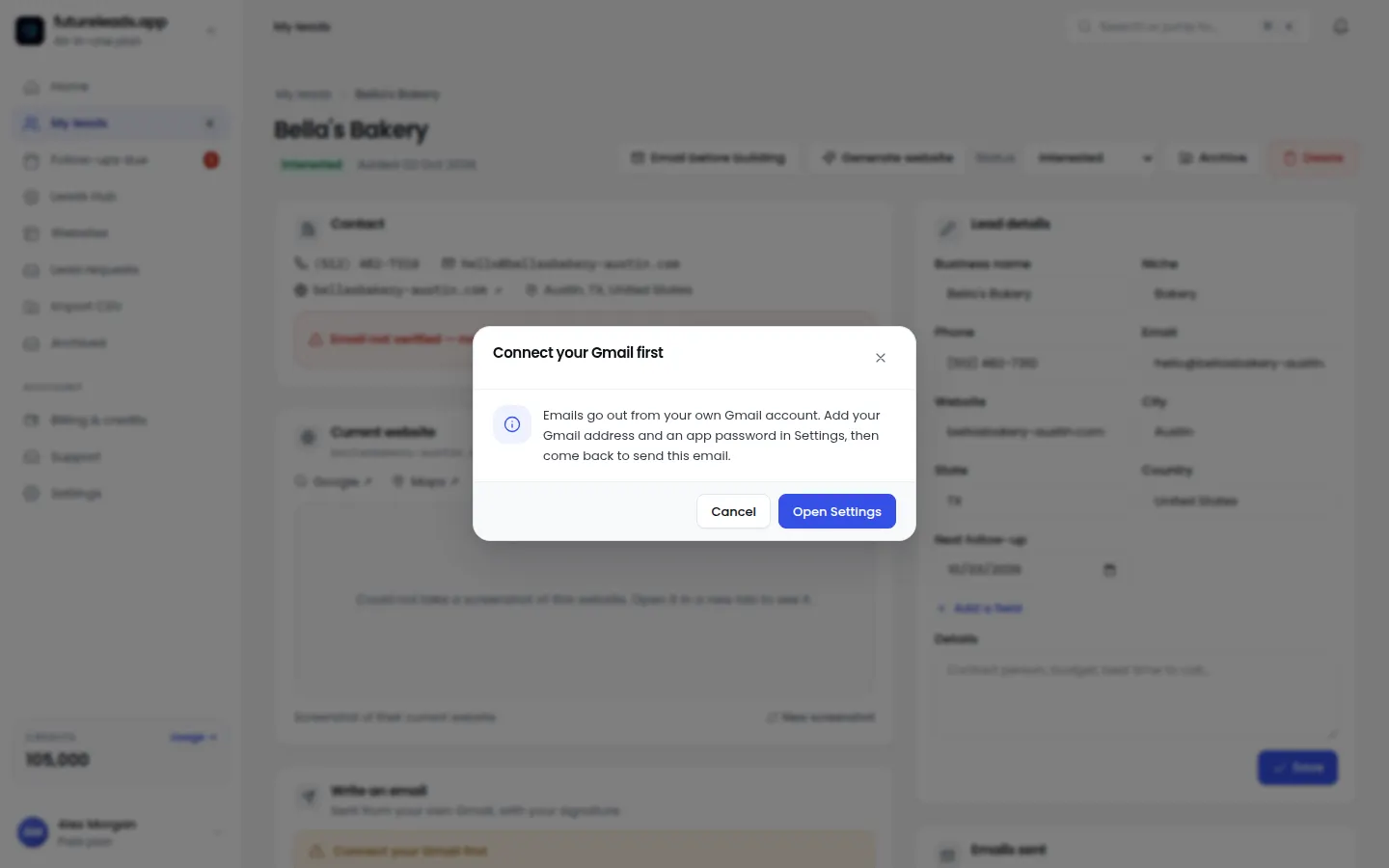
Step 6: Call the best leads
Email opens the door; calling closes it. Call your A leads two or three days after your first email so your name is already familiar.
Simple opening script:
"Hi [Name], this is [You] — I'm a local web designer. I sent you an email earlier this week about [Business name]'s website not working on mobile. Did you get a chance to see the preview I put together?"
Then listen. Most owners will tell you exactly what they want: more calls, more bookings, a site that looks modern. Handle the call from your browser with a built-in dialer — Futureleads.app keeps your call history and notes attached to each lead, so you always know what was said last time. If you're nervous about calling, our cold calling script for web design clients covers the full conversation, and there's a voicemail script too.
Step 7: Track every lead and follow up relentlessly
Most sales don't happen on the first touch. The difference between designers who land clients and those who don't is usually just follow-up discipline:
- Monday: search and add new leads to your pipeline.
- Tuesday–Thursday: send first emails and previews; call A leads.
- Friday: follow up on every lead that hasn't replied.
- Ongoing: move leads through statuses (new → contacted → replied → proposal → won/lost) with notes after every touch.
Your weekly routine:
If a lead goes quiet after a proposal, don't guess what to say — use the templates in how to follow up after sending a proposal and follow up email after no response. For the overall system, web design leads: how to get 20 local leads this week walks through the full weekly cadence.
Common mistakes to avoid
- Spray-and-pray emails. One generic template to 500 businesses gets ignored. Personalize the first line with the actual problem you found.
- No follow-up. One email is not a campaign. Set automatic follow-ups so silence doesn't kill the deal.
- Selling a "website." Sell the outcome: more bookings, more calls, a professional image.
- No tracking. Without statuses and notes you'll forget who said what — and lose deals over it.
- Skipping previews. Talking about a redesign is abstract. Showing it takes minutes and changes everything.
Your 7-step checklist
- Pick one niche and one city.
- Generate a lead list of businesses with no or broken websites.
- Qualify and score each lead A/B/C.
- Send personalized first emails with automatic follow-ups.
- Build and send a homepage preview.
- Call A leads within three days.
- Track everything in your CRM and follow up weekly.
Print this and keep it visible:
Ready to build your pipeline? Start a free Futureleads.app account — no card needed — and find businesses in your city that need a website today.
Find businesses that need a website — freeor claim up to 3,000 FREE credits with a paid planPick a package: every feature is included in each, paid plans add FREE bonus credits every month, or start free with no card.
Basic
$9.99/month
11,500 credits a month
+ 1,000 FREE credits
- About 261 done-for-you leads
- or 88 AI website previews
- All features included
Pro
$39/month
50,000 credits a month
+ 1,500 FREE credits
- About 1,136 done-for-you leads
- or 384 AI website previews
- All features included
Premium
$79/month
105,000 credits a month
+ 3,000 FREE credits
- About 2,386 done-for-you leads
- or 807 AI website previews
- All features included
Frequently asked questions
What is lead generation for web designers?
It's the process of finding and contacting businesses that need a website, so you have a steady pipeline instead of waiting for referrals. Usually it means building a list of local businesses with no site or a broken one, then reaching out by email and phone.
How do web designers find local clients?
The most reliable method is prospecting local businesses by niche and city, identifying those with website problems, and reaching out with a personalized message or a homepage preview. Referrals are great but unpredictable — prospecting gives you control.
How many leads do I need to get a client?
It varies by niche, offer and skill, so track your own numbers. Start with a batch of 50–100 qualified leads, work them consistently, and measure your reply and close rates to plan future volume.
Should I email or call local businesses?
Use both. Email first with a specific problem and a preview link, then call a few days later while your name is still familiar. Calling works best for your highest-priority leads.
Is cold email allowed for finding web design clients?
Yes, as long as you follow local rules like CAN-SPAM or GDPR: be honest about who you are, keep messages relevant to the recipient's business, include your real contact details and honor opt-outs.