Web design leads come from two places: businesses actively looking for a designer, and businesses that need a new site but don't know it yet. The second group is far bigger — and almost nobody pitches them properly.
This guide shows you how to build a repeatable lead machine: search your city for businesses with no website or a broken one, contact them with a script that doesn't sound like spam, and track every lead until it closes. No paid ads, no waiting for referrals.
What counts as a real web design lead (and what doesn't)
A lead is a local business owner with a problem you can solve and a way to reach them. That means you need three things before you count anyone as a lead:
- A fit: a business type that benefits from a website (restaurants, dentists, plumbers, salons, gyms, roofers).
- A problem: no website, a site that doesn't work on mobile, or one that hasn't been updated in years.
- Contact details: a phone number and ideally an email, so you can actually start a conversation.
A Instagram follower or someone who once liked your post is not a lead. A plumber whose site shows a wall of text on your phone screen is. For a deeper list of red flags, see our article on signs a business needs a new website.
The two types of web design leads (and why one is 10x easier)
Inbound leads find you: referrals, your own site, directories. They convert well but arrive slowly and unpredictably, especially when you're starting out.
Outbound leads are businesses you identify yourself. This is where most freelancers and small agencies should live, because you control the volume. You can generate leads today, not next quarter. The best outbound targets are businesses without websites and businesses with outdated, slow, or broken sites — they have an obvious, urgent problem.
How to find businesses that need a website in your city
Here's the exact process. It works in any niche and most countries.
- Pick one niche and one city. "Dentists in Austin" beats "businesses in Texas". Niching your outreach makes every email and call relevant.
- Search local business listings and directories for that niche and city. Collect business names, phone numbers, and emails.
- Check each business's web presence. Some have no site at all. Others have sites that are slow, broken, or unusable on mobile.
- Log everything in one place: business name, contact info, the specific problem you found, and a status (new, contacted, called, proposal sent).
The lead qualification checklist
Before you spend time on outreach, qualify each lead in under two minutes with this checklist:
- Do they have a working phone number or email? (If neither, skip.)
- Is the problem visible and explainable in one sentence? ("Your menu doesn't load on phones.")
- Are they actively operating? (Recent reviews, open hours.)
- Would a website realistically bring them customers?
- Can they afford a website? (A food truck probably can; so can a law firm. Use judgment.)
Score leads honestly. Twenty qualified leads beat two hundred random ones — and your close rate depends on it. If you're unsure what to charge once they say yes, read how to price a website for a small business.
Want to skip the spreadsheet work? Start a free Futureleads.app account (no card needed) and run your first local lead search today — you'll see businesses with broken or missing websites, with their contact details, in minutes.
Start free — no card neededor claim up to 3,000 FREE credits with a paid planHow to reach out: email, call, and follow-up scripts
The biggest mistake designers make is leading with themselves ("I build websites..."). Lead with the problem you found. Here's a cold email template that works because it's specific:
Subject: Quick question about [Business Name]'s website Hi [Name], I tried to open your website on my phone and it wouldn't load properly — [specific problem, e.g. the booking button doesn't work on mobile]. I build sites for [niche] in [city], and I put together a quick homepage preview showing what a faster version could look like. Want me to send it over? No strings attached. [Your name] [Your site/phone]
A few rules: keep it under 100 words, mention one specific problem, and always offer something before asking for anything. For full variations, see our web design cold email template and cold email subject lines for web design.
For phone outreach, use this short opener:
"Hi, is this [Name]? This is [you], a local web designer. Quick question — have you had anyone look at your website recently? I checked it this morning and [specific problem]. I help [niche] in [city] fix exactly that. Would it be worth a five-minute chat this week?"
The AI preview trick: show before they pay
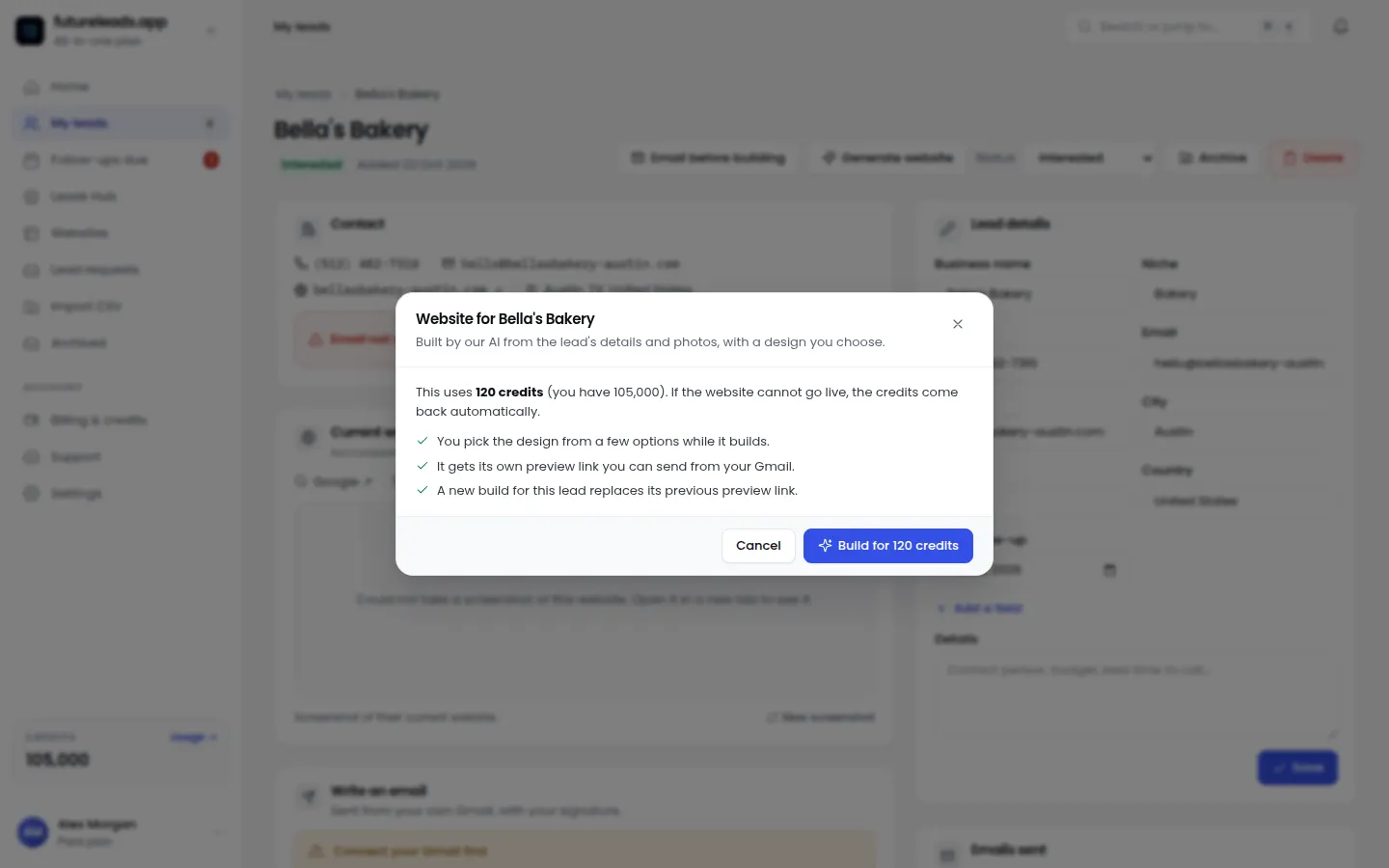
The hardest part of cold outreach is getting a stranger to imagine the result. Describing "a modern, mobile-friendly site" does nothing. Showing a homepage preview does everything.
- Generate a homepage preview tailored to their business — their name, their type of work, their city.
- Send it as a simple link or a QR code in your follow-up email or during the call.
- Let them see their business looking professional. Then the conversation shifts from "should I get a website?" to "when can we start?"
You build the preview in minutes, not days, so you can afford to do it for every serious lead. This single change is the difference between "sounds interesting, maybe later" and "okay, what's the next step?" Learn how to handle the conversation that follows in how to sell websites to local businesses.
Tracking leads so nothing falls through the cracks
A lead is only worth what your follow-through is worth. Once you're contacting 20+ businesses a week, sticky notes and memory fail. You need:
- Statuses: new → contacted → called → proposal sent → won/lost.
- Notes on every conversation, so the next follow-up references what was said.
- Follow-up reminders, because "I'll get back to you next month" is where deals go to die.
- Deals tracking, so you know your pipeline value at a glance.
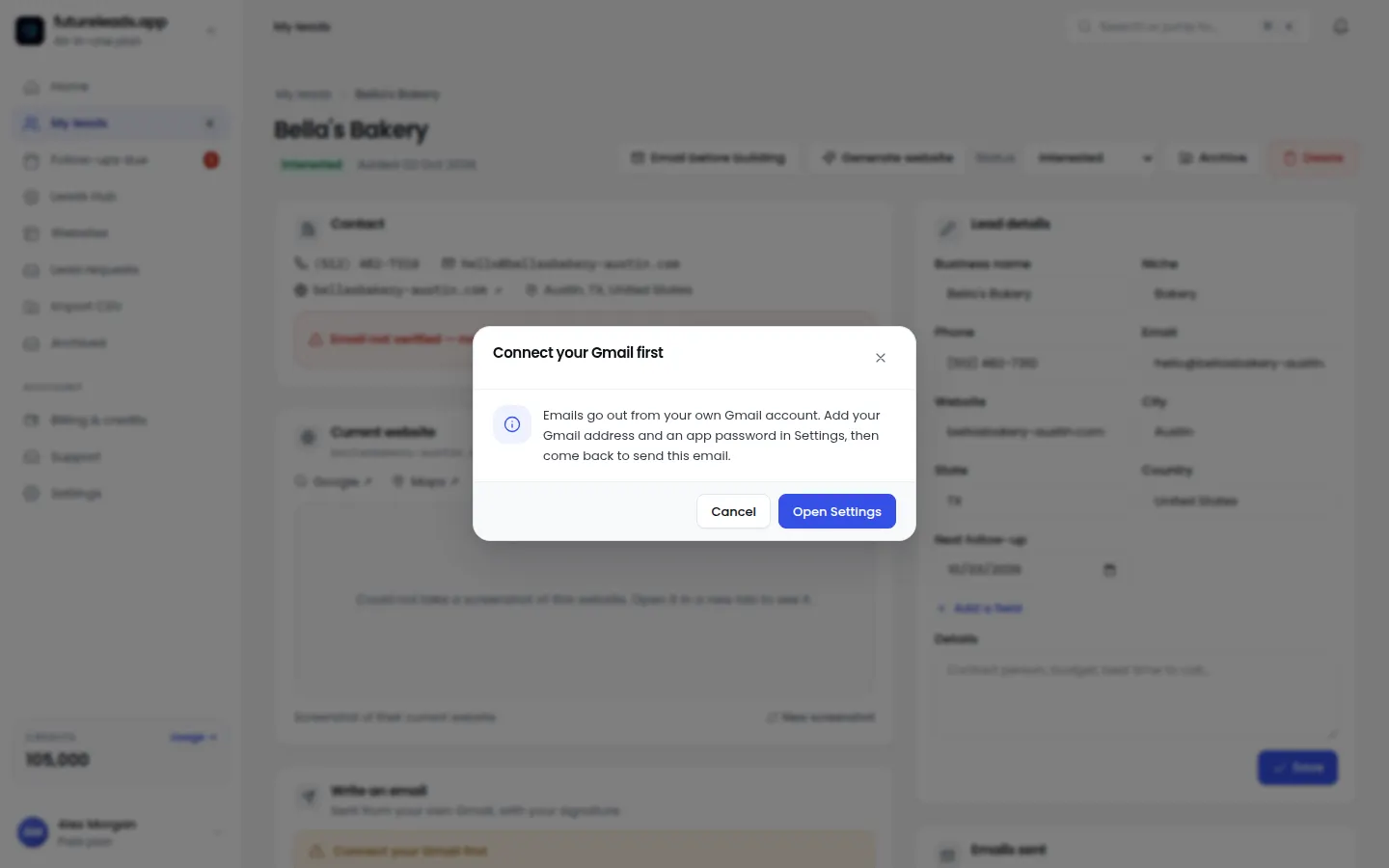
This is exactly why Futureleads.app includes a simple CRM alongside the lead search — the leads you find flow straight into statuses, notes, and follow-ups. If you work with a partner or hire a caller later, the team features let you assign leads and see their calls and deals, which is covered in more depth in hire a closer for your agency.
Your weekly web design lead routine
Here's a realistic schedule you can run alongside client work:
- Monday (1 hour): Run your lead search for one niche and city. Qualify and log 20 leads.
- Tuesday (1 hour): Send 10 personalized cold emails referencing the specific problem you found.
- Wednesday (1 hour): Call 10 of the same leads. Leave voicemails where needed.
- Thursday (1 hour): Build AI previews for anyone who responded positively. Send links.
- Friday (30 minutes): Follow up on everything from the previous week. Update statuses and schedule next week's follow-ups.
That's under five hours a week for a consistent pipeline. Once this routine is running, extend it with the tactics in how to find web design clients and prepare your offers with a website design proposal template.
Common mistakes that kill your lead flow
- Pitching yourself instead of the problem. Nobody buys "web design services"; they buy more customers.
- One-touch outreach. A single email is not a campaign. Follow up at least three times.
- Generic messages. "I noticed you don't have a website" only works if it's true and specific. "Your menu page doesn't open on iPhones" is gold.
- No system. If your leads live in your head, you'll lose them. Log everything.
- Skipping qualification. Calling dead numbers wastes the hours you could spend on real conversations.
Fix these five and your outreach stops feeling like shouting into the void.
Turn this into your system, starting today
Web design leads aren't luck — they're the output of a simple loop: find businesses with visible website problems, reach out with something specific and useful, show a preview, follow up, and track it all in one place. Run that loop weekly and your pipeline stops depending on referrals.
Ready to run your first loop? Create a free Futureleads.app account — no card required — search your niche and city, and start contacting businesses with broken or missing websites today. Paid packages start from $9.99/month when you need more leads, previews, and outreach volume.
Start free — no card neededor claim up to 3,000 FREE credits with a paid planPick a package: every feature is included in each, paid plans add FREE bonus credits every month, or start free with no card.
Basic
$9.99/month
11,500 credits a month
+ 1,000 FREE credits
- About 261 done-for-you leads
- or 88 AI website previews
- All features included
Pro
$39/month
50,000 credits a month
+ 1,500 FREE credits
- About 1,136 done-for-you leads
- or 384 AI website previews
- All features included
Premium
$79/month
105,000 credits a month
+ 3,000 FREE credits
- About 2,386 done-for-you leads
- or 807 AI website previews
- All features included
Frequently asked questions
How do I get web design leads with no experience or portfolio?
Find local businesses with no website or a broken one, and build them a free AI-generated homepage preview so they can see the result before committing. Outreach based on a specific, visible problem matters more than a portfolio when you're starting out.
What's the best way to find local businesses that need a website?
Search local business listings for a specific niche and city, then check each business's web presence for missing, slow, or non-mobile-friendly sites. Tools like Futureleads.app automate this search and hand you contact details with the problems already identified.
Cold email or cold calling for web design leads?
Use both: email lets you send previews and links at scale, while calls create urgency and get faster answers. Most successful freelancers run a sequence of email, call, and follow-up on the same lead.
How many leads should I contact per week?
A realistic target for a solo designer working part-time on outreach is 20–30 qualified leads a week with three touches each. Consistency beats volume — a smaller list followed up properly outperforms a big list contacted once.
How much should I charge once a lead says yes?
Price based on the business type, the scope of the site, and the value it brings them rather than an hourly rate. Our guide on pricing websites for small businesses breaks down a simple framework, and maintenance packages can add reliable monthly revenue after launch.