Website care plan pricing comes down to one idea: charge a flat monthly fee based on the time the plan takes you and the value it gives the client. Most designers pick three tiers, price the middle one as the obvious best choice, and let the work itself justify the number. This guide walks you through 7 steps: what to include, how much time each task really takes, how to set your three tiers, and how to sell the plan without sounding salesy. You'll also get a ready-to-copy proposal section and email script.
Quick answer: most small-business care plans bundle hosting, updates, backups, security, and a set amount of content changes into one monthly fee. If you want the full method for setting maintenance prices before you layer a care plan on top, start with how much to charge for website maintenance.
1. Decide what goes into your care plan
A care plan is a bundle of recurring tasks sold as one monthly price. Keep it simple. If a client can't explain your plan to their spouse in one sentence, it's too complicated.
- Hosting (or managing their existing hosting)
- WordPress/plugin or platform updates
- Off-site backups (stored somewhere you control)
- Security monitoring and malware scans
- Uptime monitoring so you know before the client does
- A set number of content edits per month
- A monthly report so they see what they're paying for
Core tasks that belong in every plan:
Leave out anything project-like: redesigns, new pages with custom layouts, new functionality. Quote those separately. Your care plan should be predictable for both of you.
2. Work out your own cost per client
Before you name a price, know what each client costs you in time. Do a quick monthly estimate:
- List every recurring task in your plan
- Estimate minutes per task per month (be honest: updates with testing usually take longer than you think)
- Multiply by your hourly rate
- Add hosting, backup storage and software licenses you pay for
- Add a buffer for the occasional emergency (1–2 hours a year spread monthly)
- That total is your cost floor. Price above it.
Step-by-step:
If your numbers say a plan costs you four hours a month and your rate is $50/hour, a $99 plan doesn't work. That's fine — it tells you to trim the included edits, not to work at a loss.
3. Build three tiers around one anchor
Three tiers work because the middle one looks reasonable next to the others. Structure them like this:
- Basic — hosting, updates, backups, security. No included edits.
- Care — everything in Basic plus 1–2 hours of content edits and a monthly report. This is the one you recommend.
- Growth — everything in Care plus more edit hours, a quarterly improvement task (speed review, new section, fresh images), and priority turnaround.
A simple tier structure:
For exact numbers and real-world ranges, see website maintenance packages — it breaks down what solo designers and small agencies charge at each level.
Price the tiers so the jump from Basic to Care feels small and the jump from Care to Growth feels optional. Most clients should land on the middle one.
4. Sell the plan alongside the build, not after
The easiest care plan sale is the one attached to a new website. A client paying for a new site understands that a site needs looking after. Pitch it as the default:
"The site comes with 30 days of support. After that, most of my clients stay on the care plan, which covers updates, backups and small changes for a flat monthly fee. Want me to include that in the proposal?"
Put the care plan in the proposal itself, not in a follow-up conversation. If you need a structure, the website design proposal template shows where the recurring line item fits. And if the proposal goes quiet, how to follow up after sending a proposal gives you the exact timing and messages.
5. Sell care plans to businesses you didn't build for
Care plans aren't just for your own builds. Businesses with existing sites — especially ones built by someone who disappeared — are ideal care plan clients. Their site exists, it's mediocre, and nobody is maintaining it.
The pitch is different from a redesign pitch. You're not selling a new site; you're selling someone taking responsibility for the one they have. Lead with what you found: outdated plugins, slow load times, a site that breaks on phones.
6. Handle the common objections
- "My nephew updates it for free." — "Free works until he starts a new job or breaks something. I do backups and security checks every month, not just when someone remembers."
- "Why pay monthly when the site already works?" — "Sites don't stay working on their own. Updates, backups and monitoring are the reason it keeps working."
- "Can I just call you when I need something?" — "You can, but ad-hoc work bills at a higher hourly rate than the plan. The plan exists because it's cheaper for you and predictable for me."
- "What if I cancel?" — "Month to month, no lock-in. If you leave, I hand over backups and access."
Objections and honest answers:
Month-to-month with no contract is usually the right call for local clients. Lower friction to sign, and a good service retains them better than a contract would.
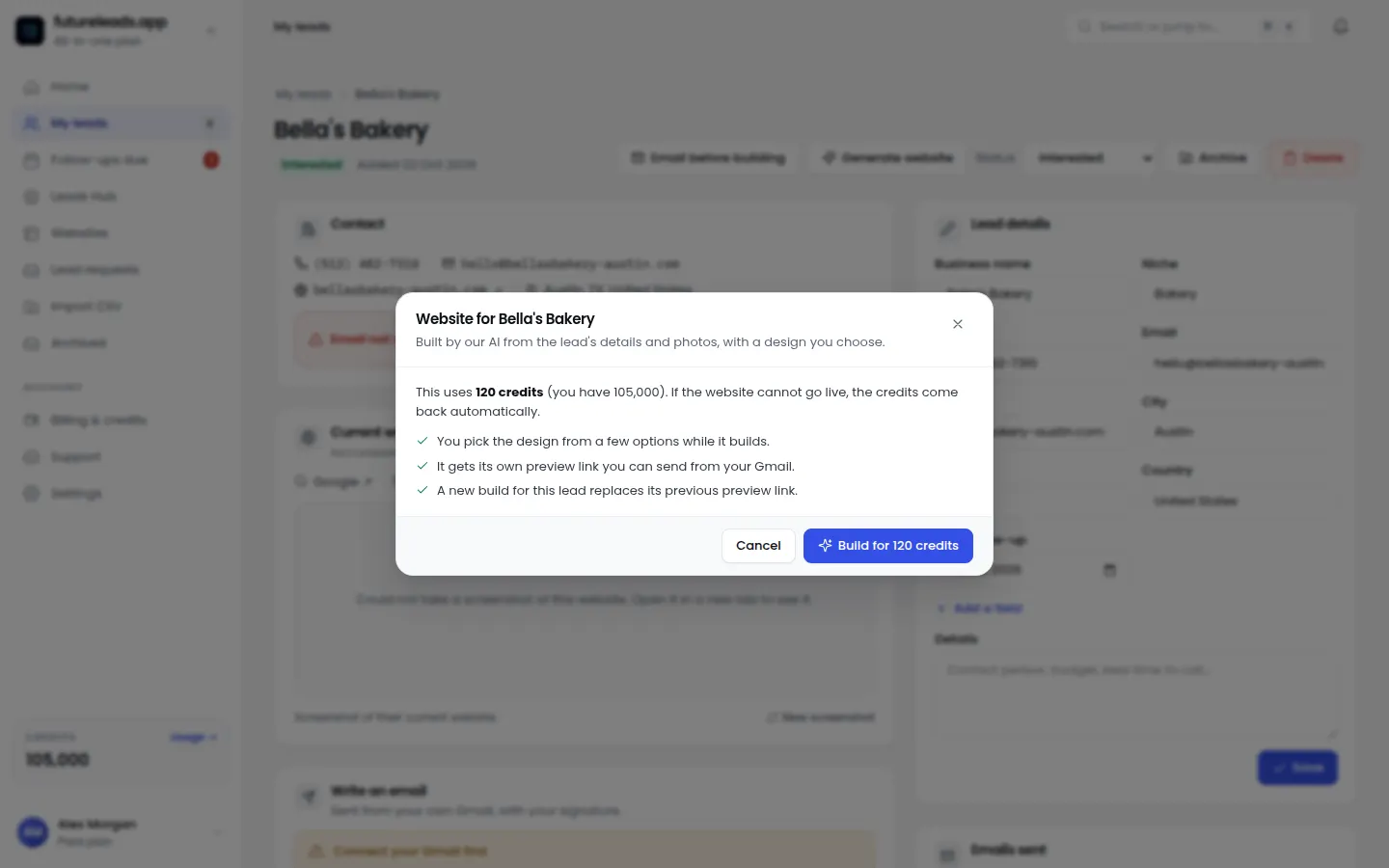
Want a steady list of local businesses whose sites are broken, slow or not mobile-friendly — perfect care plan prospects? Start a free Futureleads.app account (no card needed) and run a live lead search today.
Find businesses that need a website — freeor claim up to 3,000 FREE credits with a paid plan7. Build a repeatable pipeline of care plan clients
Care plans only become real recurring revenue if you keep a pipeline going. That means prospecting weekly, not waiting for referrals. The website care plan pricing you set only matters if you're filling the roster behind it.
Here's a simple weekly system:
- Pick one niche and one city (for example: dentists in Leeds)
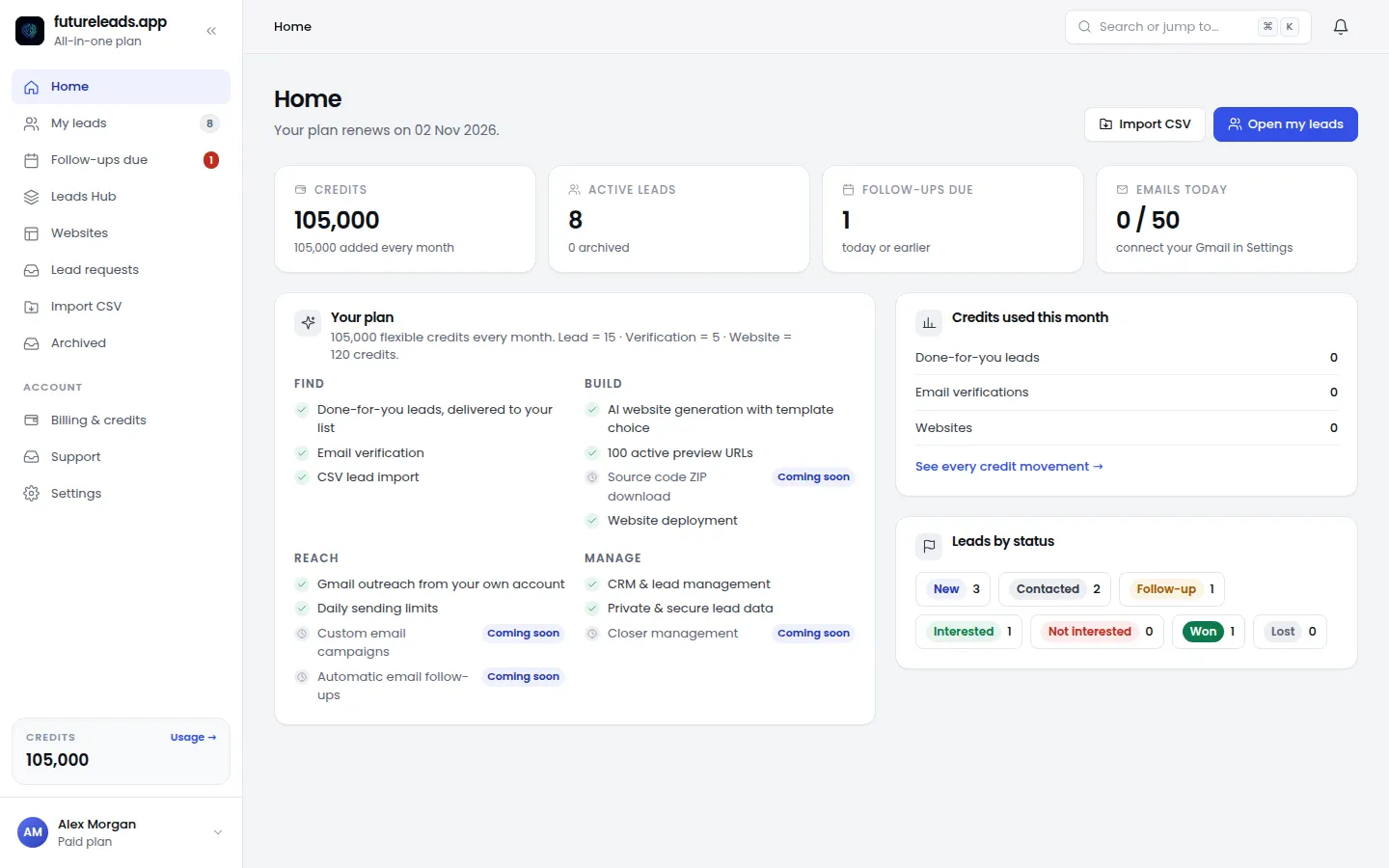
- Pull a list of local businesses with weak, slow or missing websites — Futureleads.app does this search and shows you the exact problems found, plus phone and email
- Send a short cold email pointing out one specific problem, with an offer to fix it or take over maintenance — the web design cold email template is a good starting point, and cold email subject lines for web design will get it opened
- Call the best prospects on the list — the cold calling script for web design clients works well for care plan offers
- Track every lead, call and outcome in your CRM so follow-ups actually happen
Your weekly pipeline routine:
Futureleads.app keeps this whole loop in one place: you search leads, email them from your own account, call them from the browser, and track each one through to a signed plan. For a full walkthrough of the outreach side, see cold outreach for web designers.
Example: a care plan section you can copy into a proposal
Here's a proposal paragraph you can adapt — swap in your own tiers and details:
"Website Care Plan — [Tier name]. Every month we handle the technical side of your website so you never have to think about it: software updates, security monitoring, daily off-site backups, and up to [X] hours of content changes (text, images, new photos). You also get a short monthly report and priority support by email and phone. Month-to-month, cancel anytime with 30 days' notice."
Notice what it doesn't do: it doesn't list technical jargon, it doesn't promise results, and it frames the price against the worry it removes. That's the whole sell.
Common pricing mistakes to avoid
- Pricing by feel instead of by your hourly cost — do the maths in step 2 first
- Including open-ended "unlimited changes" — cap the hours, sell more if they need more
- Bundling hosting you pay for without adding its cost to the plan
- Selling the plan only to new build clients — existing-site owners are a bigger market
- No monthly report — clients who don't see the work cancel first
- Charging the same for every client when a WooCommerce shop takes three times the effort of a brochure site
Checklist — don't do these:
Frequently asked questions
Pick a package: every feature is included in each, paid plans add FREE bonus credits every month, or start free with no card.
Basic
$9.99/month
11,500 credits a month
+ 1,000 FREE credits
- About 261 done-for-you leads
- or 88 AI website previews
- All features included
Pro
$39/month
50,000 credits a month
+ 1,500 FREE credits
- About 1,136 done-for-you leads
- or 384 AI website previews
- All features included
Premium
$79/month
105,000 credits a month
+ 3,000 FREE credits
- About 2,386 done-for-you leads
- or 807 AI website previews
- All features included
Frequently asked questions
What is a website care plan?
A care plan is a monthly bundle of ongoing website tasks — updates, backups, security, hosting and a set amount of content changes — sold at a flat recurring price instead of ad-hoc hourly work.
How much should I charge for a website care plan?
Work out the real monthly time each plan takes you, multiply by your hourly rate, add your hosting and software costs, then price above that floor. Use three tiers so the middle one becomes the obvious choice.
Should care plans be monthly or yearly?
Offer month-to-month by default for local clients — it's easier to sell — and offer a small discount for annual prepay if a client asks. Avoid long contracts; they create friction and resentment.
What's the difference between a care plan and website maintenance?
They overlap heavily. Maintenance usually refers to the technical tasks (updates, backups, security); a care plan packages those with hosting, support, content edits and reporting into one product you sell monthly.
How do I find businesses that need a care plan?
Search a niche and city for businesses with outdated, slow or broken websites — the problems you find become the opening line of your pitch. Futureleads.app shows these leads with contact details and the specific issues detected.