Cold calling for web design still works in 2025 — but only if you call the right businesses with a specific reason. A plumber with no website, a dentist with a broken mobile site, or a restaurant with a slow homepage will listen. Random lists of numbers won't.
This guide gives you a repeatable 7-step process: who to call, how to find them, what to say, how to handle objections, and how to turn one call into a signed deal. Copy the scripts, follow the steps, and make calling a daily habit instead of a scary one-off.
Step 1: Pick a niche and a city before you dial anything
Cold calling works best when you know the business type inside out. Pick one niche — plumbers, dentists, roofers, salons, restaurants — and one city or region. When you call the fortieth plumber, you already know their typical problems: customers search on their phone, quotes need to be fast, and reviews matter.
A niche also lets you reuse everything: the same opener, the same examples, the same preview style. If you're still choosing, see these web design niche ideas that actually pay. If you're starting from zero, this guide on how to start a web design business with no experience covers the basics first.
Step 2: Build a list of businesses that actually need a website
The biggest mistake in cold calling for web design is calling businesses that don't need you. Your list should only contain businesses with a real, visible problem:
- Businesses with a slow, broken or not-mobile-friendly site.
- Businesses whose site is missing basics: no phone number, no booking, no clear service pages.
- Businesses with outdated design that makes them look less credible than local competitors.
- A mix is fine, but leads with no website convert easiest.
Businesses with no website at all — the easiest call you'll ever make.
You can find these manually through local search, but it takes hours per city. Futureleads.app does it automatically: search a niche and city, and it shows local businesses with no website, a broken site, a slow site or no mobile version — with phone numbers, emails and the exact problems found. You get a call-ready list in minutes instead of a weekend of manual checking. The free account gives you the dashboard and one live lead search every day, no card needed.
For a deeper walkthrough of building that list, read how to find local businesses without websites.
Step 3: Prepare one line about their specific problem
Before each call, spend 30 seconds on the lead. You need one specific observation — not a pitch. Examples:
- "Your site takes a long time to load on mobile — I tested it this morning."
- "Your menu is a PDF that doesn't open properly on phones."
"I searched for plumbers in Leeds and your business showed up, but there's no website — just a listing."
That single line separates you from every other caller. If your tool already lists the problems found — like Futureleads does — you don't even need to check manually. Open the lead, read the issues, dial.
Step 4: Use a simple opener script
Keep the opener short: who you are, why you're calling, one question. Here's a ready-to-copy version:
Opener script: "Hi, is this [Name]? Great — I'm [Your name], a local web designer. I was looking at [business type] in [city] this morning and noticed [specific problem — e.g. 'you don't have a website, so customers searching for you only find competitors']. Quick question: is that something you've been meaning to sort out, or has a website just never been a priority?"
That last question is deliberate. It's easy to answer either way, and both answers move the call forward. "Been meaning to" means warm lead. "Never a priority" lets you give one clear reason why it matters now — competitors showing up first in local search.
For more variations, including voicemail handling, see the full cold calling script for web design clients and this voicemail script for cold calling.
Step 5: Handle the five objections you'll hear most
Most calls don't fail on the opener — they fail on the first objection. Prepare short, calm answers:
- "I get enough work already." — "That's great. A simple site mostly stops you losing customers who search for you and pick someone else. Worth a quick look?"
- "Websites are too expensive." — "I keep it simple and priced for small local businesses. Can I show you an example of what yours could look like? No obligation."
- "My nephew made our site." — "That's fine — I'm not calling to replace him. But the site doesn't work well on phones, which is where most of your customers are. Want me to send you what I found?"
- "Just email me something." — "Happy to. What's the best email, and is next week a good time for a two-minute follow-up call?"
- "I don't have time." — "Totally understand — I'll be quick. One sentence: you're losing customers who search on their phone and find nothing. Can I send a preview of what a site for [business] could look like?"
Common objections and how to answer them
Step 6: Make the ask small — a preview, not a project
Don't ask a cold stranger to buy a website on call one. Ask for permission to send something:
"Can I put together a quick preview of a homepage for [business] and send it over? It's free, takes me no time, and you can just tell me if you like it or not."
A preview is the strongest close in this niche because the business owner sees their own name, their own services, their own photos-style layout — and the idea stops being abstract. With Futureleads.app you can generate an AI website preview for the business in minutes and send a link, or even a QR code you mention on the call: "I'll text you a link — scan it and you'll see your homepage." That turns a vague promise into something they look at within five minutes.
After the preview, the natural next step is a short proposal. This website design proposal template shows what to include, and this guide covers how to price a website for a small business so your number doesn't scare them off.
Want a list of local businesses to call before lunch? Start a free Futureleads.app account (no card) and run your first live lead search today — no website, broken site and slow-site leads included.
Find businesses that need a website — freeor claim up to 3,000 FREE credits with a paid planStep 7: Call consistently and track everything
Cold calling is a numbers-and-consistency game. Two rules make it work:
- Block one fixed time slot each day (e.g. 10:00–11:30) — business owners answer mid-morning more often than Friday afternoons.
- Work through a set number of dials per session, not "until it feels like enough". Not sure how many? See how many cold calls per day is realistic.
- Log every call: outcome, objection, agreed next step.
- Set a follow-up for every "call me next month" — those are real leads, not rejections.
Your daily calling routine
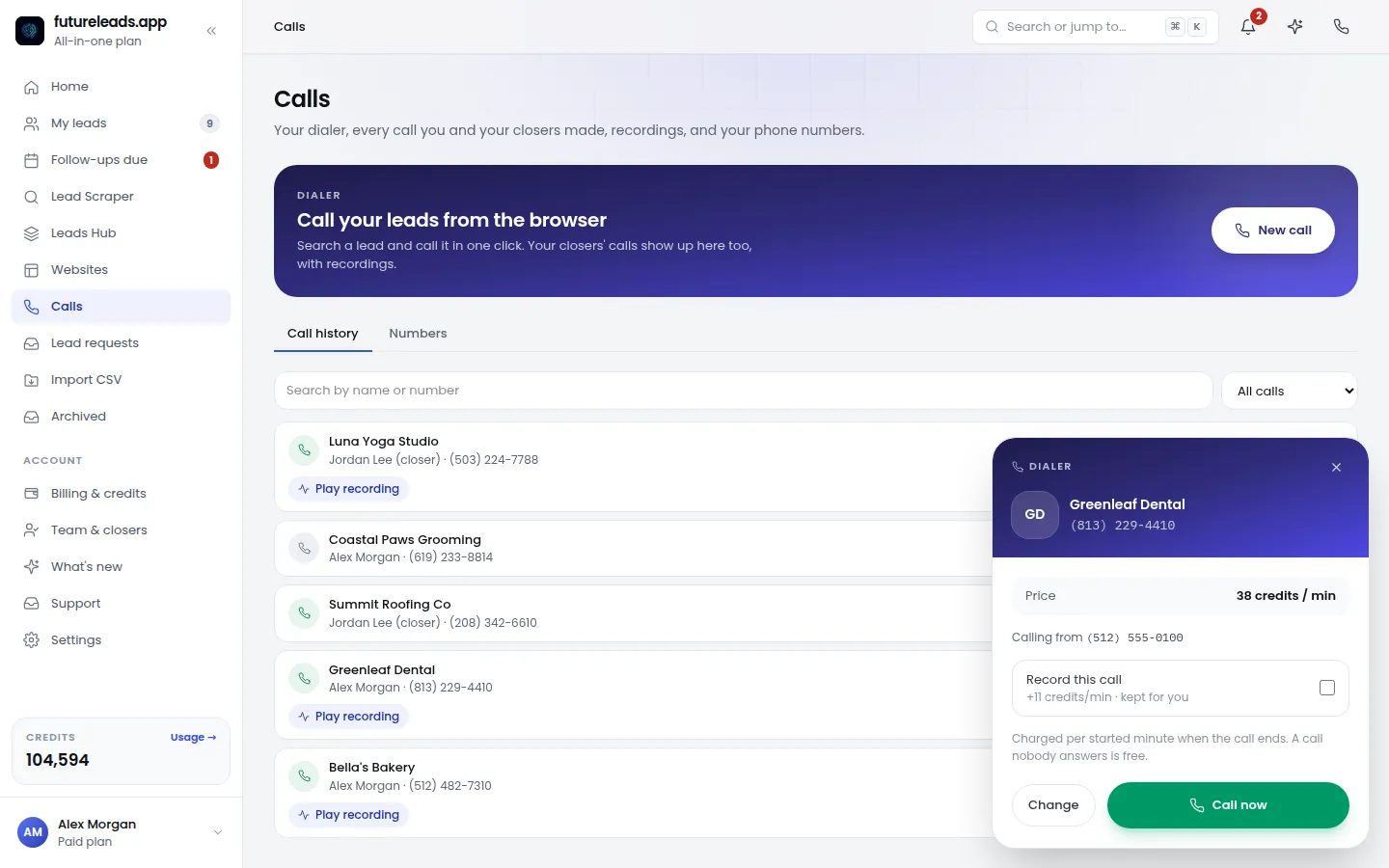
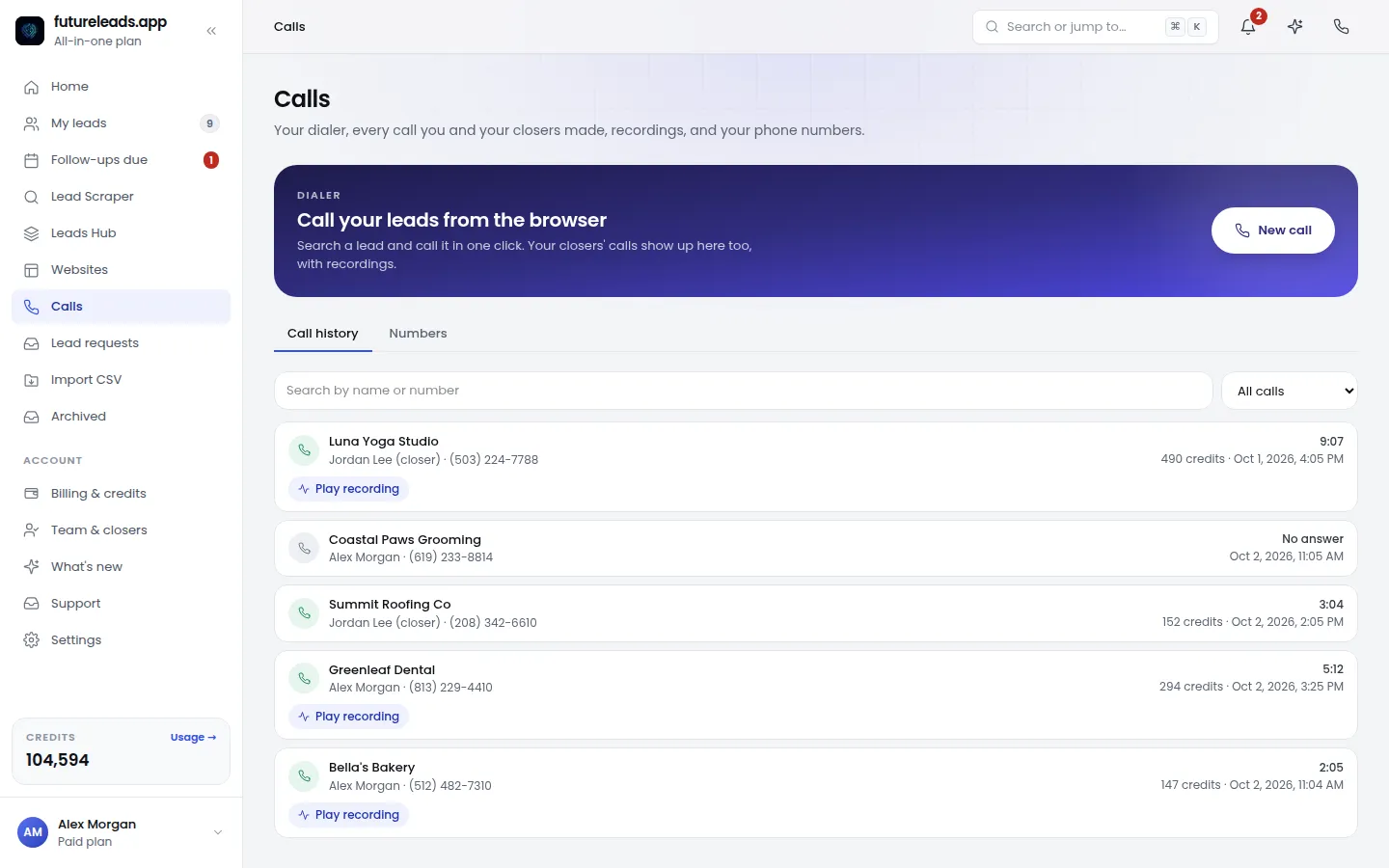
Tracking in a spreadsheet works until you have more than a dozen leads. Futureleads includes a simple built-in CRM — lead statuses, call history, notes and follow-ups — plus a browser dialer, so you click a lead, call, log the outcome, and move to the next one without switching apps. If you work with a teammate or hire a closer later, you can assign leads and see their calls and deals in the same place. More on that in how to hire a closer for your web design agency.
Cold calling vs cold email: which should you use?
You don't have to choose one. They suit different situations:
Comparison: cold call vs cold email for web design leads
- The business has no website and likely no email address listed.
- You have a specific, visual problem to mention (broken site, slow site).
- You want fast yes/no answers instead of waiting on replies.
- You're comfortable improvising around objections.
Cold calling — best when
- You have a preview link or audit results to show.
- The owner is hard to reach by phone (busy trades, clinics).
- You want to follow up on a call: "as promised, here's the preview."
- You can send campaigns with automatic follow-ups from your own Gmail or SMTP — which Futureleads supports, so your outreach lives next to your lead list.
Cold email — best when
A practical combo: call first, email the preview after, then follow up by phone. If you go the email route, start with this cold email template for web design and these subject lines for web design cold email. For the follow-up sequence, see cold email follow-up for web designers.
Pre-call checklist
Run through this before every session. It takes two minutes and doubles the quality of your calls:
- Niche and city chosen for this session.
- Lead list filtered to businesses with a real problem (no site, broken site, slow site, not mobile-friendly).
- Phone number and one specific observation noted per lead.
- Opener script and objection answers open in a tab.
- Preview tool ready so you can send a link right after a yes.
- CRM or tracker open to log every outcome.
- Follow-up date set before you end each call.
Cold calling checklist for web designers
Turning a call into a signed deal
The call is step one, not the finish line. After a positive call:
- Send the preview link within the hour, while the conversation is fresh.
- Follow up in 2–3 days if there's no reply — one nudge, not five.
- Send a short proposal with one clear price and one clear scope.
- Follow the proposal with a call, not another email — see how to follow up after sending a proposal.
- Invoice promptly with a branded invoice, and offer a maintenance plan for recurring income — these website maintenance packages are an easy upsell.
From yes on the phone to signed client
Once a client signs, a simple client portal where they can log in and see their site, form leads and invoices makes you look far more professional than a freelancer with a shared folder. Futureleads includes a white-label portal on higher plans, which is an easy way to justify a higher project price.
Ready to put this into practice? Create your free Futureleads.app account — no card needed — and search your first niche and city today to get a call-ready list of businesses that need a website.
Find businesses that need a website — freeor claim up to 3,000 FREE credits with a paid planFrequently asked questions
Does cold calling still work for web design in 2025? Yes — for local businesses it works well, because owners answer their phones and many genuinely have website problems. It works far better when you call businesses with a specific, visible issue rather than a random list.
What should I say in the first 10 seconds? Your name, that you're a local web designer, and one specific thing you noticed about their online presence — then one easy question. Don't pitch a full website in the opener.
How many calls should I make per day? Consistency matters more than volume. Pick a number you can repeat every working day — even a modest daily block beats an occasional marathon — and track outcomes so you improve the script over time.
How do I find businesses without websites to call? Search your niche and city through local business listings manually, or use a tool like Futureleads.app, which shows businesses with no website, a broken site, a slow site or no mobile version, with phone numbers and the issues found.
Should I call or email first? Call first for businesses with no website or an obvious problem you can describe in one line; email when you have a preview link or audit to show. The strongest approach is call, then email the preview, then follow up by phone.
Pick a package: every feature is included in each, paid plans add FREE bonus credits every month, or start free with no card.
Basic
$9.99/month
11,500 credits a month
+ 1,000 FREE credits
- About 261 done-for-you leads
- or 88 AI website previews
- All features included
Pro
$39/month
50,000 credits a month
+ 1,500 FREE credits
- About 1,136 done-for-you leads
- or 384 AI website previews
- All features included
Premium
$79/month
105,000 credits a month
+ 3,000 FREE credits
- About 2,386 done-for-you leads
- or 807 AI website previews
- All features included