The fastest way to find a business phone number is to search the business name plus its city in any search engine or online business listing — most local businesses show their number right on their listing. If that fails, check the business's website footer or contact page, where the number almost always appears.
But if you're a web designer or freelancer, you don't just need one number — you need dozens of them, every week, for local businesses that might need your services. This guide walks through 7 reliable methods, step by step, plus scripts to turn those numbers into booked calls. You'll also see how Futureleads.app pulls phone numbers together with emails, so you're not digging site by site.
1. Search the Business Name + City in Local Search
This is the simplest method and works for most local businesses. Type the business name plus its city — for example, "Riverside Plumbing Riverside" — into a search engine. The business's listing usually shows the phone number, address and opening hours without you clicking anything.
- Search the exact business name in quotes, followed by the city.
- Scan the local listing panel for the phone number.
- If several businesses have similar names, match the street address to be sure you have the right one.
- Copy the number into a spreadsheet with the business name, niche and city — you'll want it organized later.
2. Check the Business's Own Website
Most businesses put their phone number in three predictable places: the header, the footer, and the contact page. Even if a site is old and ugly, the number is usually there. This matters for two reasons — you get a direct number, and you learn something valuable about the site itself.
Slowly load the site on your phone. If it's hard to read, takes forever, or the number isn't even clickable, that's a sign the site needs work — which is your opening. Our guide on signs a business needs a new website covers what to look for.
- Header or navigation bar (often a "Call us" link)
- Footer — usually small text at the bottom of every page
- Contact page or "About" page
- Facebook page linked from the site
Where to look on a website:
3. Use Online Business Listings and Local Directories
Local directories exist for almost every niche and country: trade directories, chamber of commerce listings, review sites and industry associations. Plumbers, dentists, restaurants and hairdressers are listed nearly everywhere. These listings almost always include a phone number, because businesses want calls.
- Pick one directory per niche — e.g., a trades directory for contractors.
- Filter by city or region.
- Open each listing and copy the name, phone number and address.
- Do 20–30 at a time; it gets tedious fast, so batch the work.
How to do it efficiently:
If copying listings one by one sounds painful, that's exactly what Futureleads.app automates. Search a niche and a city, and you get local businesses with phone numbers and emails already attached — including businesses with no website at all, which are the easiest clients to win. You can start with a free account, no card needed.
4. Find Numbers for Businesses with No Website
Here's a secret: the businesses with no website are often the best leads, because you're not competing with an agency that just redesigned their site. But they're also harder to research — no site means no contact page. You'll need to rely entirely on listings and directories.
Many of these businesses still show up in local search because they have a listing with a phone number, even without a site. Manually, you'd search niche by niche, city by city. Tools make this faster: Futureleads.app specifically surfaces local businesses that have no website or a broken one, with their phone and email ready in one place. For a full walkthrough, see our guide to finding local businesses without websites.
5. Call the First Number and Ask for the Owner
Sometimes you'll find a main office number or a franchise number instead of the local decision-maker. Don't give up — call it and ask. Receptionists and staff can connect you, and a friendly question often gets you a direct line.
Use this simple script:
- "Hi, I'm hoping to speak with the owner about a quick question regarding the business's website. Is he or she available?"
- If they ask what it's about: "I help local businesses get more calls through their website — it takes two minutes to explain, and it might be useful."
- If they say the owner is busy: "No problem — what's the best number and time to reach them?"
For a full conversation flow, our cold calling script for web design clients gives you the whole call, from opener to close.
6. Use Social Media Business Pages
A surprising number of local businesses keep their phone number on their social media business page even when their website is gone or broken. Search the niche and city on social platforms, open each business page, and check the "About" or "Contact" section.
- The About/Info section of the business page
- Pinned posts with "Call now" offers
- Photos of flyers or business cards posted by the business
- Comments where the owner replied with a number
Check these spots:
7. Batch-Find Numbers and Track Everything in a CRM
Finding one number is easy. Finding 50 and remembering who you called, when, and what they said is the real challenge. This is where most freelancers lose leads — not because the numbers were wrong, but because the follow-up was chaos.
Set up a simple system:
- Collect numbers in one place — a spreadsheet or a CRM.
- Add a status for each lead: new, called, left voicemail, follow up, won, lost.
- Log every call with a note about what was said.
- Schedule a follow-up date immediately after each call.
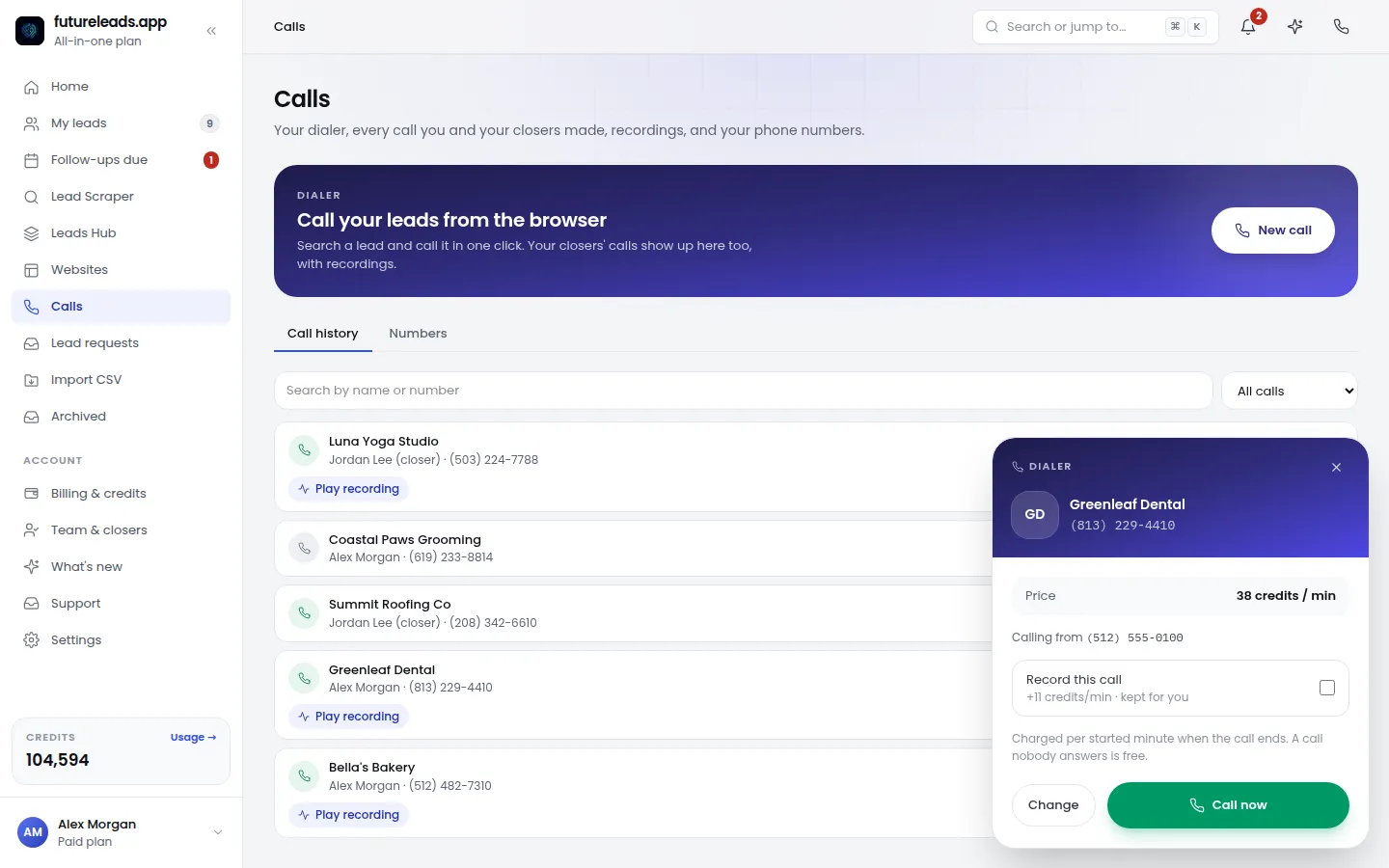
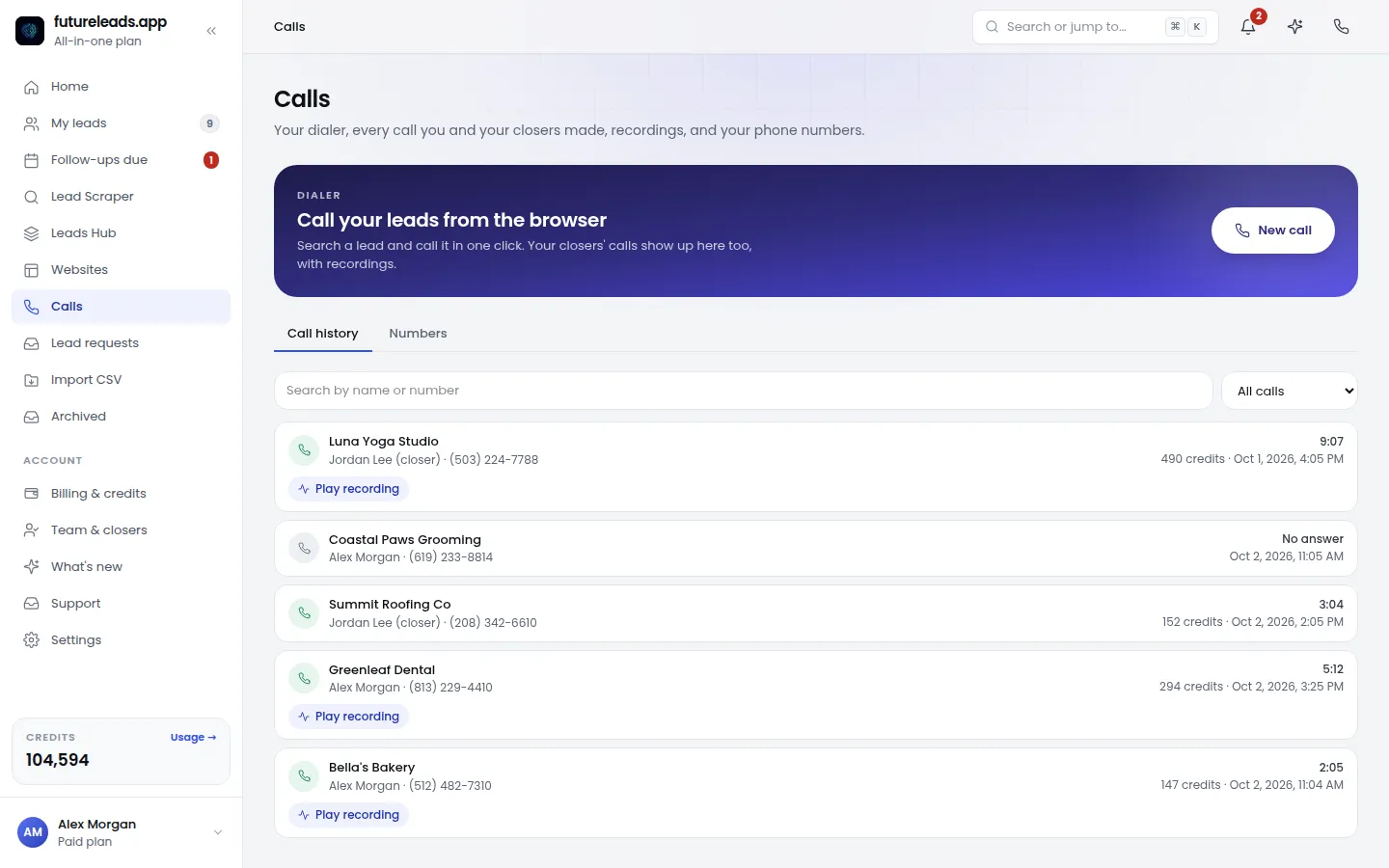
Futureleads.app combines this in one place: you find the leads with their phone numbers, call them straight from your browser with the built-in dialer, and the call history and notes are saved to each lead automatically. No spreadsheet, no second app. If you want to see why this matters, our guide on the best CRM for freelancers breaks down the features that actually get used.
Comparison: Manual Methods vs. Futureleads.app
Here's an honest look at how each approach works in practice:
- Manual search + directories: Free, works for a handful of leads, but slow — and you still need a separate tool for emails, calls and tracking.
- Spreadsheets: Free and flexible, but no call logging, no follow-up reminders, and it breaks down past 20–30 leads.
- Futureleads.app: Search a niche and city and get businesses with phone numbers and emails in one list — including those with no website. Call from the browser, track statuses, and send AI homepage previews before asking for a dime. Free account available, paid packages from $9.99/month.
What to Say Once You Have the Number
A phone number is worthless if your pitch is weak. Keep it short and specific. Here's a 30-second opener that works for local businesses:
- "Hi, is this [owner's name]? I'm a local web designer — quick question, and I'll be out of your hair."
- "I looked at [business name] and noticed you don't have a website / your site is hard to use on phones. Is that something you've been meaning to fix?"
- "Either way, I put together a quick homepage preview so you can see what it could look like — it takes 30 seconds to view. Want me to text you the link?"
The preview trick matters: instead of asking a stranger to imagine a website, you show them theirs. Futureleads.app generates an AI website preview for a local business in minutes, and you can send the link before they've paid anything. It turns "maybe" into "wow" on the first call. For more on this approach, read how to sell websites to local businesses.
If the owner doesn't answer, leave a voicemail — our voicemail script for cold calling covers exactly what to say. And if calling isn't your thing, find the owner's email instead with our guide on how to find a business owner's email.
Skip the manual digging: start a free Futureleads.app account — no card needed — and pull a list of local businesses with phone numbers and emails in minutes, then call them straight from your browser.
Find businesses that need a website — freeor claim up to 3,000 FREE credits with a paid planQuick Checklist Before You Dial
Run through this list for every number you call — it doubles your odds of a good conversation:
- I've confirmed the number belongs to this business (matched the name and city).
- I know the niche and can name one specific problem with their current site (or their missing site).
- I have an AI preview ready to text or email if they're interested.
- I know what I'm asking for: a 15-minute chat, not a sale on the spot.
- I have my CRM open to log the call and set a follow-up.
- If they don't answer, I know what my voicemail will say.
Want to scale this beyond calling? Pair your phone list with an email sequence — our web design cold email template and cold email follow-up for web designers show you how to run both channels from the same lead list.
Pick a package: every feature is included in each, paid plans add FREE bonus credits every month, or start free with no card.
Basic
$9.99/month
11,500 credits a month
+ 1,000 FREE credits
- About 261 done-for-you leads
- or 88 AI website previews
- All features included
Pro
$39/month
50,000 credits a month
+ 1,500 FREE credits
- About 1,136 done-for-you leads
- or 384 AI website previews
- All features included
Premium
$79/month
105,000 credits a month
+ 3,000 FREE credits
- About 2,386 done-for-you leads
- or 807 AI website previews
- All features included
Frequently asked questions
How do I find a business phone number for free?
Search the business name plus its city in a search engine or check online business listings — both are free. Most local businesses list their number publicly, and if they have a website, it's usually in the header, footer or contact page.
How can I find phone numbers for businesses that don't have a website?
Look for them in local directories and online business listings, which often show a number even when the business has no site. Tools like Futureleads.app make this faster by listing businesses without websites together with their phone numbers and emails.
Is it legal to cold call businesses from a list?
In most places, calling businesses (not consumers) for B2B purposes is allowed, but rules vary by country. Check your local telemarketing regulations, always identify yourself honestly, and honor any request not to be contacted again.
What's the best time to call a local business?
Mid-morning (around 10–11 a.m.) or mid-afternoon (2–4 p.m.) on weekdays usually works best, avoiding opening rush hours and lunch. For trades and restaurants, avoid their busiest working hours — a quiet moment gets you a real conversation.
How do I find the owner's direct number instead of the main line?
Call the main number and ask for the owner by name, or check the business's social media page, where owners often list a mobile number. Chamber of commerce and association directories sometimes list the owner directly as well.