A web design client portal is a private space where your client logs in to see their project, approve work, check leads from their forms, view invoices and message you — all without endless email threads. If you're still juggling screenshot attachments, "did you see my email?" messages and scattered files, a portal fixes that in an afternoon.
This guide shows you exactly how to set one up, what to put inside it, and how to use it to close and keep more local clients. You'll get a step-by-step setup, copy-ready messages, and a launch checklist. Most of what you need is already inside Futureleads.app, so you can go from finding a lead to managing a happy client in one place.
Why a client portal matters more than your portfolio
Local business owners don't compare your code. They compare how easy you are to work with. When a plumber can log in and see their homepage preview, the leads their quote form captured, and a clear invoice, you stop being "the person who made my website" and become a professional partner they stay with for months.
A portal also protects your time. Every question that answers itself inside the portal is an email you don't write and a phone call you don't take. That's the real reason agencies with portals scale faster — not fancier designs, but fewer repeated conversations. If you're just starting out, this pairs well with starting a web design business with no experience, because it makes a one-person operation look established from day one.
Step 1: Decide what the portal must do before choosing anything
Write down your top five client headaches. For most web designers serving local businesses, the list looks like this:
- Sending previews and getting approvals without messy email attachments
- Showing clients the leads or booking requests their new site generated
- Sharing invoices and getting paid without chasing
- Keeping project notes and decisions in one searchable place
- Letting the client see progress without calling you
That list is your feature spec. Anything that doesn't serve it is a distraction. Resist the urge to build a full project management suite — your client is a dentist, not a project manager.
Step 2: Set up the portal before you pitch the website
Here's the move most freelancers miss: the portal is a selling tool, not just a delivery tool. When you pitch a local business, you can send them a login and say "this is where you'll see your site, your leads and your invoices." Suddenly you're not a freelancer with a Gmail address — you're an agency with a system.
If you use Futureleads.app, the white-label client portal is included on paid plans: your client logs in under your brand, sees their website, the leads coming from booking and quote forms, and their invoices. The client never sees Futureleads' name — it's your portal, your logo.
Step 3: Build the first impression with an AI website preview
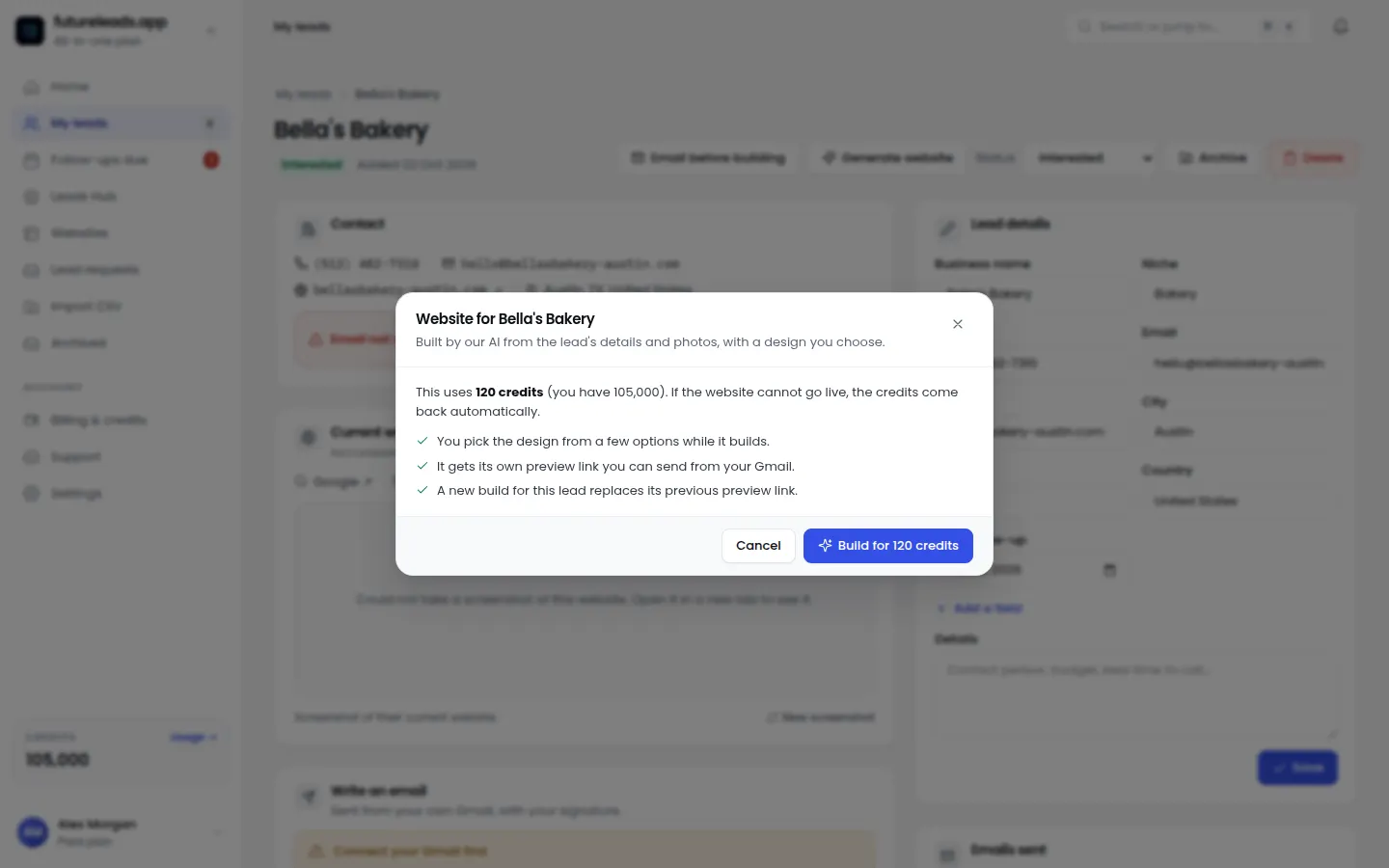
The strongest thing you can put in a portal before a deal exists is a preview of the client's future homepage. Showing beats telling, especially when the client currently has a broken or outdated site.
Here's a workflow that works:
- Find local businesses with weak or missing websites — Futureleads.app's live search shows businesses with no site, slow sites or sites that fail on mobile, with phone and email included.
- Generate an AI homepage preview for the business in minutes.
- Send the preview link (or a QR code they can scan on their phone) before asking for any payment.
- When they respond positively, invite them into your client portal so the preview becomes the start of the actual project.
This approach turns cold outreach into a warm conversation. For the outreach message itself, adapt the website redesign cold email template — just swap the generic link for your portal's preview link.
Step 4: Add lead tracking so clients see value every week
The single best retention tool for a web designer is letting the client watch leads arrive. A bakery owner who logs in and sees three quote requests from their new contact form doesn't need convincing that the website is worth paying for — the evidence is on screen.
Set this up once per client:
- Connect the site's contact, booking or quote form submissions to the portal's lead view.
- Test it yourself with a fake submission before launch.
- Mention it in your kickoff message: "Every lead from your new site shows up in your portal — check it Monday mornings."
This also justifies recurring revenue. When you later pitch website maintenance packages, the portal is visible proof that ongoing care produces ongoing results.
Step 5: Write your kickoff message (copy this template)
The first message a client receives with their login determines whether they use the portal. Keep it short and concrete:
"Hi [Name], your client portal is ready: [link]. Your login is [email] / [temp password]. Inside you'll see your homepage preview, and once we launch, every lead from your website will appear there too — no digging through email. Invoices will also live there so nothing gets lost. Take a look and reply with anything you'd change. — [Your name]"
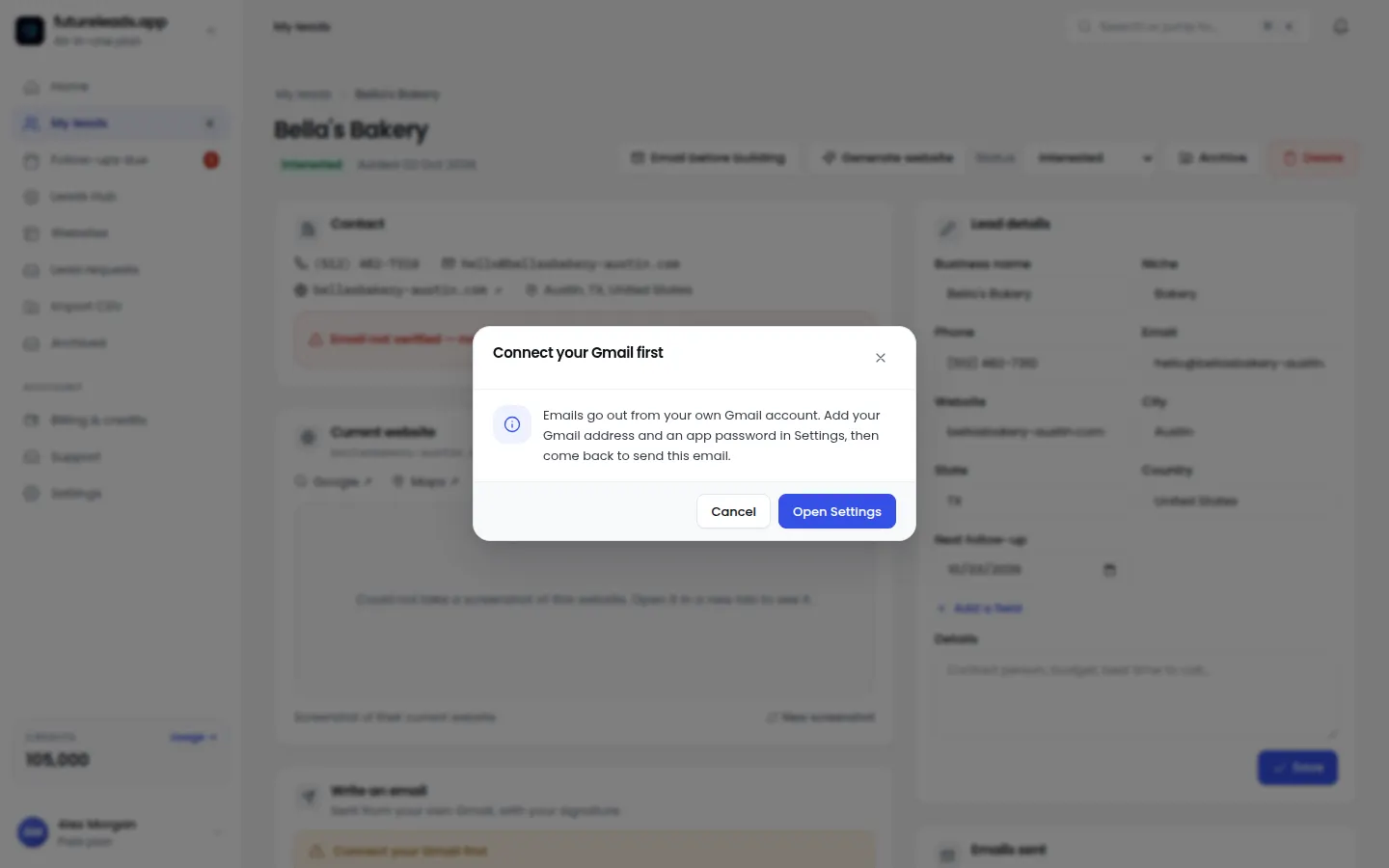
Send it within an hour of the deal being agreed, while enthusiasm is high. If the deal came from a call, log it — Futureleads.app's built-in dialer keeps your call history and notes with the lead, so the kickoff message picks up exactly where the conversation left off.
Step 6: Keep invoicing inside the portal
Chasing payments by email is awkward and slow. When invoices live in the portal, the client always knows where to find them and you always have a branded, professional record. Generate the invoice from your web design invoice template, push it into the portal, and mention it in your next update message.
Not sure what to charge in the first place? Walk through how to price a website for a small business before you send anything, so the number in the portal is one you can defend confidently.
Step 7: Run the portal like a system, not a side project
A portal only impresses if it's current. Build a simple weekly routine:
- Monday: check every client portal — new leads captured, anything awaiting approval, invoices unpaid.
- Midweek: post one progress update per active project, even if it's two lines.
- Friday: message any client who hasn't logged in for a while and point them to something new inside.
On your side, manage the pipeline that feeds the portal in one place: lead statuses, notes, follow-ups and deals. If you bring on closers or a VA later, you can assign leads and see their calls and deals in Futureleads.app — the same system, just with more people in it.
Want a client portal, lead search and previews in one place? Start a free Futureleads.app account — no card needed — and set up your first client portal today.
Find businesses that need a website — freeor claim up to 3,000 FREE credits with a paid planClient portal launch checklist
Before you send a single login, run through this list:
- Portal is branded with your logo, not your tool's name
- Homepage preview or current project files are uploaded and visible
- Form lead tracking is connected and tested with a test submission
- Kickoff message with login details is written and ready
- First invoice is uploaded (if payment is due at kickoff)
- You've checked the portal on a phone — your client will open it on a phone
- You've set a weekly reminder to review and update all portals
Anything unchecked is a support email waiting to happen. Tick them all first.
Common portal mistakes (and easy fixes)
- Building it and never updating it. A stale portal is worse than no portal. Fix: the weekly routine in Step 7.
- Overcomplicating it. Clients won't learn five tabs. Fix: keep it to previews, leads, invoices, messages.
- Hiding the login. If the client can't find the link, they won't log in. Fix: pin the link in your email signature and kickoff message.
- Using it only after launch. The preview stage is your best moment to introduce it. Fix: send the first portal link before the contract is signed.
- Not using it as a selling tool in pitches. "You'll get a login to see everything" closes deals. Fix: mention it in every proposal — see the website design proposal template.
How the portal fits into your whole client machine
The portal is the last mile, not the whole journey. A complete one-person operation looks like this: find businesses that need websites (the businesses without websites approach), reach out with cold email or cold calls, send an AI preview, close the deal, then deliver everything through the portal. One system from first contact to monthly invoice.
Futureleads.app covers every stage of that chain — finding leads, emailing, calling, tracking deals and hosting the white-label client portal. Paid packages start at $9.99/month, and the free account lets you try the dashboard and a live lead search every day before spending anything.
Ready to put finding, closing and managing clients in one place? Create your free Futureleads.app account — no card required — and build your first client portal this week.
Find businesses that need a website — freeor claim up to 3,000 FREE credits with a paid planPick a package: every feature is included in each, paid plans add FREE bonus credits every month, or start free with no card.
Basic
$9.99/month
11,500 credits a month
+ 1,000 FREE credits
- About 261 done-for-you leads
- or 88 AI website previews
- All features included
Pro
$39/month
50,000 credits a month
+ 1,500 FREE credits
- About 1,136 done-for-you leads
- or 384 AI website previews
- All features included
Premium
$79/month
105,000 credits a month
+ 3,000 FREE credits
- About 2,386 done-for-you leads
- or 807 AI website previews
- All features included
Frequently asked questions
What is a web design client portal?
It's a private login area where your client can see their website project, leads from their forms, invoices and messages with you. It replaces scattered email threads with one branded space.
Do I need a client portal as a freelancer?
Yes — arguably more than agencies do. It makes a one-person business look professional, reduces back-and-forth emails, and gives clients a reason to stay with you for maintenance and updates.
Can I use a client portal before the client has paid?
Absolutely, and you should. Sending a login that shows an AI-generated homepage preview before payment is one of the most effective ways to turn a cold local business into a client.
How much does a client portal cost?
Custom-built portals can be expensive, but Futureleads.app includes a white-label client portal on paid plans starting from $9.99/month, and you can try the platform free with no card.
What should I put inside my client portal?
Keep it to four things: the website preview or project files, leads captured by their forms, invoices, and a simple way to message you. Anything more confuses local business owners.