Cold email for web design services works when you stop sending generic pitches and start sending specific, useful messages to businesses that actually need a website. The formula is simple: find local businesses with no site or a bad one, spot one real problem, and offer a quick fix in a short email.
In this guide you'll learn how to build a lead list, warm up your email address, write a first email that gets read, and follow up without annoying anyone. Everything below works whether you're a freelancer or a small agency, and you can run the whole process from one dashboard.
Step 1: Build a list of businesses that actually need a website
The biggest reason cold emails fail isn't the writing — it's the list. If you email businesses that already have a fast, modern site, you're pitching to people who don't need you. Start by searching your niche and city for businesses with no website, a broken site, a slow site, or a site that doesn't work on mobile.
Good niches to start with: restaurants, plumbers, electricians, dentists, salons, auto repair shops, landscapers, and contractors. These businesses live on local search and phone calls, so a bad web presence costs them real money. For a deeper dive on building your list, see find local businesses without websites and local businesses without websites list.
This is where Futureleads.app saves hours. Search a niche and a city, and you get local businesses with no website or a broken, slow, or not-mobile-friendly one — including the specific problems found, plus phone and email where available. Those leads go straight into your Leads Hub, ready to contact.
Step 2: Warm up your email domain before you send anything
If you blast 100 emails from a brand-new domain on day one, most of them will land in spam and your domain reputation suffers. Warm up first: send a small number of emails per day to real people, reply to them, and slowly increase volume over two weeks.
- Set up a professional sender address on your own domain (name@yourdomain.com, not a generic free mailbox).
- Add an SPF record so receiving servers can verify your mail.
- Days 1–5: send a handful of emails per day to people who will reply (friends, past clients, colleagues).
- Days 6–14: keep replying to everything and slowly add cold emails to the mix.
- After two weeks of consistent, replied-to sends, you're ready to scale up.
- items
A simple warm-up sequence:
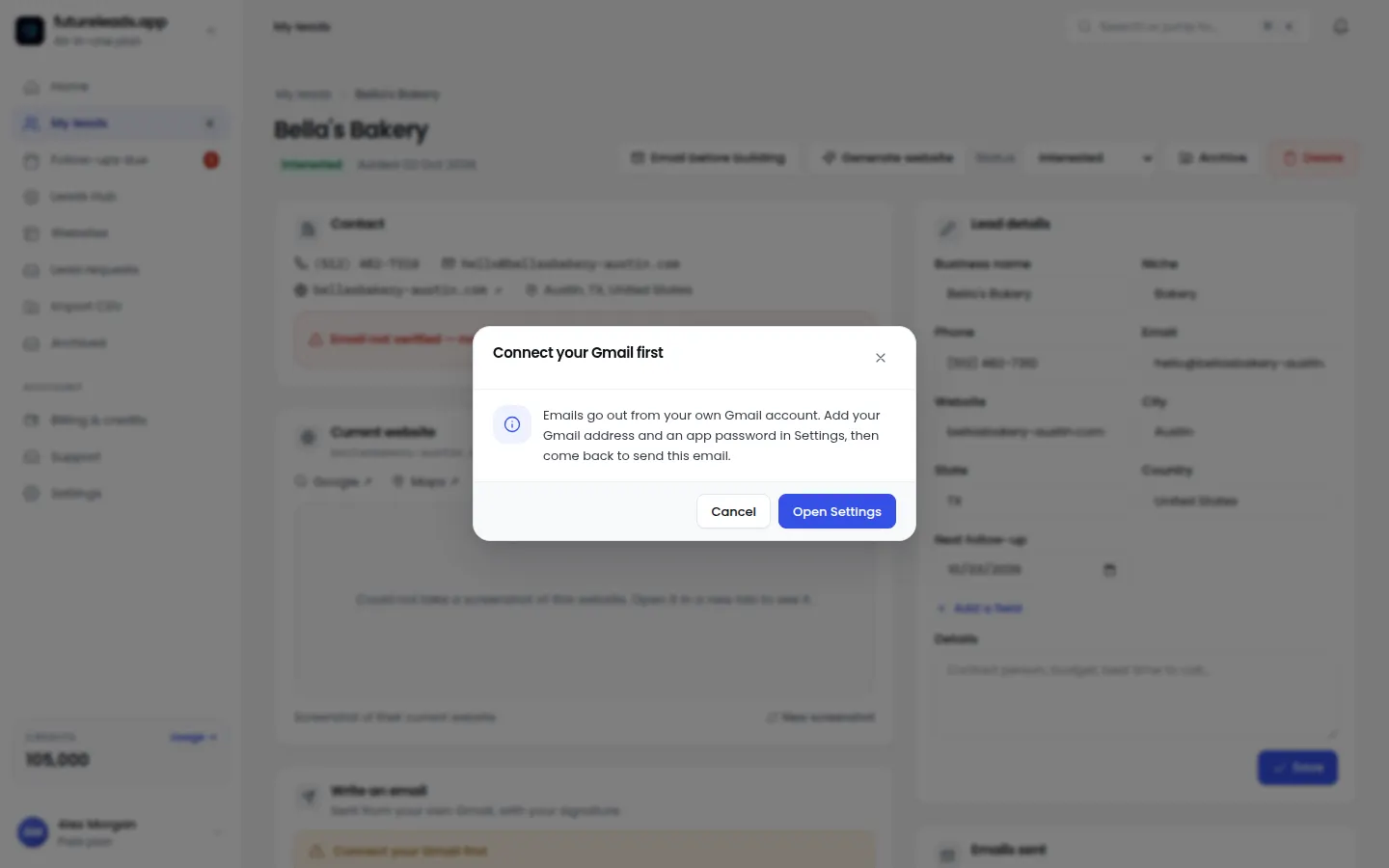
For the full day-by-day plan, read how to warm up a new email domain. In Futureleads.app you can send campaigns from your own Gmail or SMTP account, so you control the sender reputation instead of relying on someone else's.
Step 3: Write a subject line that looks like a real person
Owners of local businesses skim their inbox between jobs. Your subject line should sound like something a colleague or customer would write, not like marketing. Short, lowercase, and specific beats clever and salesy.
- Quick question about [Business name]
- [Business name]'s site on my phone
- Found an issue on your website
- Idea for [Business name]
- Your Google listing points to a broken page
- items
Subject lines that work for local businesses:
Notice none of these mention
Step 4: The first email — short, specific, and low-pressure
Your first email has one job: get a reply. Not a sale, not a meeting, not a signature. The best cold email for web design services does three things: shows you looked at *their* business, names one concrete problem, and makes replying easy.
Here's a template you can copy and adapt:
Subject: Quick question about [Business name]
Hi [First name],
I was looking for a [plumber] in [city] and noticed [Business name] doesn't have a website — just your listing and phone number. That means people searching for you right now are calling whoever shows up instead.
I build simple websites for local [plumbers]. I put together a quick homepage preview for [Business name] so you can see what it could look like before spending anything:
[Preview link]
Worth a quick chat? Just reply "yes" and I'll send over a couple of times.
[Your name]
If your prospect has a site but it's slow or broken, swap the opening line: "I tried to open Business name]'s site on my phone and it took ages / showed an error page." For more variations, see [website redesign cold email and web design cold email template. And if you'd rather talk than type, pair your emails with a call — the cold calling script for web design clients works well as a same-day follow-up.
Want leads to send that first email to? [Start a free Futureleads.app account](https://futureleads.app) — no card needed — and run a live lead search to find businesses in your niche and city that need a website today.
Find businesses that need a website — freeor claim up to 3,000 FREE credits with a paid planStep 5: Send a preview before you ask for money
The single biggest objection you'll get is "how do I know it'll look good?" Don't argue — show them. An AI website preview lets you build a homepage for a specific business in minutes and send a link (or a QR code) before they've paid anything.
A preview flips the conversation. Instead of "hire me to build a website," you're saying "here's what your website already looks like — want it?" It also proves you actually looked at their business, which separates you from every other cold email in their inbox. You can generate previews from leads in your Futureleads.app dashboard and attach the link straight into your email template.
Step 6: Follow up — most replies come after the first email
Local business owners are busy. Silence usually means "not now," not "no." Plan 3–4 follow-ups spaced a few days apart, each one shorter than the last. Never guilt-trip or nag; just add a little new value each time.
- Day 1: First email (template above).
- Day 3: Short bump — "Just floating this back up. Did the preview link work on your end?"
- Day 7: Add value — "One thing I noticed: your phone number is buried on your listing. On a new site it'd be the first thing people see."
- Day 12: New angle — offer to walk through the preview on a 10-minute call, or send the QR code so they can see it on their phone.
- Day 18: Politely close the loop — "I'll stop here so I'm not cluttering your inbox. If timing changes, reply anytime and I'll pick it back up."
- items
A follow-up sequence that respects their time:
Full templates for each message are in cold email follow-up for web designers and follow up email after no response from client. In Futureleads.app, automatic follow-ups are built into your email campaigns, so once a lead is in a sequence the reminders go out on schedule without you remembering anything.
Step 7: Track everything so you know what to fix
If you're emailing from your inbox and logging notes in a spreadsheet, you can't see what's working. Track three things for every batch: how many emails got opened (subject line test), how many got replies (message test), and how many became calls or deals (offer test).
- Which niche got the most replies this week?
- Which subject line got the most opens?
- Did emails with a preview link outperform ones without?
- How many replies turned into calls?
- Which objection came up most — price, timing, or trust?
- items
A simple weekly checklist:
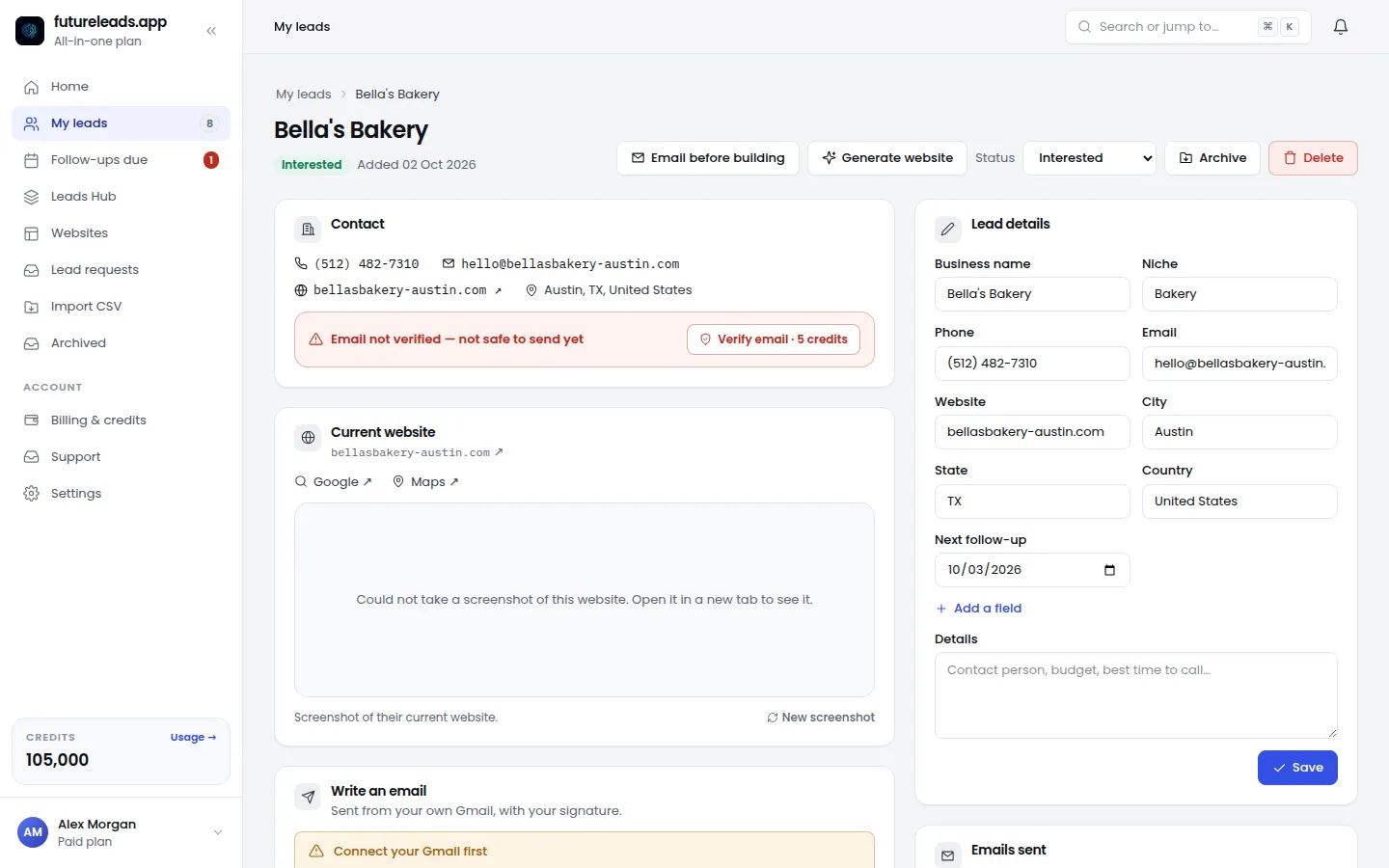
The built-in CRM in Futureleads.app handles this for you: lead statuses, notes, follow-up reminders, and deals in one place. Add the dialer and you can call a lead straight from the browser with call history and notes attached. If you hire closers later, you can assign leads and see their calls and deals — that's covered in hire a closer for your agency.
Cold email vs cold calling for web design: which should you use?
Both work, and they work best together. Here's an honest comparison:
- Cold email — best for scale and detail. You can reach dozens of businesses a day, include a preview link they can open anytime, and follow up automatically. Downside: easier to ignore.
- Cold calling — best for speed and rapport. You get an answer in seconds and can book a call on the spot. Downside: harder to do at volume, and gatekeepers exist. For a daily target, see how many cold calls per day and the voicemail script for cold calling.
- Best combo: Email first with a preview, then call the warm ones a few days later. The dialer and email campaigns in Futureleads.app run side by side, so leads move from email to call to deal without switching tools.
- items
When they reply: turn interest into a signed deal
A reply is not a client yet. When someone answers, respond the same day, ask two or three qualifying questions (what they want the site to do, their timeline, who decides), and then send a short proposal — not a 20-page document. The website design proposal template and website client questionnaire cover exactly what to include.
Two things that close deals with local businesses:
- Price it simply. One clear price (or a small set of options) beats a menu of packages. If you're unsure what to charge, how to price a website for a small business walks through it step by step, and website maintenance packages for small business shows how to add recurring revenue after launch.
- Make it easy to say yes. After you send the proposal, don't wait silently — how to follow up after sending a proposal gives you the timing and wording.
- items
Mistakes that kill your cold email results (and the fix)
- Generic emails. "I build websites and can help your business grow" gets deleted. Name the exact problem you found.
- Huge first emails. Keep it under 120 words with one clear ask.
- No warm-up. Send from a warmed-up domain or your Gmail account, and scale gradually.
- Pitching businesses that don't need you. Filter for no-website and bad-website leads from the start.
- One email and done. Most replies come from follow-ups two through four.
- No system. Emails in one place, notes in another, calls in a third = lost leads. Keep everything in one CRM.
- items
If you're newer to all of this, how to get your first web design client and lead generation for web designers give you the wider picture beyond email.
You now have the full playbook — all that's missing is the leads. [Create your free Futureleads.app account](https://futureleads.app) (no card required) to search your niche and city, generate preview links, and start sending your first cold emails today.
Find businesses that need a website — freeor claim up to 3,000 FREE credits with a paid planPick a package: every feature is included in each, paid plans add FREE bonus credits every month, or start free with no card.
Basic
$9.99/month
11,500 credits a month
+ 1,000 FREE credits
- About 261 done-for-you leads
- or 88 AI website previews
- All features included
Pro
$39/month
50,000 credits a month
+ 1,500 FREE credits
- About 1,136 done-for-you leads
- or 384 AI website previews
- All features included
Premium
$79/month
105,000 credits a month
+ 3,000 FREE credits
- About 2,386 done-for-you leads
- or 807 AI website previews
- All features included
Frequently asked questions
Does cold email work for web design services?
Yes — when you target businesses that actually need a website and send short, specific messages instead of generic pitches. The list quality and the follow-ups matter more than the wording.
How many cold emails should I send per day for web design?
Start small — a handful of personalized emails per day from a warmed-up domain — and scale up as replies come in. Consistency over weeks beats one big blast.
What should I put in the subject line of a web design cold email?
Something short and human, like "Quick question about [Business name]" or "[Business name]'s site on my phone." Avoid marketing words like "offer," "free," or "boost your sales."
How many follow-ups should I send after a cold email?
Plan 3–4 follow-ups spaced a few days apart, each shorter than the last, and end with a polite close-the-loop message. Many replies arrive on follow-ups, not the first email.
How do I find local businesses without a website to email?
Search your niche and city with a lead tool like Futureleads.app, which shows businesses with no site or a broken, slow, or not-mobile-friendly one, along with contact details and the problems found.