Website as a service pricing comes down to one idea: instead of charging a big upfront fee, you charge a monthly price that covers the build, hosting, maintenance and updates. The client pays a predictable amount every month, and you build recurring revenue instead of chasing one-off projects.
In this guide you'll learn how to structure your monthly tiers, what to include at each level, how to work out your own numbers, and how to pitch the model to local business owners without sounding like a subscription trap. You'll also get ready-to-use scripts and a comparison table you can adapt for your own packages.
What Is Website as a Service (WaaS)?
Website as a service means the client never buys a website — they rent it. For one monthly fee, you design, build, host, maintain and update their site. If they cancel, the website goes with you. Think of it the way a locksmith or an accountant sells: an ongoing service, not a one-time product.
The biggest difference from traditional web design is who carries the risk. In a classic project, the client pays a large sum upfront before seeing results. In WaaS, you front-load the work and get paid over time. That's why pricing it correctly matters so much — a badly priced plan can mean you're working for free by month four.
Why Monthly Pricing Wins With Local Businesses
Most local business owners flinch at a $3,000 invoice but don't blink at $99 a month. It's the same money over two years, but monthly pricing fits how they already think about rent, software and marketing budgets.
- No large upfront cost, so there's no "let me think about it" stall over a big invoice.
- It feels low-risk: if the service disappoints, they can cancel.
- It bundles everything — hosting, updates, security — so the owner doesn't have to manage three vendors.
- It's easier to upsell later (booking forms, new pages, SEO) because you already have the relationship.
- It gives you predictable income, so you can plan hiring or stop taking bad-fit projects.
Reasons WaaS closes better with small businesses:
Website as a Service Pricing Models: 4 Common Structures
Before picking numbers, pick a structure. Here are the four most common ways to price WaaS, with when each works best:
- Pure monthly — one flat monthly fee, no setup charge. Simplest to sell, but you carry the most risk.
- Setup fee + monthly — a smaller upfront payment (for example one month's fee) plus the recurring charge. Covers your initial hours and filters out tyre-kickers.
- Tiered plans — a basic, standard and premium plan with different page counts, features and response times. Lets the client self-select instead of you guessing their budget.
- Hybrid — monthly for the site and support, plus one-off fees for extras like logo design, photography or e-commerce setup.
For local businesses, setup fee + tiered monthly is usually the sweet spot: the setup fee protects you, and the tiers make the decision easy. If you want a deeper walkthrough of quoting in general, see our guide on how to price a website for a small business.
How to Set Your WaaS Prices: A Step-by-Step Method
Don't copy a random number from a Facebook group. Work backwards from your own costs and time:
- Estimate your build hours. For a typical local business site — 5 pages, contact form, mobile-friendly — note how many hours you actually need, not how many you hope for.
- Add running costs. Hosting, domain, SSL, plugins, email tools. These are small but they compound across clients.
- Add ongoing service time. Updates, backups, small content changes, a monthly check-in. Assume 1–3 hours per client per month until you have real data.
- Decide your hourly floor. What do you need to earn per hour to hit your income goal after tax? Be honest, not optimistic.
- Multiply and add margin. (Build hours × hourly rate ÷ expected minimum contract length) + monthly service cost + margin = your base monthly price.
- Round and build tiers. Take that base price and create a cheaper, lighter plan above it and a richer plan above that, roughly 30–50% apart in price.
- Set a minimum contract. 6 or 12 months protects you from clients who cancel after month two, right after you've done the heavy lifting.
Example WaaS Packages for Local Businesses
Here's a three-tier example you can adapt. Adjust the numbers to your market and your hourly floor — these are structures, not recommendations:
- Up to 3 pages, mobile-friendly, contact form
- Hosting, SSL and backups included
- One round of content edits per month
- Cancel anytime after the minimum term
Starter — for solo operators who just need to exist online
- Up to 8 pages, local SEO basics, click-to-call
- Everything in Starter
- Two content updates per month, 48-hour turnaround on small requests
- Monthly performance report by email
Standard — for established businesses that want to be found
- Unlimited pages within reason, booking or quote forms
- Everything in Standard
- Priority support, same-week turnaround
- Quarterly strategy call and conversion suggestions
Premium — for businesses that want the site to generate leads
Notice what sells each tier up: not more design, but less friction and more outcomes — faster turnaround, lead capture, reporting. For the ongoing side of this, our article on website maintenance packages pairs well with WaaS thinking.
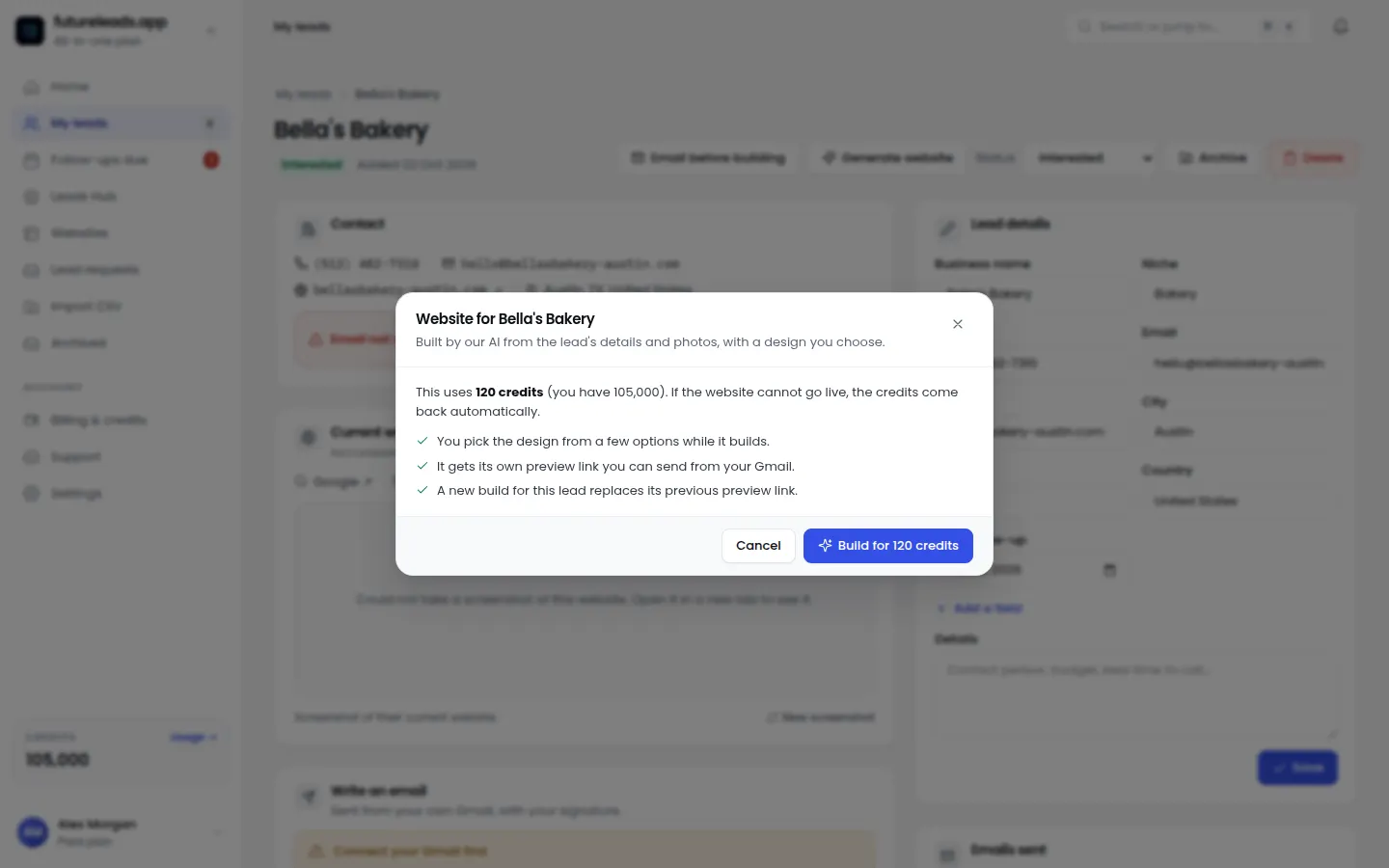
Want a steady pipeline of local businesses to pitch these plans to? Start a free Futureleads.app account — no card needed — and see businesses in any niche and city that have no website or a broken one, ready to contact today.
Find businesses that need a website — freeor claim up to 3,000 FREE credits with a paid plan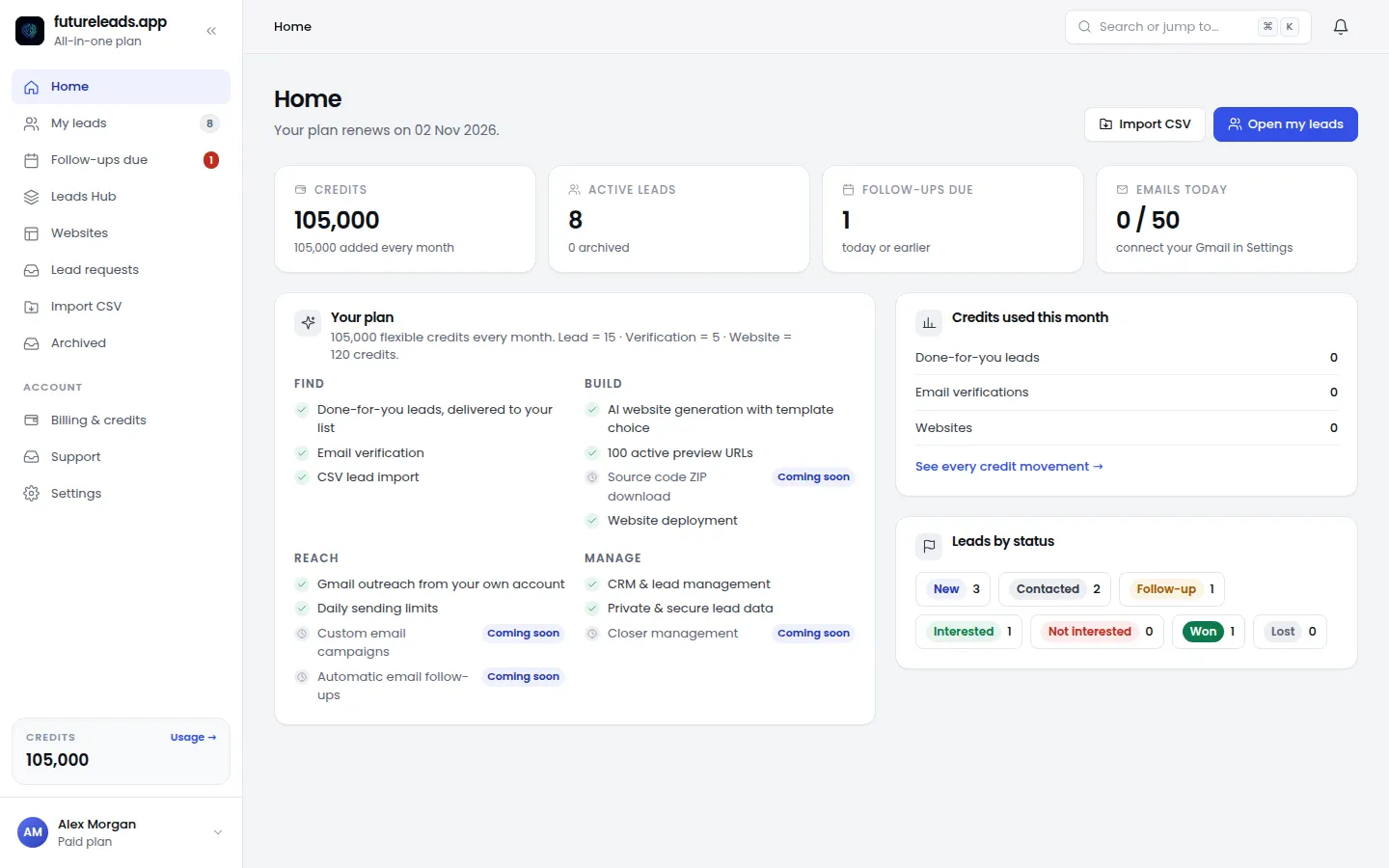
WaaS vs Traditional Project Pricing: A Quick Comparison
Use this table when a client asks why you don't "just build the site for a one-off fee":
- Upfront cost — WaaS: none or minimal. Project: a large invoice before launch.
- Your income — WaaS: predictable monthly revenue that compounds. Project: a spike, then a gap you have to refill with new sales.
- Client risk — WaaS: low, they can cancel. Project: high, they've paid regardless.
- Ongoing care — WaaS: included, so the site actually stays current. Project: often nothing, and the site quietly rots until it needs a full redesign.
- Relationship — WaaS: continuous, with natural upsell moments. Project: usually ends at handover.
The honest trade-off: WaaS means you carry the build risk and need a pipeline of new signups to grow. That's why pairing this pricing model with consistent prospecting — for example, finding businesses without websites — is what makes the model work in practice.
How to Pitch Website as a Service Pricing (With Scripts)
The pitch fails when it sounds like a subscription and succeeds when it sounds like a done-for-you service. Lead with the outcome, then the structure:
Cold call opener:
- "It works like this: one monthly price, and I handle everything — the design, the hosting, the updates, the security. You never get a surprise invoice, and if a price on your menu changes, you tell me and it's live the same week. It's like having a web person on retainer, without hiring one."
Explaining the monthly model:
- "You could — but a site isn't a one-time thing. Menus change, offers change, phones get new numbers, and someone has to keep it fast and secure. With the monthly plan, all of that is my problem, not yours. And you're not paying anything upfront."
Handling "why not just pay you once?"
Common WaaS Pricing Mistakes to Avoid
- Charging $19–$29 a month. After hosting, tools and even two hours of work, you're losing money. Local business WaaS realistically starts well above that.
- No minimum term. Clients can absorb two months of work and cancel. Always contract for at least 6 months.
- "Unlimited everything" at a low price. Scope creep will eat every margin you have.
- Not separating build costs from service costs. If you don't know what the ongoing part of the service costs you, you can't price it sustainably.
- One plan only. A single price forces a yes/no decision. Three tiers turn it into "which one?"
- Discounting to close. Cut the scope instead. A cheaper plan protects your price integrity; a discount just resets your market's expectations.
Quick Checklist Before You Publish Your WaaS Plans
- I've calculated my build hours honestly, not optimistically.
- Each plan lists exactly what's included — and what's an extra.
- There's a minimum contract term stated in the agreement.
- My middle tier is the one I want most clients to pick, and it's priced accordingly.
- I know my true monthly cost per client (hosting, tools, service hours).
- I have a cancellation and site-handover policy written down.
- I have a repeatable way to find new prospects every week.
That last point is the one most designers skip. A great pricing page does nothing if nobody sees it. Block time each week for outreach — cold email for web design services and consistent calling are what keep your recurring revenue graph going up.
From Pricing to Pipeline: Making WaaS Actually Work
Website as a service pricing only pays off if you can keep signing clients month after month. That means treating lead generation as part of the business model, not an afterthought. Tools like Futureleads.app help here: you can search any niche and city, get a list of local businesses with no website or a broken one — with phone numbers, emails and the specific problems found — then run cold email campaigns, call leads from the built-in dialer, and track every deal in the simple CRM.
If you're building this out as a full recurring-revenue business, our guides on the website reseller business and how to scale a web design business cover the systems side: hiring closers, delegating builds and keeping churn low.
Ready to price with confidence and fill your pipeline? Start your free Futureleads.app account today — no card required — and find local businesses that need exactly what your monthly plans offer.
Find businesses that need a website — freeor claim up to 3,000 FREE credits with a paid planPick a package: every feature is included in each, paid plans add FREE bonus credits every month, or start free with no card.
Basic
$9.99/month
11,500 credits a month
+ 1,000 FREE credits
- About 261 done-for-you leads
- or 88 AI website previews
- All features included
Pro
$39/month
50,000 credits a month
+ 1,500 FREE credits
- About 1,136 done-for-you leads
- or 384 AI website previews
- All features included
Premium
$79/month
105,000 credits a month
+ 3,000 FREE credits
- About 2,386 done-for-you leads
- or 807 AI website previews
- All features included
Frequently asked questions
What is website as a service pricing?
It's a model where the client pays a recurring monthly fee instead of an upfront project cost. The fee covers the design, build, hosting, maintenance and updates, and you own the site infrastructure while the contract runs.
How much should I charge for a website as a service?
Work backwards from your build hours, running costs and ongoing service time, plus your required hourly income. Most freelancers land on a setup fee plus tiered monthly plans rather than one flat rate — the exact number depends on your market and costs, not a universal figure.
Should I charge a setup fee with monthly website plans?
Yes, in most cases. Even a modest setup fee covers your initial hours and filters out clients who weren't serious. If a prospect resists it, reduce the scope of the first build instead of dropping the fee to zero.
What should a monthly website plan include?
At minimum: hosting, SSL, backups, updates, and a defined number of content edits per month. Higher tiers add local SEO basics, lead capture forms, faster turnaround and reporting — outcomes, not just more pages.
Do clients keep the website if they cancel a WaaS plan?
It depends on your contract, so state it clearly before signing. Most WaaS providers keep the hosting and design assets if the client cancels, and offer an export or buyout option — decide which position you're comfortable with and put it in writing.