An AI website generator for agencies lets you build a realistic homepage preview for a local business in minutes, then send it as a link before they've paid you a cent. That changes your whole sales motion: instead of pitching "I could make you a website," you show them the website itself. In this guide you'll learn seven ways to use an AI generator inside a small agency workflow — finding the right businesses, building previews that get replies, and turning those previews into signed deals. Every step works whether you're a solo freelancer or a team of three.
Why an AI website generator changes how agencies sell
Traditional web design sales is slow. You find a business, send a cold email asking if they want a new site, and wait. Most never reply, because you're asking them to imagine something and pay for it upfront. An AI generator flips that. You build the homepage first, send them a link, and the conversation starts from "I like that, can you change the colors?" instead of "do I need a website?" Showing beats telling, especially with owners who've never worked with a designer.
- the prospect sees their own business name, photos and services on screen
- no risk for them: they haven't paid anything yet
- easier follow-ups: "did you get a chance to look at the preview?"
less time per pitch — a preview takes minutes, not days
How Futureleads.app fits into this workflow
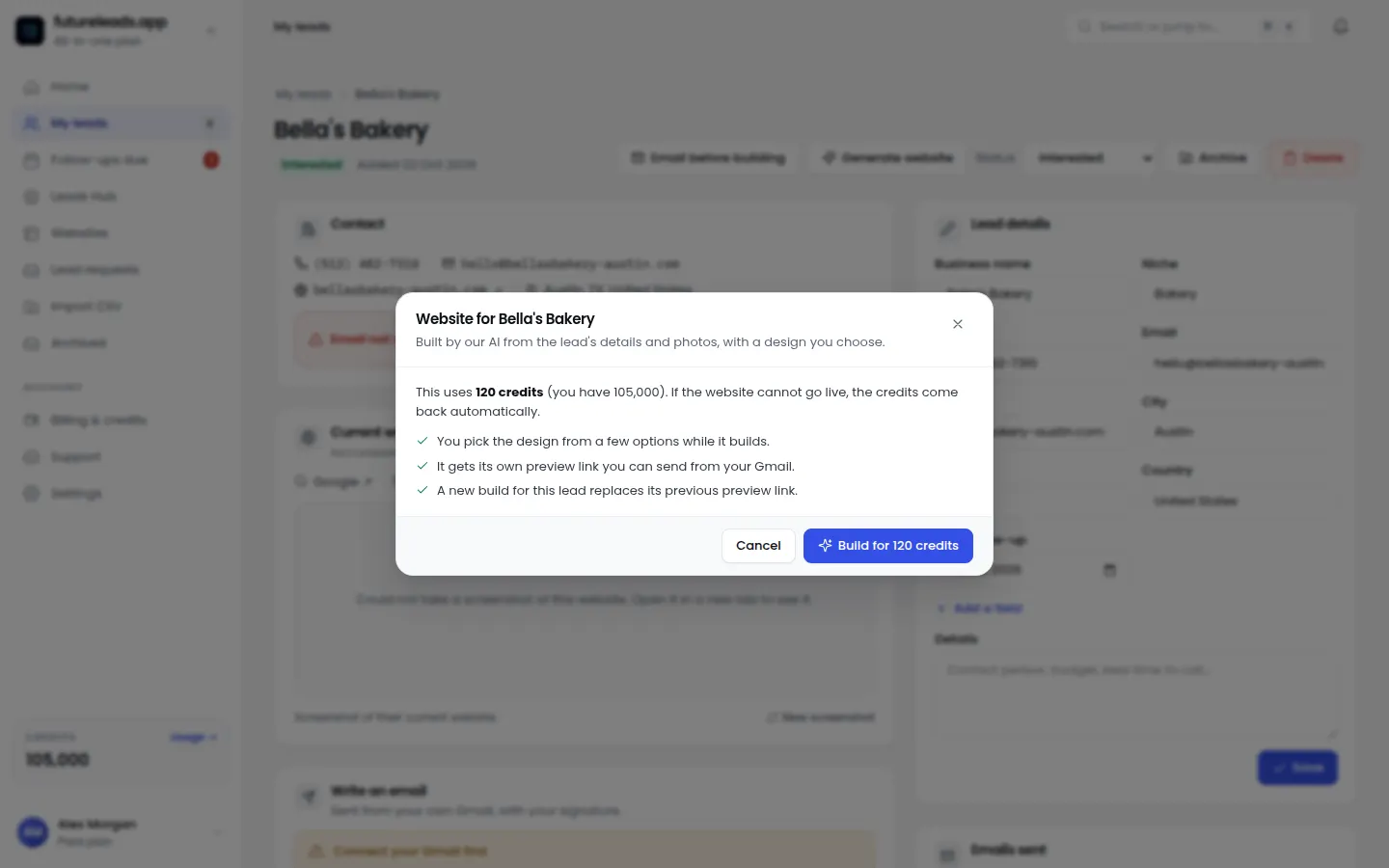
The hard part isn't building previews — it's finding businesses that actually need one. Futureleads.app searches any niche and city and shows local businesses with no website, a broken site, a slow site or a site that doesn't work on mobile, along with phone numbers and emails. From there, the workflow runs in one place: build an AI homepage preview for the business, send it by email or share a QR code, call them from the built-in dialer, and track every lead in the CRM. That's the full loop an AI website generator for agencies should sit inside.
Step 1: Pick a niche and build a lead list
Don't search "businesses in Chicago." Search one niche in one city — dentists in Austin, roofers in Leeds, salons in Dublin. Niches convert better because you reuse the same preview style, the same email, the same pricing logic. Good starting niches:
- health: dentists, chiropractors, physiotherapists
- food: pizzerias, bakeries, coffee shops
- local services: dog groomers, driving schools, cleaners
trades: plumbers, electricians, roofers, landscapers
If you're not sure where to start, our guide on finding local businesses without websites walks through the process. On Futureleads.app, the free account gives you a live lead search every day — enough to test a niche before you commit credits.
Step 2: Qualify before you build anything
Not every business without a website is a good lead. Before generating a preview, run this quick checklist:
- Are they clearly operating (recent reviews, open hours)?
- Does their problem match your offer — no site, slow site, or not mobile-friendly?
- Can they plausibly afford a site? A busy restaurant yes; a market stall maybe not.
- Is there a booking or contact need a website would actually solve?
Do they have a phone number and email you can actually reach?
If a lead fails three or more of these, skip it. For a deeper version, use our website audit checklist to document the problems you found — you'll reuse that in your pitch.
Step 3: Build the preview in minutes
This is where the AI generator earns its name. In Futureleads.app you pick the business, generate a homepage preview using their name, services and area, and get a shareable link plus a QR code. Don't aim for perfection — aim for relevant. A clean homepage with their business name, their services and a call button is enough to make the owner stop scrolling. Small touches that matter:
- include their actual service list if you have it
- make sure the phone number on the preview is theirs
- check it looks good on a phone — most owners will open it on one
use their real business name and city everywhere
Step 4: Send the preview with a short cold email
The email should be about the preview, not about you. Keep it under 120 words. Here's a template you can copy:
Subject: Quick homepage idea for {Business Name} Hi {First Name}, I was looking at plumbers in {City} and noticed {Business Name} doesn't have a website (or: your site doesn't load well on phones). I went ahead and mocked up a quick homepage so you can see what's possible: {Preview Link} No charge, no strings — just an idea. If you like the direction, I can have the full site live in a couple of weeks. Either way, have a great week. {Your name} {Phone number}
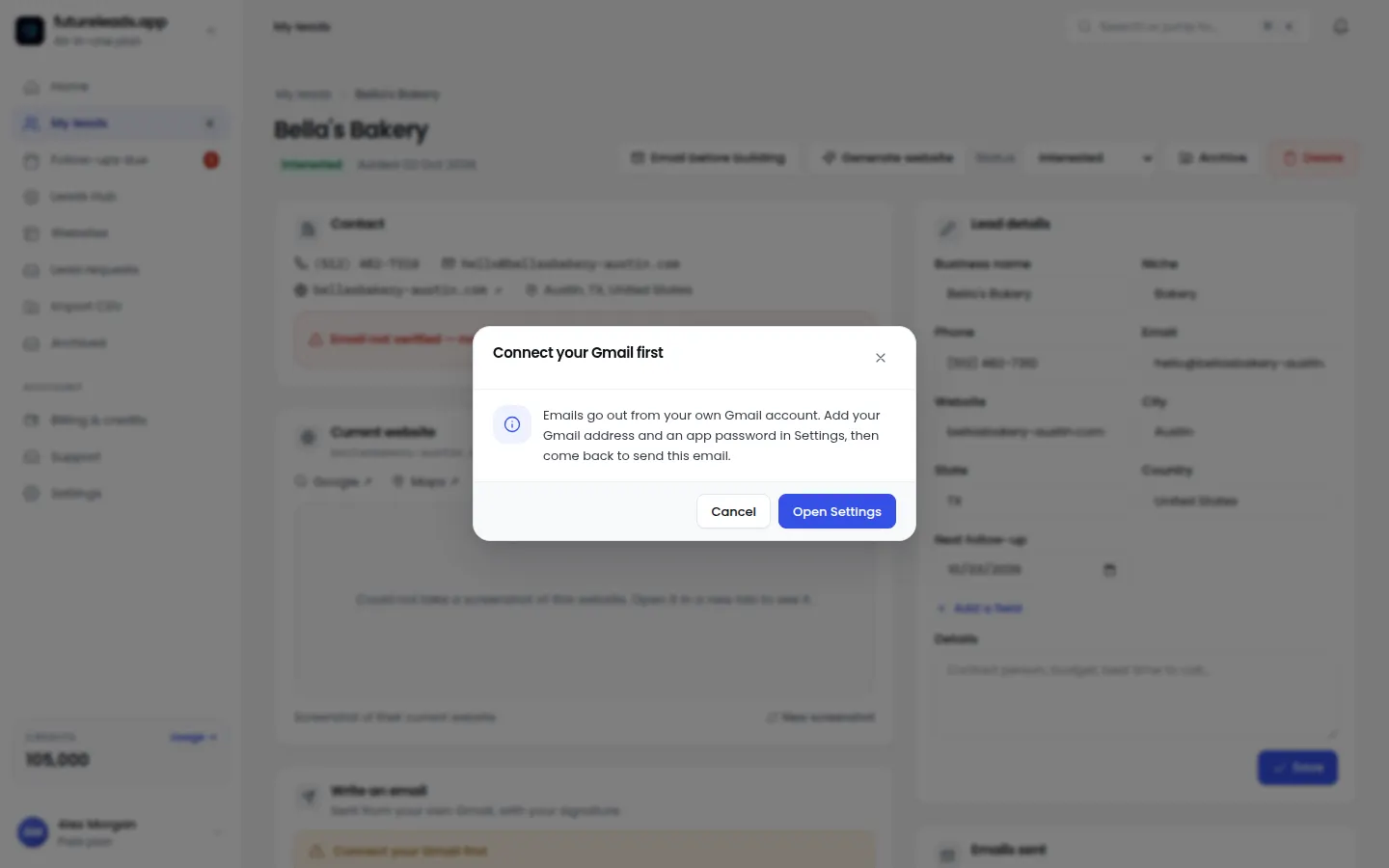
More templates and subject lines are in our web design cold email template guide and our cold email subject lines for web design post. Futureleads.app sends campaigns from your own Gmail or SMTP account with automatic follow-ups, so the second and third touches go out without you remembering to.
Step 5: Follow up — the money is in touch two and three
Most replies come after the first email, not from it. Plan three touches:
- Day 3: a short follow-up — "Just bumping this up in case it went to spam — the homepage idea is here: {link}"
- Day 6: a value follow-up — mention one specific problem you found (slow load, not mobile-friendly) and one line on how you'd fix it
Day 1: the preview email
Our cold email follow-up for web designers guide has full sequences. Keep follow-ups short — two or three sentences each.
Step 6: Call the warm ones
A lead who opened your email twice is warm. Call them while the preview is still fresh. You can dial straight from the browser in Futureleads.app, with call history and notes saved to each lead. A simple opener:
"Hi {First Name}, this is {Your name}. I sent you a homepage preview for {Business Name} a couple of days ago — did that land okay? ... Great. I build sites for {niche} in {City}. If you like the direction, I can handle everything: design, mobile, booking form. What's the best way to show you the rest?"
If you get voicemail, don't wing it — use our voicemail script for cold calling. For a full call structure, see our cold calling script for web design clients.
Want to try this exact workflow today? Create a free Futureleads.app account — no card needed — run one live lead search in your niche and city, and generate your first AI preview in minutes.
Find businesses that need a website — freeor claim up to 3,000 FREE credits with a paid planStep 7: Track, price and close
Once replies come in, everything moves into the CRM: statuses, notes, follow-up dates and deals. If you work with a closer or a teammate, assign leads to them and track their calls and deals from the same dashboard. When you get to quoting, don't guess. Our guides on how to price a website for a small business and website pricing for clients cover it in depth. Then send a proper proposal using our website design proposal template, and follow up with the steps in how to follow up after sending a proposal.
Previews vs. full mockups vs. pitching blind
Here's how the three common sales approaches compare:
- Full custom mockup: highest impact, but hours of unpaid work per lead — doesn't scale past a few prospects a week
- AI preview: minutes of work, personalized, visually convincing — the practical middle ground for small agencies
Pitching blind (email only): fastest, but lowest reply rate — the owner has to imagine everything
Common mistakes to avoid
- Building previews for every lead on the list — qualify first, as in Step 2
- Pricing on the spot when they say "how much?" — book a short call instead and use your pricing guide
- Letting follow-ups die after one email — most deals need three or more touches
- Forgetting mobile — the owner will almost certainly open your preview on their phone
Sending the preview link with no context — always write one or two sentences explaining what it is
Scaling: from solo freelancer to team
The workflow above is deliberately repeatable: search, qualify, preview, email, call, track. Once it works for you, hand pieces to others. Add closers or VAs to your Futureleads.app team, assign them leads, and watch their calls and deals from the dashboard. Our guide on how to scale a web design business covers the handover in detail, and hire a closer for your agency explains when a dedicated salesperson makes sense. For Premium users, the white-label client portal keeps momentum after the sale: clients log in, see their site, form submissions and invoices in one place — which makes renewals and maintenance retainers much easier to sell.
Your first week with an AI website generator
- Day 2: generate 10 AI previews and send 10 emails
- Day 3–4: follow up, start calling anyone who opened the email twice
- Day 5: log everything in the CRM, review what subject lines and previews got replies
- Weekend: adjust your niche or email based on what you learned, then repeat
Day 1: pick a niche and city, run your first lead search, qualify 20 leads
Frequently asked questions
What is an AI website generator for agencies?
It's a tool that generates website pages — usually homepage previews — automatically for businesses, using AI to fill in the layout, copy and structure. Agencies use it to show prospects a finished-looking preview before any money changes hands.
Can I use AI-generated previews to sell websites legally?
Yes, as long as you're transparent: present it as a concept or mockup, don't charge for it unless agreed, and don't publish it live without the owner's permission. Making clear it's a free preview is both honest and better salesmanship.
How long does an AI website preview take to create?
With Futureleads.app, a personalized homepage preview takes minutes per business. Once you have a repeatable process, you can realistically produce 10 or more previews in a single focused session.
Do AI generators replace web designers?
No — they replace the blank page, not the designer. You still customize, brand, connect domains, build the real site and handle the client relationship. The generator just removes the slowest part of winning the client.
What should I charge for a website built this way?
Price by value and scope, not by how fast you built it — the client is buying the result, not your hours. Our guide on how to price a website for a small business breaks down realistic structures and packages.
Ready to run this workflow on real businesses? Start a free Futureleads.app account — no card required — and use your daily live lead search to find your first niche, then send your first AI preview today.
Find businesses that need a website — freeor claim up to 3,000 FREE credits with a paid planPick a package: every feature is included in each, paid plans add FREE bonus credits every month, or start free with no card.
Basic
$9.99/month
11,500 credits a month
+ 1,000 FREE credits
- About 261 done-for-you leads
- or 88 AI website previews
- All features included
Pro
$39/month
50,000 credits a month
+ 1,500 FREE credits
- About 1,136 done-for-you leads
- or 384 AI website previews
- All features included
Premium
$79/month
105,000 credits a month
+ 3,000 FREE credits
- About 2,386 done-for-you leads
- or 807 AI website previews
- All features included