Buying leads can save you weeks of prospecting — or waste your money on dead phone numbers. The difference is quality: a good lead is a local business that actually needs a website, has a working phone and email, and a problem you can fix.
This guide shows you how to buy local business leads without getting burned: what to check before you pay, how to turn a purchased list into conversations, and the exact scripts and follow-ups to use. If you're brand new to selling sites, read how to sell websites to local businesses first — it makes everything below easier.
What you're actually buying when you buy local business leads
A lead is not a client. When you buy local business leads, you're buying a shortcut to prospecting data: business name, category, city, phone, email and (with a good provider) the problems found on their website — or confirmation there's no website at all. The value is in the problems, not the contact details. Anyone can find a plumber's phone number; fewer people can tell you that plumber's site takes eight seconds to load on mobile.
That's why leads for web designers should always include diagnostics: no website, broken pages, slow loading, not mobile-friendly. Those are your opening lines. Leads without diagnostics are just a contact list.
When buying leads makes sense (and when it doesn't)
Buying leads is a good fit if you're short on time, starting in a new niche or city, or you already know how to sell but hate prospecting. It's a bad fit if you expect the list to sell for you — no list closes deals, you do.
- Makes sense: you can outreach the same day the leads arrive.
- Makes sense: you're testing a new niche (say, dentists or roofers) before committing.
- Makes sense: manual prospecting eats your whole week and you'd rather build sites.
- Doesn't make sense: you have no offer, no script and no time to contact anyone.
- Doesn't make sense: you expect instant replies without follow-up.
7 steps to buy local business leads the right way
Step 1: Pick a niche and city before you buy anything
Don't buy 'leads'. Buy leads for a specific niche in a specific city — e.g. hair salons in Leeds or electricians in Austin. A narrow list beats a broad one because your outreach is identical for every contact, so you can reuse one proven email and one script. If you're stuck on niches, see 15 web design niche ideas that actually pay.
Step 2: Define what a good lead looks like for you
Write your qualification checklist before spending anything:
- Has a real phone number and email (not a generic info@ only, ideally).
- No website, or a site with problems you can show: slow, broken, not mobile-friendly.
- The type of business actually benefits from a site (local services usually do).
- Active enough to be reachable — recently listed, answering the phone.
For the 'needs a new website' side, use these signs a business needs a new website as your filter.
Step 3: Check lead quality before you pay for volume
Any provider should let you test small. Search one niche and city, look at the sample results, and verify a handful yourself: call two numbers, email two addresses. If phone numbers are dead or emails bounce, walk away. A smaller, verified list always beats a huge, stale one.
Step 4: Buy leads that include the problems found
The best leads come with the reason attached: 'no website', 'site not mobile-friendly', 'broken contact page'. That turns a cold call into a warm one. You're not saying 'I sell websites', you're saying 'I noticed your booking page doesn't work on phones — want me to fix it?'. If you're targeting businesses with no site at all, this guide on how to find local businesses without websites pairs well with buying a list.
Step 5: Contact every lead within 48 hours
Leads have a shelf life. Businesses close, change numbers, or fix their own problems. Plan your first contact the day you get the list:
- Day 1: email all leads with a short, problem-focused message (template below).
- Day 2: call everyone who didn't reply, using a script.
- Day 4–5: send one follow-up email.
- Day 8–10: final follow-up, then move the lead to 'no response' and stop.
For the email itself, start from this web design cold email template and these cold email subject lines for web design. For calls, this cold calling script for web design clients works well with a purchased list because you already know the problem before you dial.
Step 6: Use a preview to convert the lead
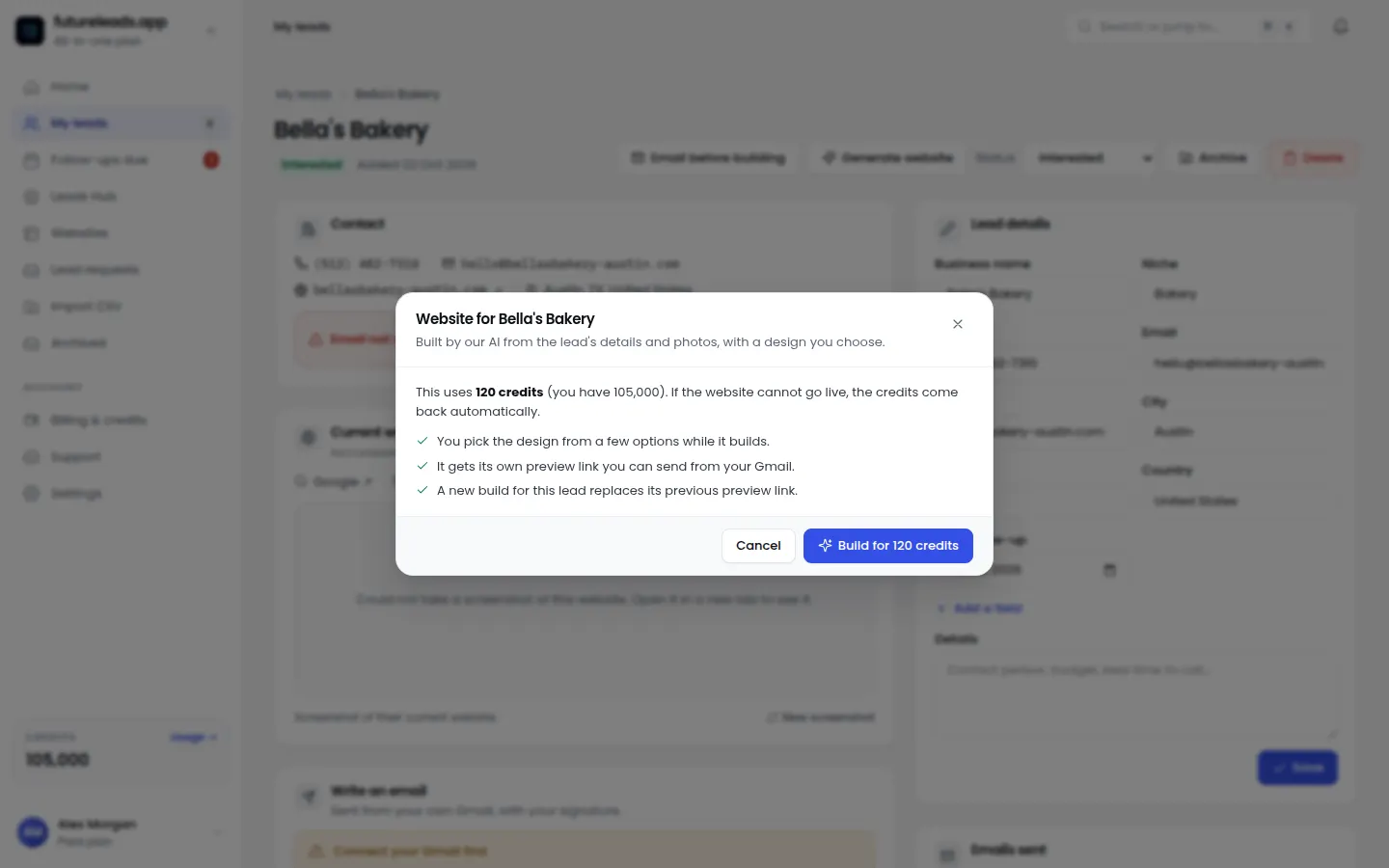
The strongest move with a purchased lead is showing, not telling. Build a quick homepage preview for their business and send the link before asking for money. A salon owner who sees their own name, photos and booking button in a finished-looking design stops being a 'lead' and becomes a warm prospect. Futureleads.app builds these AI website previews in minutes and gives you a shareable link or QR code, so you can attach one to your first email instead of a generic pitch.
Step 7: Track every lead in one place
A spreadsheet works for 20 leads. For 200, you need statuses, notes and follow-up reminders or leads fall through the cracks. Log every call and email, set follow-up dates, and move leads through stages: new → contacted → replied → proposal → won/lost. Futureleads.app includes a simple CRM with the dialer built in, so call history and notes stay attached to each lead automatically.
Copy-paste cold email for purchased leads
Adapt this to the actual problem listed on the lead:
- Subject: Quick question about [Business name]'s website
- Hi [Name],
- I searched for a [plumber] in [City] and found [Business name] — but your website doesn't load properly on phones, so some customers are probably leaving before they call you.
- I put together a quick preview of what a faster, mobile-friendly site could look like for you: [preview link]. No charge, just an idea.
- Worth a 10-minute chat this week?
- [Your name], [Your phone]
Template
Then follow up properly — most replies come after the second or third touch, not the first. This follow-up guide for web designers covers timing and templates.
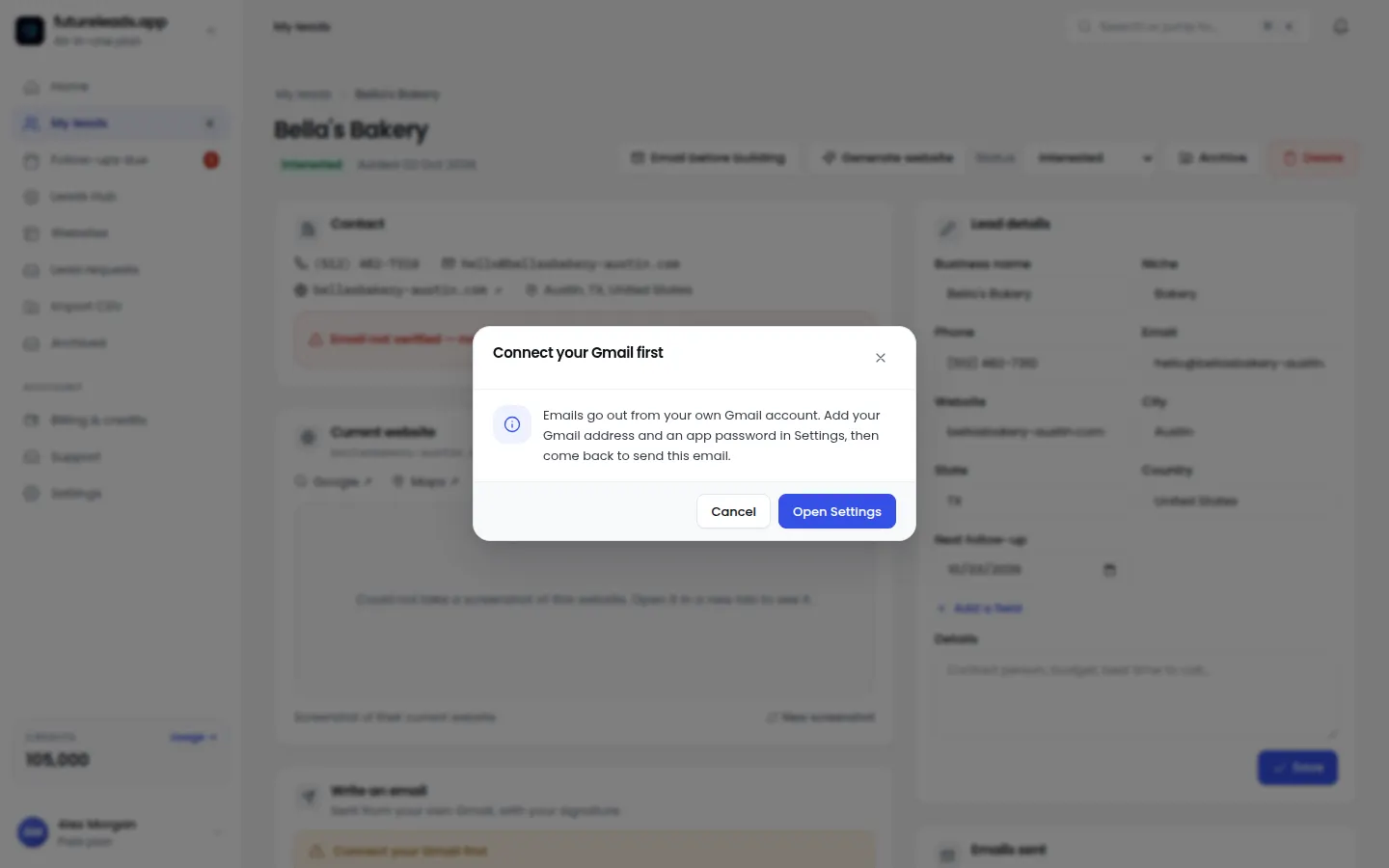
Want to test this today? Start a free Futureleads.app account (no card) and run a live lead search for your niche and city — you'll see real businesses with website problems before you spend anything.
Find businesses that need a website — freeor claim up to 3,000 FREE credits with a paid planChecklist: what to verify before you buy local business leads
- Niche and city are specific, not 'any business anywhere'.
- Leads include phone AND email for every business.
- Leads include the problems found (no site, slow, not mobile-friendly, broken).
- You tested a small sample and verified contacts yourself.
- You have an email template and call script ready to go.
- You have a follow-up plan for at least three touches.
- You have somewhere to track leads, calls and deals.
- You can send a preview of a website, not just a pitch.
Run through this before paying:
Buying leads vs. finding them yourself
Both approaches work; they just trade money for time differently.
- Buying leads: fast, lets you start outreach today, best when prospecting is your bottleneck.
- Finding leads yourself: cheaper, deeper knowledge of each prospect, best when time is abundant and budget isn't.
- Best of both: buy a verified list with diagnostics for speed, and learn the manual method with this guide to finding businesses without websites so you're never dependent on one source.
For a fuller picture of every channel, see lead generation for web designers.
What to do after the first reply
A reply is where most designers fumble. Keep it simple: ask two or three discovery questions (what the site must do, what they hate about the current one, budget range), then send a short proposal. Don't quote from thin air — this guide to website pricing for clients helps you quote with confidence, and this proposal template closes the structure for you.
Once you have a handful of wins, maintenance retainers turn one-off builds into recurring revenue — see website maintenance packages for small business.
Ready to build your pipeline? Create a free Futureleads.app account (no card) and pull your first batch of local leads with the problems already found — then send a preview before they pay.
Find businesses that need a website — freeor claim up to 3,000 FREE credits with a paid planPick a package: every feature is included in each, paid plans add FREE bonus credits every month, or start free with no card.
Basic
$9.99/month
11,500 credits a month
+ 1,000 FREE credits
- About 261 done-for-you leads
- or 88 AI website previews
- All features included
Pro
$39/month
50,000 credits a month
+ 1,500 FREE credits
- About 1,136 done-for-you leads
- or 384 AI website previews
- All features included
Premium
$79/month
105,000 credits a month
+ 3,000 FREE credits
- About 2,386 done-for-you leads
- or 807 AI website previews
- All features included
Frequently asked questions
Is it worth paying for local business leads?
Yes, if the leads include verified contact details and the actual problems found (no website, slow, not mobile-friendly) and you can contact them within a couple of days. A cheap list of raw phone numbers is usually not worth it.
What kind of leads work best for web designers?
Local service businesses with no website or a broken, slow or non-mobile-friendly one, with a working phone and email. The problem found gives you the opening line for your outreach.
How much should I expect to pay for leads?
It varies by provider and quality. Focus on cost per verified, diagnostic-rich lead rather than price per contact — a smaller verified list usually converts better than a big cheap one.
Can I try before buying?
Yes. Futureleads.app has a free account with no card required that includes a live lead search every day, so you can test a niche and city before spending anything.
What's the fastest way to convert a purchased lead?
Contact them within 48 hours with the specific problem found, include a quick homepage preview built for their business, and follow up at least three times. Showing a finished-looking preview beats pitching.