How to make money selling websites comes down to one repeatable loop: find local businesses with a weak or missing web presence, show them what a better site would look like, and follow up until they buy. This article walks you through all seven steps of that loop, with scripts and templates you can copy today.
The good news: you don't need an agency, a portfolio or paid ads. You need a way to find the right businesses, a fast way to prove value, and a simple system for tracking who you've contacted. Tools like Futureleads.app handle all three so you can spend your time actually selling.
1. Pick a niche and a city you can serve
Selling websites gets easier when you narrow your target. "Local businesses" is too broad; "plumbers in Austin" or "dentists in Leeds" gives you repeatable pitches, similar pricing and pages you can reuse between clients.
Choose based on two things: businesses in that niche usually make decent money per customer, and their current websites are typically poor. Trades, clinics, salons, restaurants, gyms and law firms all fit. If you're unsure where to start, our guide to finding local businesses without websites walks through choosing a niche properly.
- Check that businesses in that niche charge enough for their own services to afford a website
- Look at the top ten results in local search for your niche and city and note how many have slow, dated or missing sites
Pick one niche and one city to start
2. Build a list of businesses that actually need you
The money is not in businesses with beautiful, fast websites — it's in businesses with no website, a broken site, a slow site, or a site that fails on mobile. Those owners already feel the problem; you're not convincing them websites matter, only that you're the one to fix it.
You can hunt these manually through online business listings, but it's slow. Futureleads.app automates it: search any niche and city, and it returns local businesses with no website or a broken, slow or not-mobile-friendly site — including the specific problems found, plus phone numbers and emails so you can contact them immediately.
Aim for a working list of 50–100 qualified leads before you start outreach. With a tool doing the search, that takes minutes; manually, plan on a full afternoon. For a deeper walkthrough, see Web Design Leads: How to Get 20 Local Leads This Week.
3. Lead with proof, not promises
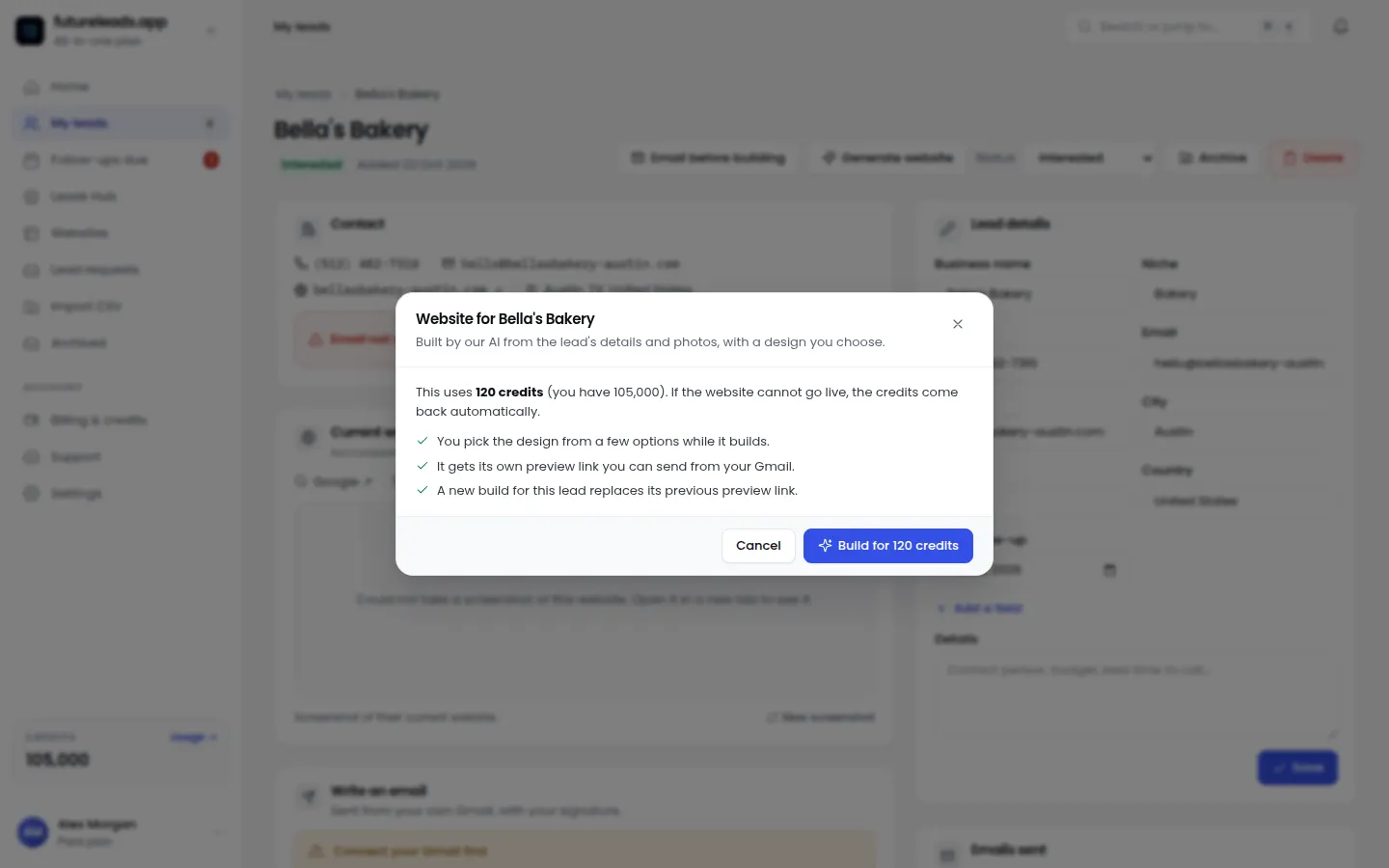
The fastest way to make money selling websites is to show, not tell. Instead of saying "I can build you a better website," build a quick preview of what their new homepage could look like — with their business name, photos and services — and send the link.
This is exactly what AI website previews in Futureleads.app are for. You generate a homepage preview for a business in minutes and send the link or a QR code before they've paid you anything. When an owner sees their own business on a modern site, the sale stops being abstract.
- Pick 5–10 leads from your list
- Generate a preview for each in a few minutes
- Send it in your first email or show it when you call
- Ask one question: "Would you want this live for your business?"
How to use a preview in your outreach:
4. Master three outreach channels
Don't rely on one channel. Most sales to local businesses happen after a few touchpoints across email, phone and sometimes in person. Here's what each is for.
- Cold email — best for scale. Send short, specific emails with your preview link. Our web design cold email template gives you a proven structure.
- Cold calling — best for speed. Owners answer phones, and a call lets you book a meeting on the spot. Use our cold calling script for web design clients and the matching voicemail script.
- Walk-ins — for truly local niches like restaurants and salons, showing the preview on your laptop or phone in person is hard to ignore.
Your outreach mix:
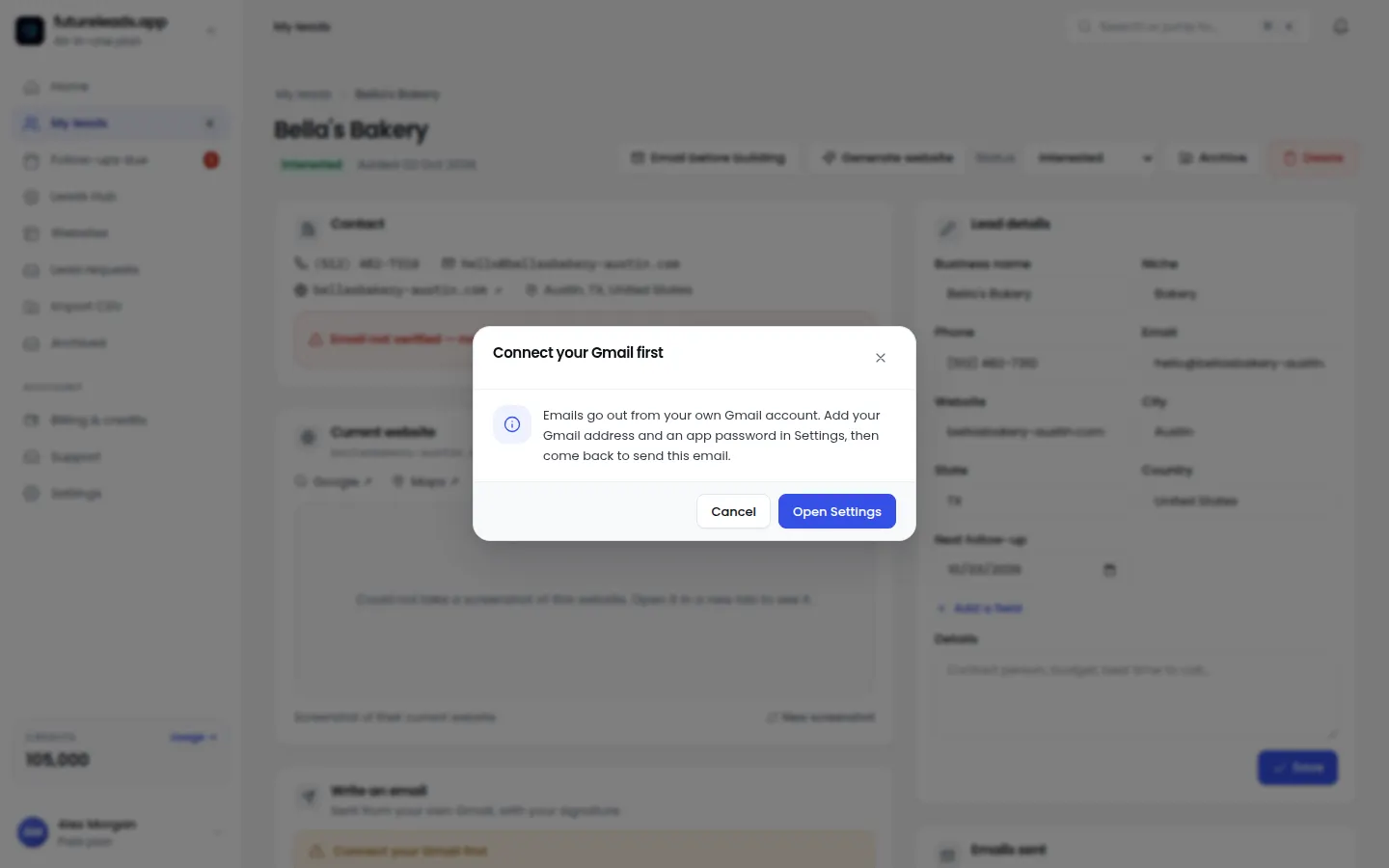
Futureleads.app has a built-in dialer so you can call leads straight from your browser, with call history and notes saved to each lead — and cold email campaigns from your own Gmail or SMTP with automatic follow-ups, so nobody falls through the cracks.
5. Use follow-up scripts that actually get replies
Most money is lost in the follow-up, not the pitch. Owners are busy; a single email rarely gets a decision. Plan for 3–5 touches per lead over two weeks.
Copy this follow-up email (and see more in our cold email follow-up guide):
Subject: Still seeing the loading issue on your site Hi [Name], Quick follow-up on my last email — I built a preview of what a faster, mobile-friendly version of your site could look like: [link] No obligation — if it's not useful, just tell me and I'll stop emailing. [Your name]
If you'd rather call, our cold calling script for web design clients covers the exact words for the first 30 seconds, including handling "we already have a website."
6. Price for profit, including ongoing revenue
One-off website sales are fine, but the real money in selling websites is recurring revenue: hosting, updates, changes and maintenance billed monthly. A client who pays once is a project; a client who pays monthly is a business.
- Build fee — one-time payment for the website itself
- Care plan — monthly fee covering hosting, updates, backups and small changes (see website maintenance packages)
- Growth add-ons — extra pages, booking forms, local SEO work, charged as needed
A simple three-tier offer:
For how to set numbers, read how to price a website for a small business and how much to charge for website maintenance. Rule of thumb: quote based on the value the site brings to their business, not just your hours.
Want leads to pitch these tiers to? Start a free Futureleads.app account — no card needed — and run a live lead search today to find local businesses that need exactly this.
Find businesses that need a website — freeor claim up to 3,000 FREE credits with a paid plan7. Track everything in one system
You can make money selling websites with a spreadsheet, but you'll leak leads. Once you're contacting dozens of businesses, you need to know: who did I email, who did I call, who owes me a follow-up, who's waiting on a proposal?
- Lead status: new, contacted, replied, proposal sent, won, lost
- Last contact date and next follow-up date
- Notes from every call
- Deal value so you know what's in your pipeline
Track, at minimum:
Futureleads.app includes a simple CRM with statuses, notes, follow-ups and deals, so your leads, calls and emails live in one place. If you work with others, you can add closers, assign leads and see their calls and deals — useful when you're ready to scale. For more on what matters in a CRM, see Best CRM for Freelancers: 9 Features You Actually Need.
Your first-week checklist
Here's the whole plan compressed into a checklist you can act on this week:
- Pick one niche and one city
- Generate a list of 50–100 leads with missing or broken websites
- Build AI previews for your top 10 leads
- Send 10 emails with preview links on day one
- Call every lead that opens but doesn't reply, after 2–3 days
- Send follow-up #2 and #3 to non-responders over the next week
- Log every touchpoint in your CRM
- Send proposals to everyone who showed interest, then follow up
First-week checklist:
Common mistakes that kill website sales
- Pitching features instead of problems. Owners care about lost customers, not your tech stack.
- Sending one email and giving up. Follow-ups are where deals close.
- Quoting before showing value. Lead with a preview, then price (see our proposal template).
- Working without a system. If it's not tracked, it's forgotten.
- Only selling one-off sites. Recurring care plans are where selling websites becomes sustainable income.
Avoid these:
Ready to run this loop for real? Create your free Futureleads.app account — no card required — and find your first local businesses that need a website today.
Find businesses that need a website — freeor claim up to 3,000 FREE credits with a paid planPick a package: every feature is included in each, paid plans add FREE bonus credits every month, or start free with no card.
Basic
$9.99/month
11,500 credits a month
+ 1,000 FREE credits
- About 261 done-for-you leads
- or 88 AI website previews
- All features included
Pro
$39/month
50,000 credits a month
+ 1,500 FREE credits
- About 1,136 done-for-you leads
- or 384 AI website previews
- All features included
Premium
$79/month
105,000 credits a month
+ 3,000 FREE credits
- About 2,386 done-for-you leads
- or 807 AI website previews
- All features included
Frequently asked questions
Can you really make money selling websites with no experience?
Yes — local businesses care about results, not your CV. A preview of their new homepage plus a clear problem you found is proof enough. Our guide to [starting a web design business with no experience](/blog/start-a-web-design-business-with-no-experience) covers the basics.
How much can I charge for a small business website?
It depends on your market and scope, but most freelancers charge a one-time build fee plus a monthly care plan for hosting and maintenance. See our pricing guides for frameworks rather than fixed numbers.
How do I find businesses that need a website?
Search your niche and city and look for businesses with no site, a slow site or one that fails on mobile. Futureleads.app automates this and shows you the exact problems found, with contact details included.
Do I need to know how to code?
No. Many successful website sellers use website builders or templates and focus on sales. The skill that makes money here is finding leads and closing them, not writing code.
How many leads should I contact before expecting a sale?
There's no fixed number, but outbound sales to local businesses typically require contacting dozens of leads and multiple follow-ups per lead. That's why a big, qualified list and a tracking system matter more than a perfect pitch.