The fastest way to find businesses with outdated websites is to pick one niche and one city, then work through the businesses you find in local search results and check each site against a short list of red flags: no mobile version, no SSL, slow loading, old copyright dates, and designs from a decade ago.
Doing this by hand works, but it takes hours per city. In this guide you'll learn a repeatable system: where to look, what counts as "outdated" (and what doesn't), how to check a site in under two minutes, and how to turn your list into paying clients — including word-for-word outreach scripts and a comparison of manual research vs. a tool that does the scanning for you.
What counts as an "outdated" website (and what doesn't)
Before you start hunting, be honest about what you're looking for. Not every ugly website is a lead — some business owners love their site and won't budge. Your job is to find sites where the age of the design creates a real, provable problem.
Here's the difference:
- Outdated and worth pitching: not mobile-friendly, broken layout on phones, no SSL certificate (browser shows "Not secure"), pages that take many seconds to load, dead links, missing contact info, old copyright year (e.g. "© 2018"), Flash remnants, tiny unreadable text.
- Old but fine: a simple site that loads fast, works on mobile, has clear contact info and fresh content. The owner may not need you — don't waste your pitch.
- No website at all: technically not "outdated" but often the easiest sale. We cover this separately in our guide to finding local businesses without websites.
Where to look: 6 places businesses with old sites hide
Outdated websites cluster in certain industries. Start with niches where the owner is busy running the business and the site was built years ago and forgotten:
- Trades and home services: plumbers, electricians, roofers, landscapers, HVAC.
- Local food: pizzerias, bakeries, diners, family restaurants.
- Personal services: salons, barbers, tattoo studios, gyms, driving schools.
- Professional micro-firms: accountants, solicitors, insurance brokers, locksmiths.
- Auto services: mechanics, body shops, tyre fitters, detailers.
- Local retail: garden centres, furniture shops, florists, bike shops.
For each business, open the site linked from its local business listing. If the listing has no site link at all, that's a different (and often better) opportunity — see our article on businesses without websites.
The 2-minute manual check: your audit checklist
When you find a candidate, run this quick checklist before adding it to your lead list. You only need a browser and your phone:
- Open the site on your phone. Does it squish into a desktop layout, or does it adapt properly?
- Check the browser bar. Does it say "Not secure" (no SSL)?
- Look at the footer copyright year. Anything more than two years old is a signal.
- Time a page load roughly. If you get bored waiting, so do their customers.
- Click 3–4 links. Any dead pages or broken images?
- Check if the phone number is clickable (a tap-to-call link) and if there's an email or contact form.
- Look for signs of abandonment: expired offers, old staff photos, past events, a blog last updated years ago.
Score each site out of the problems you find. A site failing three or more checks goes on your outreach list. For a deeper version of this process, use our full website audit checklist for small business.
Manual searching vs. a lead tool: an honest comparison
Manual research is free but slow, and it's easy to miss problems like missing SSL or slow load times. Here's how the two approaches stack up:
- Manual search: free, but you check each site one by one, problems like speed and mobile issues are hard to judge by eye, contact details often have to be hunted down, and there's no easy way to track who you've contacted.
- Futureleads.app: enter a niche and a city and it returns local businesses with no website or with broken, slow, or not-mobile-friendly sites — plus the specific problems found, and the phone number and email ready to contact. Every result is scored, so you skip the manual audit step.
Want to skip the manual checking? Create a free Futureleads.app account (no card needed) and run a live lead search for your niche and city right now — you'll see local businesses with outdated or missing websites, with the exact problems found and their contact details.
Find businesses that need a website — freeor claim up to 3,000 FREE credits with a paid planBuilding your outreach list the right way
A list of 500 random businesses is worth less than a list of 30 well-qualified ones. As you collect leads, capture this for each one:
- Business name, niche and city.
- Website URL and the specific problems found (e.g. "no mobile version, no SSL, © 2019").
- Owner or decision-maker name if you can find it.
- Phone number and email.
- Status: not contacted / emailed / called / replied / won / lost.
That last point matters more than people think. When you're contacting 20 businesses a week, a spreadsheet or a simple CRM stops you from emailing the same plumber twice and forgetting the salon that asked for a quote. Futureleads.app includes a built-in CRM with lead statuses, notes and follow-ups, so your found leads and your outreach live in one place.
How to reach out: email script that works for outdated sites
Generic "I build websites" emails get deleted. Lead with the specific problem you found. Here's a template you can adapt:
- Subject: Quick question about [Business name]'s website
- Hi [Name],
- I was looking at [niche] businesses in [city] and noticed your site doesn't display properly on phones — most of your customers will hit that same issue.
- I put together a quick preview of what a modern version could look like for [Business name]: [link]
- No strings attached — if you like it, I can walk you through what a rebuild would involve.
- Either way, hope it's useful.
- [Your name]
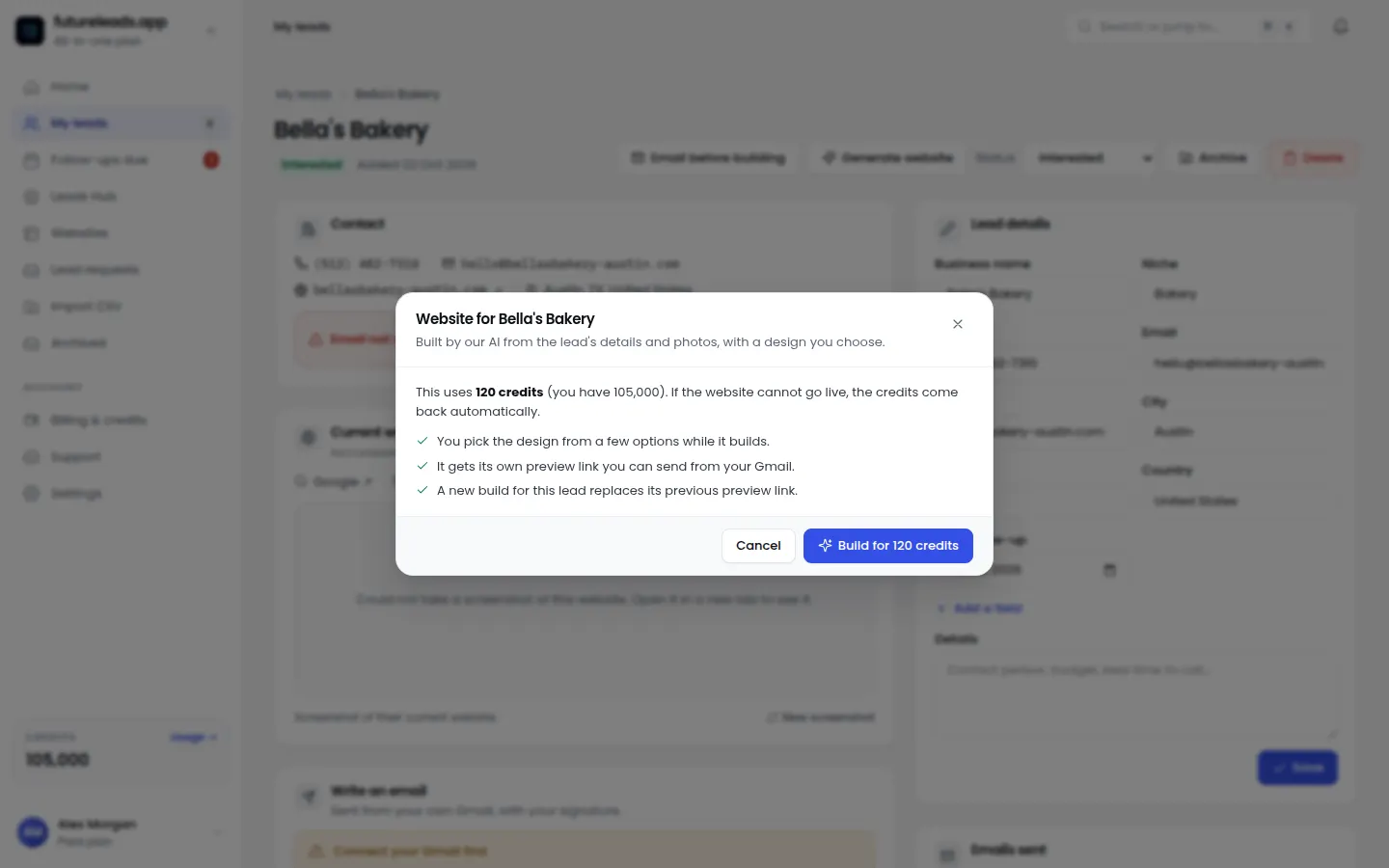
The preview link is what makes this email different. Futureleads.app generates an AI website preview — a homepage mockup for that specific business — in minutes, which you send before they've paid you a cent. Seeing their own name and branding on a modern design turns "your site is old" into "here's what you could have." For more email angles, see our web design cold email template and our website redesign cold email guide.
Calling works too — use the phone
Many owners of outdated sites are exactly the kind of people who answer their phone and don't read email. A short call beats ten emails:
- "Hi [Name], this is [You] — I'm a local web designer. Quick question: is your website something you look after yourself, or does someone handle it for you?"
- If they handle it themselves: "Got it. I noticed it doesn't work well on phones — I put together a quick preview of what a modern version could look like. Can I text you the link?"
- If someone else handles it: "No problem — who looks after it? I'll leave you alone if you're happy with it. Anything you'd change if you could?"
Keep a record of every call and note. Futureleads.app has a built-in dialer, so you can call leads straight from your browser with call history and notes attached to each lead. For full scripts, see our cold calling script for web design clients and our voicemail version in voicemail script for cold calling.
Pricing and closing: what to charge for an outdated site
An outdated site usually means a full redesign, not a patch-up. Base your quote on the value of the problems you found — lost mobile customers, no SSL trust, no tap-to-call — not on page count. Our guide on how to price a website for a small business walks through this in detail, and website pricing for clients helps you quote with confidence.
Then send a clean proposal fast, while they're warm — our proposal template and how to follow up after sending a proposal cover the rest of the close. Once the project is live, an outdated site is also your opening for recurring income: maintenance and care plans. See recurring revenue web design and website care plan pricing.
Turn this into a weekly system
Here's a simple weekly routine that keeps your pipeline full without eating your design time:
- Monday: pick one niche and one city. Build or refresh your lead list (30–50 businesses).
- Tuesday: send 10 personalized first emails, each with a preview link.
- Wednesday: call 10 leads from your list; log notes.
- Thursday: send follow-ups to last week's non-repliers.
- Friday: proposals and calls with interested leads; update your CRM.
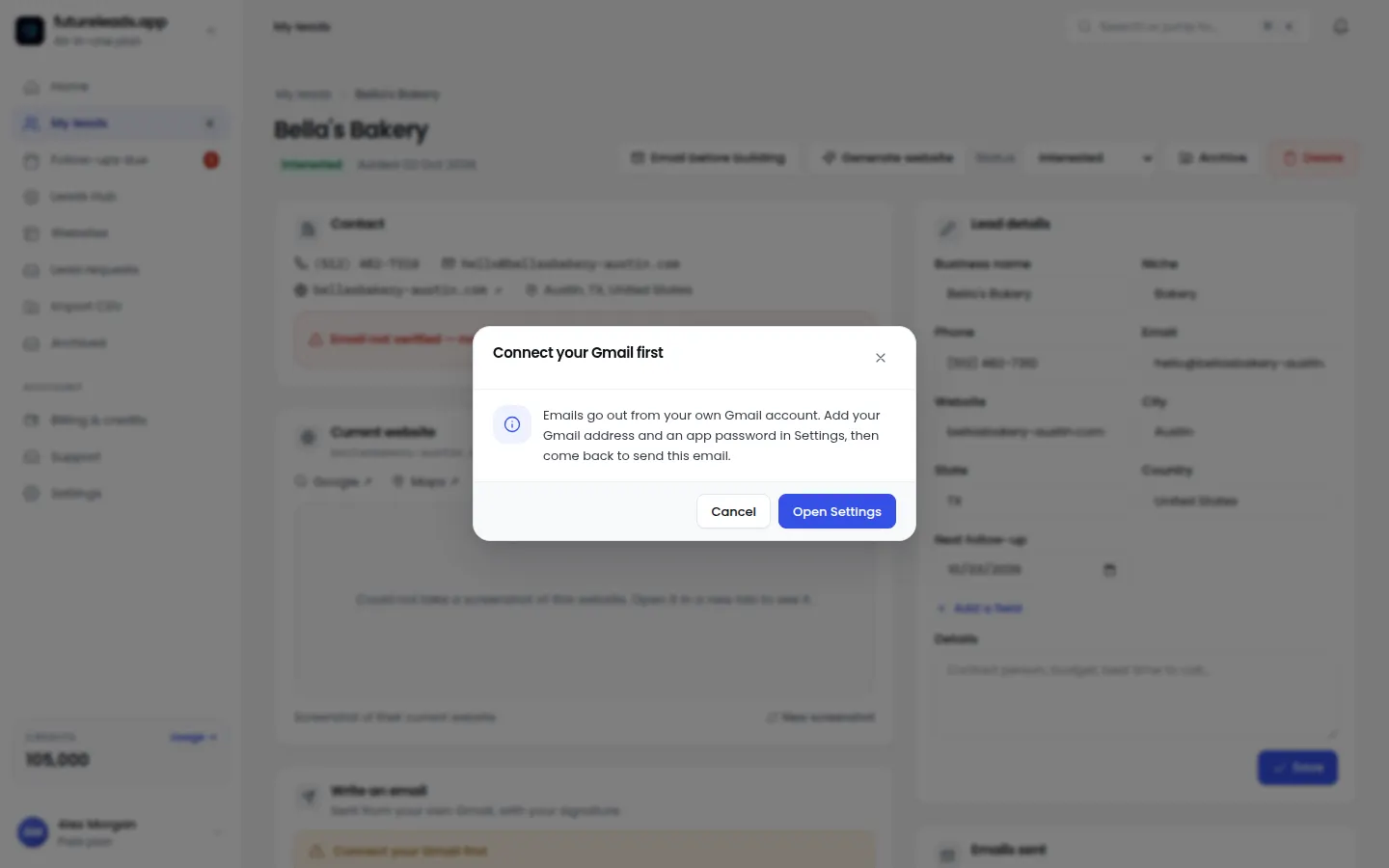
As this gets repetitive, systematize it. Cold email campaigns from your own Gmail or SMTP account with automatic follow-ups, and team features to hand leads to a closer, are exactly what Futureleads.app is built for — the full outreach workflow, from found lead to closed deal, in one place. If you're scaling, our guide on how to scale a web design business picks up from here.
Ready to build your own list of outdated-website leads? Start a free Futureleads.app account — no card required — run your first live lead search today, and see exactly which businesses in your city need your help.
Find businesses that need a website — freeor claim up to 3,000 FREE credits with a paid planPick a package: every feature is included in each, paid plans add FREE bonus credits every month, or start free with no card.
Basic
$9.99/month
11,500 credits a month
+ 1,000 FREE credits
- About 261 done-for-you leads
- or 88 AI website previews
- All features included
Pro
$39/month
50,000 credits a month
+ 1,500 FREE credits
- About 1,136 done-for-you leads
- or 384 AI website previews
- All features included
Premium
$79/month
105,000 credits a month
+ 3,000 FREE credits
- About 2,386 done-for-you leads
- or 807 AI website previews
- All features included
Frequently asked questions
How do I know if a website is outdated?
Check for missing SSL ("Not secure" in the browser), a non-mobile-friendly layout, slow loading, an old copyright year, broken links and abandoned content. Any two or three of these together usually mean the site needs a redesign.
What industries have the most outdated websites?
Trades and home services, local food businesses, salons and personal services, mechanics, and small professional firms like accountants and locksmiths. These owners are busy running the business and rarely update their own sites.
Is it better to target businesses with no website or outdated websites?
Both work. Businesses with no website are often the easiest sale because you're not competing with an incumbent, while outdated sites are warm leads because the owner already understands they need a web presence. Many designers work both lists in the same niche.
How do I convince a business owner their website is outdated?
Show, don't tell. Send a screenshot of their site broken on a phone, or better, a preview of what a modern redesign would look like with their own name and branding on it. Concrete visuals beat opinions every time.
Should I fix the site for free first to prove myself?
No — a free full rebuild undervalues your work. A free preview or audit is a fair foot in the door, but the actual design and build should always be paid work, priced according to the value of the problems you're solving.