Recurring revenue web design means getting paid every month for your work instead of once per project. It's the difference between chasing new clients constantly and having a base income you can predict — care plans, hosting, content updates, or a full website-as-a-service subscription. In this guide you'll learn 7 models that work for freelancers and small agencies, how to price each one, and how to sell them to local businesses with word-for-word scripts you can copy today.
If you're starting from zero clients, don't worry: we'll also show you how to find local businesses that actually need what you sell, using local business listings and a simple outreach routine. Let's build the recurring side of your business first, then fill it with clients.
Why recurring revenue beats one-off website projects
A one-off project has a hard ceiling: when the site launches, the money stops. Then you start over — prospecting, selling, building. With recurring revenue, every client you sign keeps paying. Ten clients on a small monthly plan can replace the income of several full builds, and the work is usually lighter: updates, backups, small changes, quick support.
It also changes how you sell. When a prospect hears "$2,500 for a website," they hesitate. When they hear "$149 a month, everything included, cancel anytime with notice," a small business owner can mentally fit that next to their phone bill. Monthly pricing removes the biggest objection in local web design: the upfront cost.
- Predictable income you can forecast month to month
- Easier sales — monthly fees feel small compared to big upfront quotes
- Longer client relationships mean more referrals and upsells
- Work becomes steady maintenance instead of constant new builds
- You can hire help or a closer once income is stable (see how to scale a web design business)
Benefits of selling recurring web design:
Model 1: The care plan (the easiest starting point)
A care plan is a monthly package of maintenance: updates, backups, security checks, small content edits, and a set amount of your time each month. If you've already built sites for clients, this is your fastest recurring win — offer it to existing clients first.
A simple starter structure: one tier with core maintenance (updates, backups, uptime monitoring, one hour of edits), and a higher tier with more edit time and priority turnaround. Price it against the value of not worrying — for details, see website care plan pricing and how much to charge for website maintenance.
Script for existing clients:
"Hi [Name], since we launched your site I've been keeping an eye on it. I'm offering a small monthly care plan to a few clients: I handle updates, backups and any small text or photo changes, so the site never breaks or goes stale. It's [price] a month, no contract beyond the notice period. Want me to set it up so you can stop thinking about it?"
Model 2: Website-as-a-service (build for $0, charge monthly)
This is the model that works best for businesses with no website at all or an ancient one. Instead of quoting a big upfront fee, you build the site and charge a flat monthly subscription that covers the build, hosting, updates and support. The client gets a website today with no large investment; you get a predictable monthly income for years.
The key is getting the math right: your monthly fee must cover hosting and tools, your amortized build time, and a margin. Work through the numbers step by step in website as a service pricing, and use website pricing for clients to present the subscription confidently.
Model 3: Hosting and management bundled in
Even clients who insist on owning their site outright need hosting, backups, security and someone to call when something breaks. Bundle that as a monthly managed-hosting fee. It's passive-ish income: the technical work is routine, and it keeps you as the site's official contact — which makes every future upsell easy.
Sell it as insurance, not hosting. "Your site is your storefront. For price] a month, I keep it online, backed up, and updated — and if anything goes wrong, it's my problem, not yours." Pair this with a clear [maintenance package structure so the client knows exactly what's included.
Model 4: Content and marketing retainers
Once you manage a client's site, the natural next question is: "Who updates your content, photos, offers and opening hours?" Many local businesses never touch their own site. Offer a retainer: a set number of content updates per month, plus optional extras like a monthly blog post, new landing pages for seasonal offers, or simple local SEO tasks.
Keep scope tight. Define exactly what a "content update" includes (text edits, image swaps, adding a blog post) and what counts as extra work. Vague retainers are how recurring clients turn into unpaid full-time jobs.
Model 5: The hybrid — smaller build fee plus monthly plan
If a client balks at pure subscription pricing, meet them in the middle: a reduced upfront fee for the build, plus a lower monthly plan that covers hosting, maintenance and support. The client feels they "own" something; you still build recurring income and stay attached to the account.
- Quote your full one-off price first (anchor high — see how to price a website for a small business)
- Offer the alternative: "Or we split it — a smaller setup fee, then [price] a month and I handle everything ongoing."
- Put both options in your proposal so they compare side by side (proposal template)
- Let the client choose — either answer is a win for you
How to present the hybrid option:
How to find local businesses that will buy recurring plans
Recurring models only work if you keep signing clients. The best prospects are local businesses with no website, a broken site, or a site that fails on mobile — they need a solution and often prefer low monthly cost over a big upfront check.
Here's a practical routine using Futureleads.app:
- Search your niche and city in Futureleads.app (e.g., plumbers, dentists, restaurants) to pull a list of local businesses with no site, a slow site, or a site that isn't mobile-friendly — with phone numbers and emails attached
- Filter to the ones with clear, fixable problems and save them to your Leads Hub
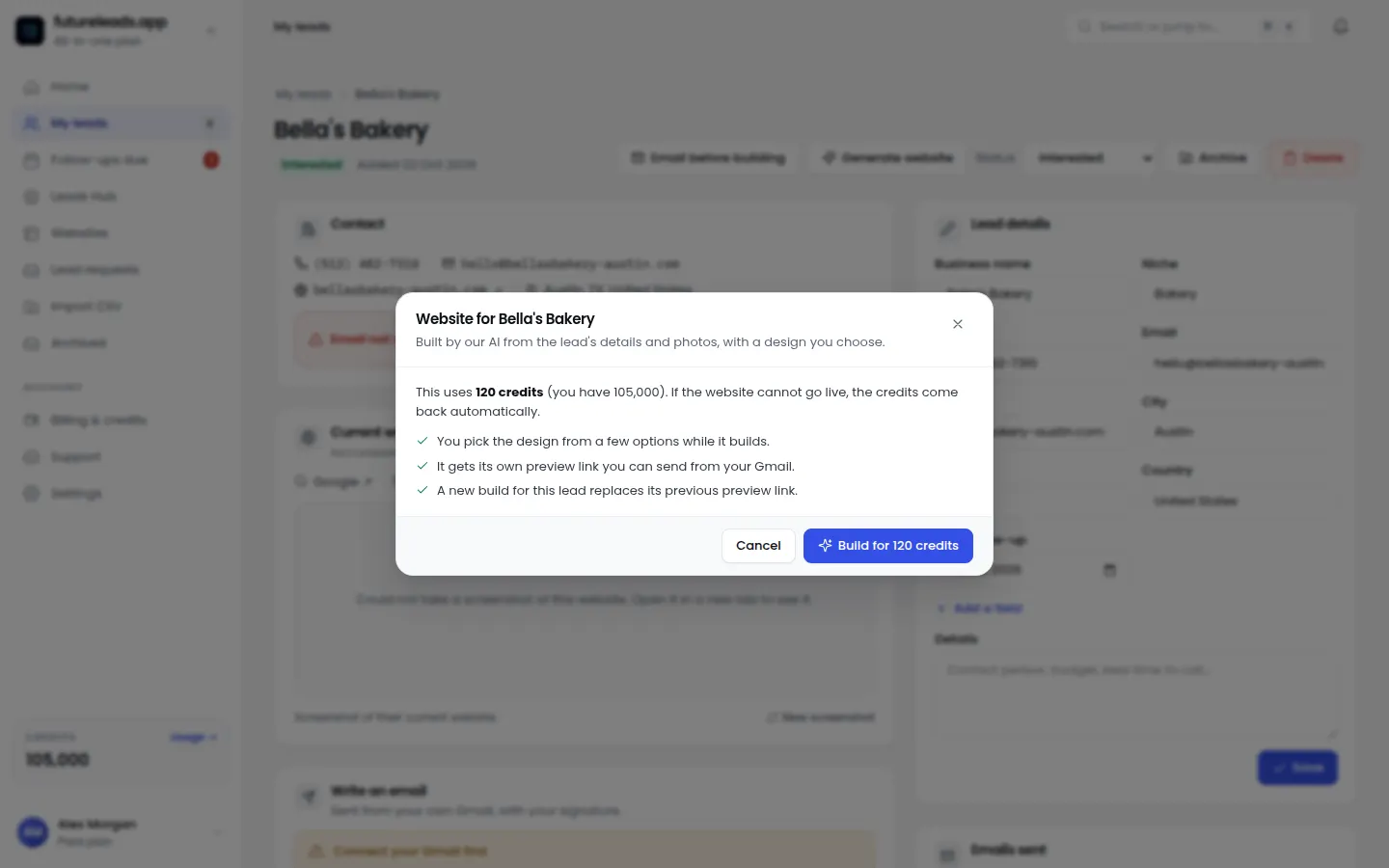
- For the top few, generate an AI website preview — a homepage mockup you can send as a link or QR code before they've paid anything
- Call the best prospects with the built-in dialer, keeping notes and call history in the CRM
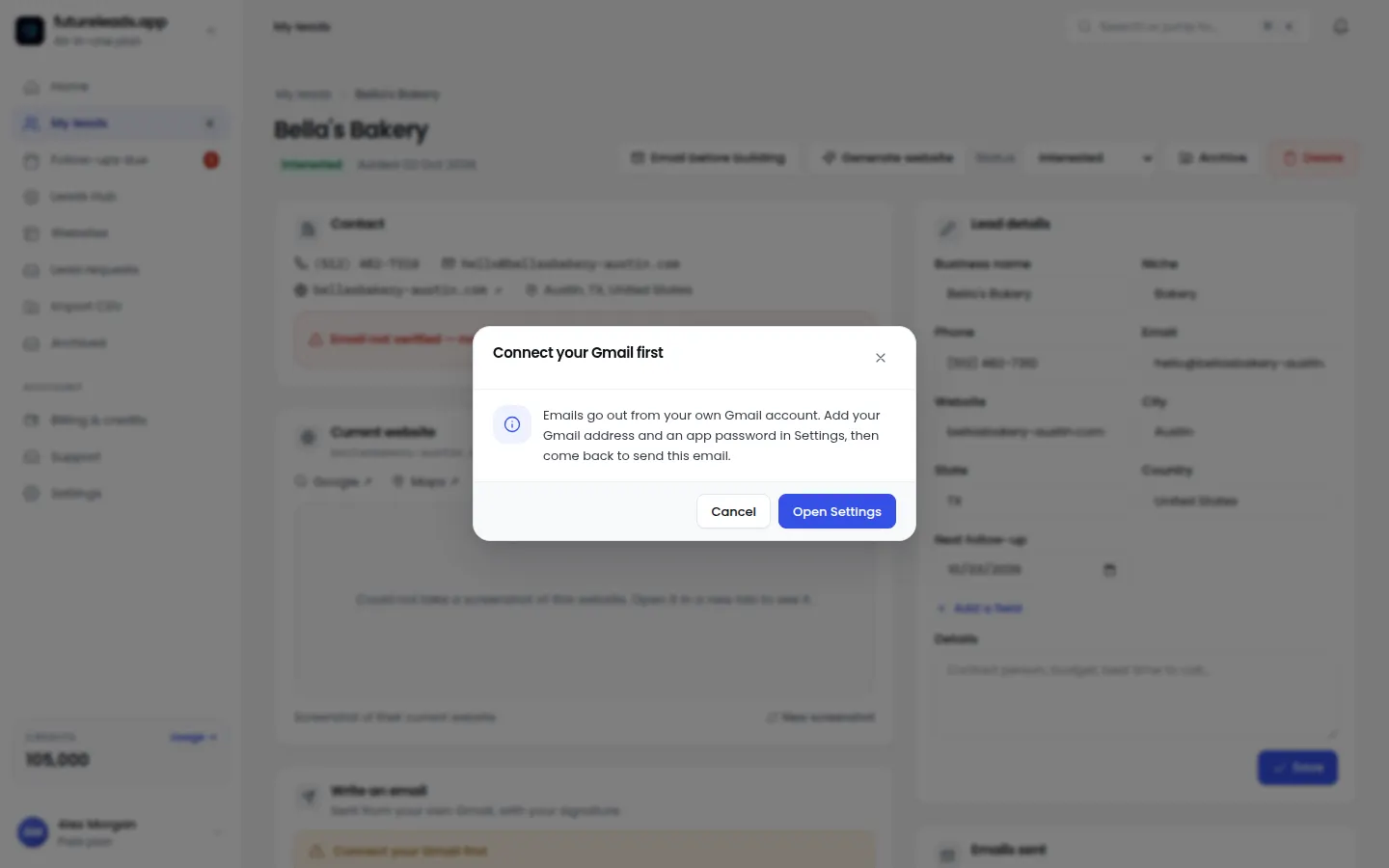
- Email the rest with a cold email sequence from your own Gmail, with automatic follow-ups so nobody slips through
- Track statuses and deals as replies come in
Your weekly prospecting routine:
You can run this entire routine on a free Futureleads.app account — no card needed. Search your city today and see which local businesses are waiting for exactly the plan you just learned to sell.
Find businesses that need a website — freeor claim up to 3,000 FREE credits with a paid planScripts to sell your recurring plan
Use different openers depending on what you found. Here are two short ones — more in web design cold call scripts and cold calling for web design.
For a business with no website: "Hi, this is [Name], I'm a local web designer. I noticed [Business] doesn't show up when people search for [service] in [city] — customers are finding competitors instead. I build websites for businesses like yours for a simple monthly fee: no big upfront cost, everything included. Could I send you a quick preview of what yours could look like?"
For a slow or broken site: "Hi [Name], quick heads-up — I tried opening your website on my phone and it took a long time / parts of it didn't load. Most visitors leave when that happens. I fix and manage sites for local businesses on a flat monthly plan. Would it help if I sent you a short review of what I found?"
Sending the preview is your unfair advantage: with Futureleads.app you can build an AI homepage preview in minutes and send a link or QR code, so the prospect sees a real possibility instead of a vague pitch. That's often what moves the conversation from "maybe" to "how do we start."
Pricing your recurring plans with confidence
Price the plan like a business decision, not a guess. Start with your costs, then your time, then your margin:
- List your fixed monthly costs per client: hosting, tools, email, licenses
- Estimate realistic monthly hours: updates, support, check-ins
- Add your build time divided over the expected length of the relationship (12+ months is fair)
- Add profit margin — don't sell at cost just to win the logo
- Check the price against what the client already pays monthly for phone, ads or software — you should sit comfortably in that range
- Set a clear notice period and minimum term if you use one
Recurring pricing checklist:
If you're unsure what maintenance tiers to include, maintenance package examples and this care plan pricing walkthrough cover it in depth. For subscription-only models, website as a service pricing shows how to reverse-engineer a monthly number from your build cost.
Retaining clients: the part everyone underestimates
Signing a recurring client is only half the job. Keeping them is where the model pays off. The clients who stay are the ones who see value regularly — a monthly one-line report, a quick "I noticed X and fixed it" email, a fast answer when they ask for a change.
- Send a short monthly update: what you did, what's next
- Respond to edit requests within one business day (even if it's just "got it, Thursday")
- Fix problems before they notice: uptime, broken links, outdated hours
- Upsell once, gently, when a real opportunity appears (new page, booking form, seasonal campaign)
- Make it easy to pay: automatic invoicing, [branded invoices], no chasing
A simple retention checklist for each recurring client:
As your client base grows, organize all of this in one place. Futureleads.app's simple CRM lets you track lead statuses, follow-ups and deals — and the white-label client portal (on paid plans) gives clients a login where they see their site, form submissions and invoices. That kind of polish is what makes a $150/month plan feel like a bargain.
Your first 30 days: a recurring revenue action plan
- Week 1: Define your offer — pick one recurring model (care plan, WaaS or hybrid), set your tiers and notice period, and write your one-paragraph pitch
- Week 2: Build a prospect list — search your niche and city in Futureleads.app, save 30–50 businesses with site problems to your Leads Hub, and prepare an AI preview for your top 5
- Week 3: Outreach — call 5–10 prospects a day with the scripts above, and run a cold email sequence with automatic follow-ups for the rest
- Week 4: Close and systemize — send proposals to interested prospects, follow up properly (follow-up guide), set up onboarding for anyone who signs, and log everything in the CRM
Week by week:
Once a few recurring clients are in, repeat the loop every month. If outreach volume becomes the bottleneck, bring in help — a team member or closer whose calls and deals you can track — and read how to scale a web design business when you're ready for that step.
Common mistakes that kill recurring income
- Underpricing to win fast, then resenting the client every month
- Unlimited revisions or "small favors" that quietly eat your edit hours
- No written terms — notice periods and scope exist only in your head
- Treating recurring clients as invisible while chasing new builds
- Manually invoicing every month instead of automating it
- Quoting before you know the client's actual site problems — always check first (see signs a business needs a new website)
Avoid these:
The fix for most of these is the same: define the offer in writing, price it on math, and keep the relationship active with small, visible touches every month.
Ready to find the clients? Start a free Futureleads.app account — no card needed — and run today's live lead search to see the local businesses in your city that need exactly what you're now selling.
Find businesses that need a website — freeor claim up to 3,000 FREE credits with a paid planPick a package: every feature is included in each, paid plans add FREE bonus credits every month, or start free with no card.
Basic
$9.99/month
11,500 credits a month
+ 1,000 FREE credits
- About 261 done-for-you leads
- or 88 AI website previews
- All features included
Pro
$39/month
50,000 credits a month
+ 1,500 FREE credits
- About 1,136 done-for-you leads
- or 384 AI website previews
- All features included
Premium
$79/month
105,000 credits a month
+ 3,000 FREE credits
- About 2,386 done-for-you leads
- or 807 AI website previews
- All features included
Frequently asked questions
What is recurring revenue in web design?
It's income you receive every month from the same client — care plans, managed hosting, content retainers or website-as-a-service subscriptions — instead of a single payment per project.
How much should I charge monthly for a web design care plan?
Base it on your monthly costs, realistic hours, and margin, then sanity-check it against what the client already pays for other services. Most local businesses expect a low, predictable monthly figure rather than a large upfront fee.
Can I sell websites with no upfront cost?
Yes — that's the website-as-a-service model: you build the site and charge a monthly subscription covering hosting, maintenance and support. Just make sure the monthly fee covers your amortized build time plus margin.
How do I find clients for recurring web design plans?
Search local business listings for businesses in your niche and city with no website or a broken, slow or non-mobile-friendly one, then contact them with a call, a cold email, or a preview of their new site.
How many recurring clients do I need to quit project work?
It depends entirely on your monthly fee and living costs — do the math backwards: required income divided by your average monthly fee, minus the income you already have from existing clients.